Auto-Block Suspected Spam Calls
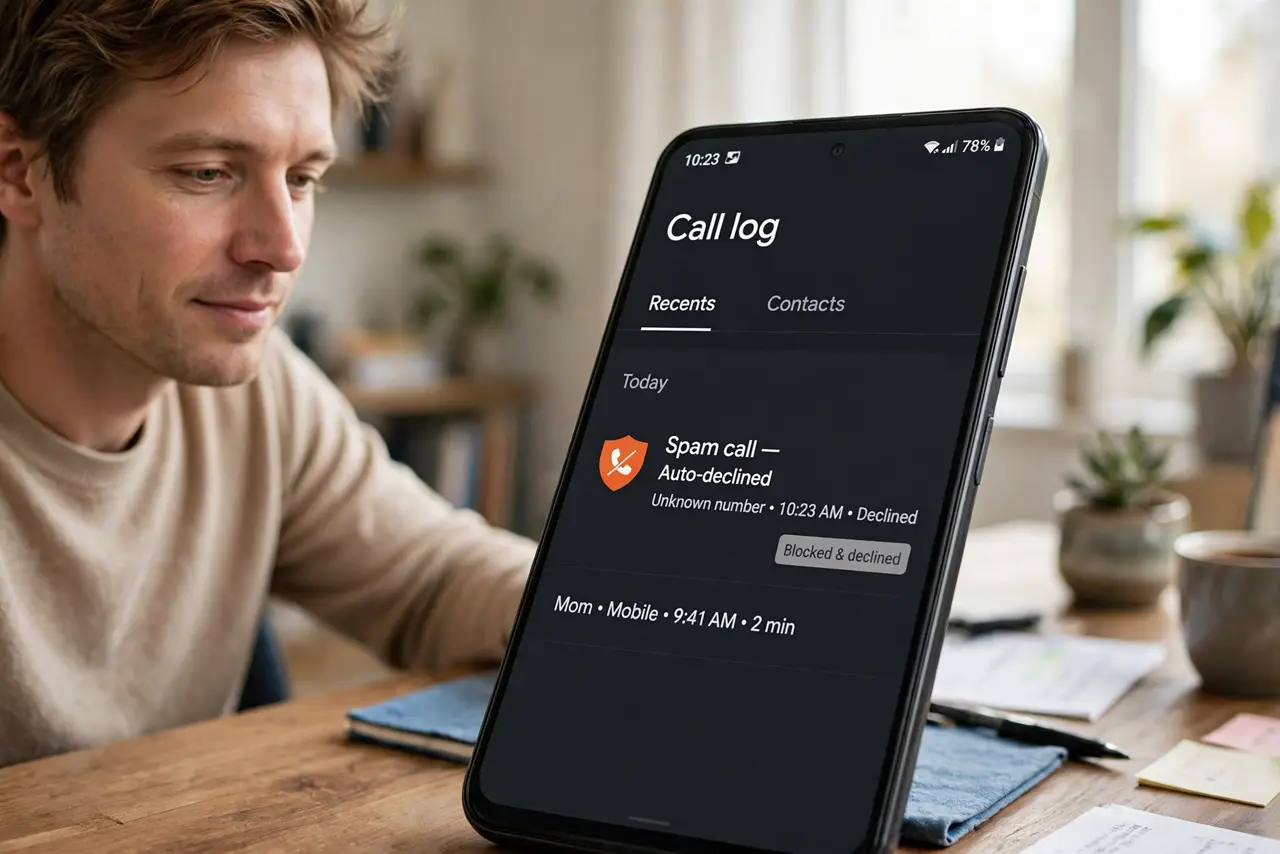
Your Android can refuse spam calls before your phone even buzzes — suspected spam never rings, never vibrates, just dies quietly in the call log. Between Google's spam database, your carrier's filter, and a few manual blocks, the daily robocall flood becomes a trickle. Here is the full setup.
TL;DR / Quick Fix
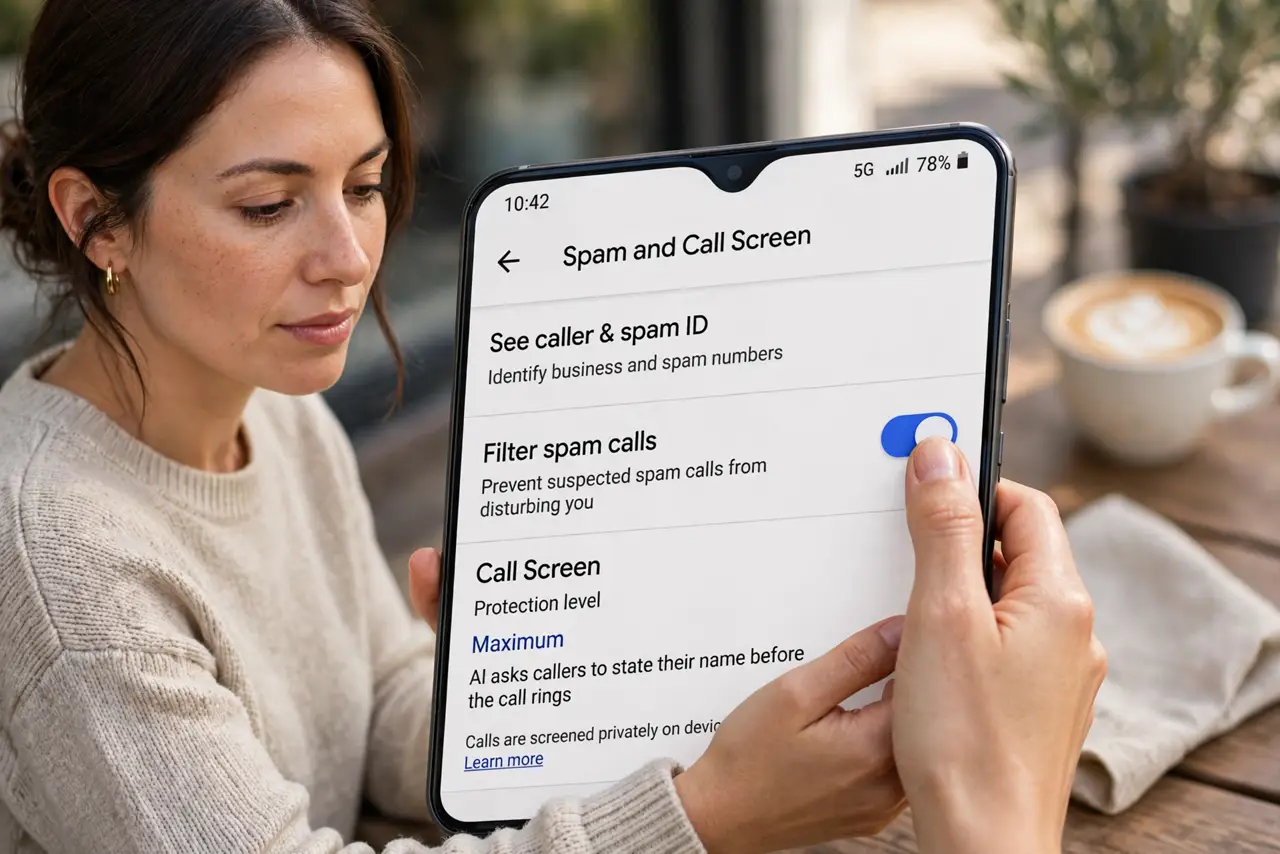
Quick fix: open the Phone app > Settings > Spam and Call Screen and turn on Filter spam calls so suspected spam never rings. Pair it with your carrier's spam filter for a second layer. Review the spam call log weekly — real numbers get mislabeled often enough to matter.
Follow these steps
- Turn on spam filtering. Open the Phone app > Settings > Spam and Call Screen and enable Filter spam calls. Suspected spam dies silently from now on.
- Choose the strictness. Let Google decline obvious spam automatically; lesser suspects can ring with a spam warning instead. Match strictness to your tolerance.
- Add the carrier filter. Activate your carrier's free spam service — it blocks at the network, before the call even reaches your phone. Two layers beat one.
- Manually block the survivors. Long-press a spam number in Recents and Block. Manual blocks teach the system and stop that exact number cold.
- Check the spam log weekly. Open Recents > filter by Spam. Real numbers get mislabeled — the pharmacy, the school — and a weekly glance catches them.
- Report spam calls. In the call details, tap Report spam. Reports improve the shared database every filter draws from.
What NOT to do
- Do not set maximum strictness and forget it. Legitimate unknown callers — deliveries, clinics — get caught; review the log.
- Do not assume one filter is enough. Google's plus the carrier's plus manual blocks is the combination that actually works.
- Do not answer spam to 'unsubscribe'. Any interaction confirms your number is live — decline and block silently instead.
- Do not pay for premium spam apps first. The built-in filters plus carrier service handle the vast majority free.
Frequently asked questions
Will I miss real calls?
Occasionally — new legitimate numbers get mislabeled. The weekly spam-log review is the safety net; whitelist anyone important.
What's the difference between filter and block?
Filtering auto-handles suspected spam by database; blocking targets specific numbers you chose. Use both.
Do these filters work without data?
Carrier-level filtering works on the network. Google's on-device screening needs connectivity — offline, more spam rings through.