Pro Mode in the Camera? Basics
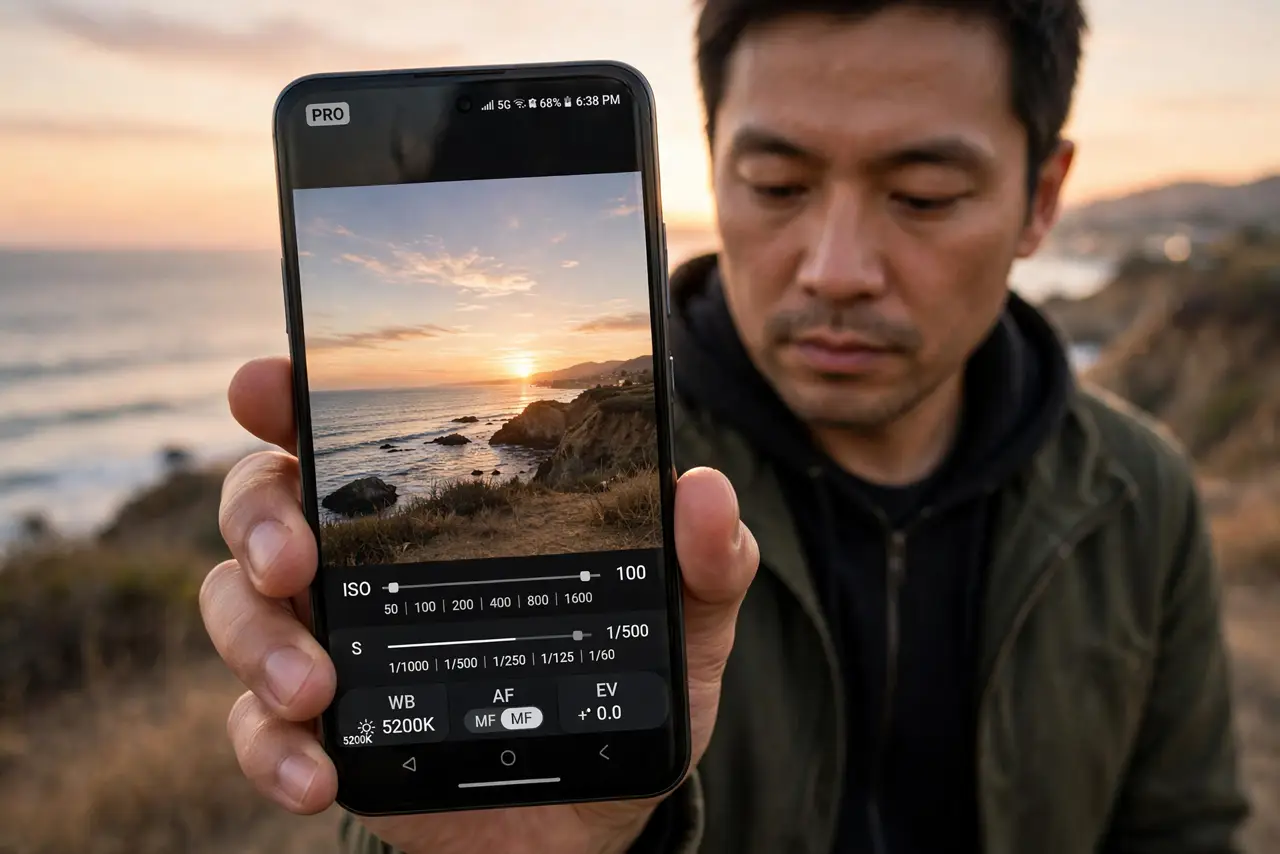
Auto mode guesses right most of the time — until it does not: the concert is a blur, the sunset is gray, the white shirt glows blue. Pro mode hands you the actual controls: ISO, shutter speed, white balance, manual focus. You only need three of them to fix 90 percent of tricky shots.
TL;DR / Quick Fix
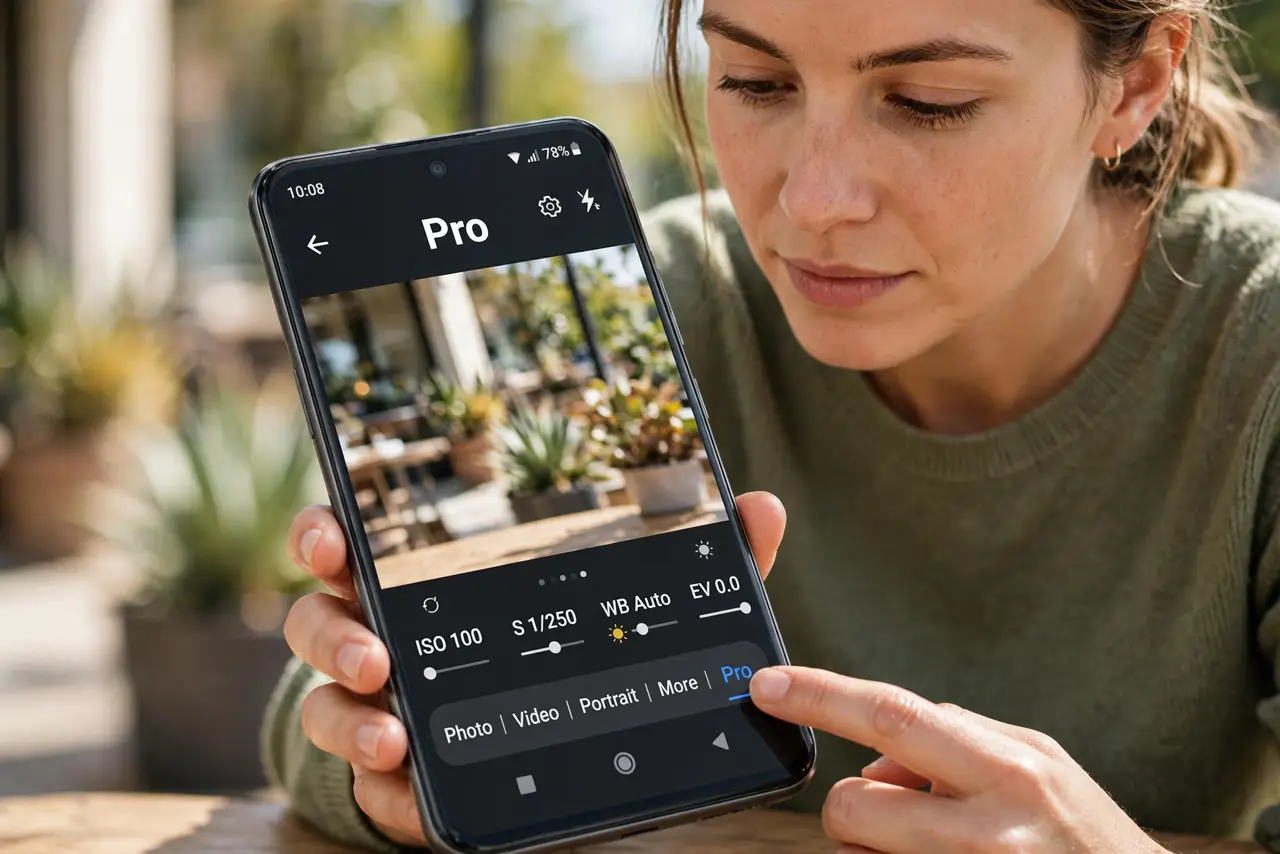
Quick fix: open the camera, swipe to More, and tap Pro to reveal manual controls — ISO, shutter speed, white balance, and focus. Start with Auto ISO and adjust shutter speed: faster freezes motion, slower brightens dark scenes. Shoot in good light while learning; manual controls punish bad light.
Follow these steps
- Find Pro mode. Open the camera, swipe the mode strip to More, and tap Pro or Manual. The viewfinder gains sliders and readouts.
- Start with shutter speed. It is the most intuitive control: 1/500 freezes action, 1/60 suits still scenes, slower than that needs a tripod. Adjust and watch the exposure change live.
- Let ISO stay Auto at first. ISO is sensor sensitivity — higher brightens but adds grain. Auto ISO plus manual shutter is the beginner-friendly combo.
- Fix white balance for weird light. Indoor bulbs turn everything orange; the WB control (or a preset like Tungsten) restores true colors faster than editing later.
- Try manual focus for macro and dark scenes. Autofocus hunts in low light. The MF slider with focus peaking — highlighted edges — nails it when the AF gives up.
- Reset to Auto when stuck. Every Pro mode has a reset. If your experiments produce mud, tap it and start the lesson over — no harm done.
What NOT to do
- Do not shoot everything in Pro. Auto mode beats fumbling with sliders when the moment lasts two seconds.
- Do not crank ISO to maximum in the dark. Huge ISO makes huge grain — a slower shutter on a steady surface wins.
- Do not forget you changed settings. Yesterday's 1/4000 shutter ruins today's indoor shots — reset after each session.
- Do not ignore the exposure meter. The little scale tells you if your combo over- or under-exposes before you shoot.
Frequently asked questions
What do ISO, shutter speed, and aperture mean?
ISO is sensitivity, shutter speed is capture duration, aperture is lens opening — phones fix aperture, so you juggle the other two for exposure.
When should I actually use Pro mode?
Tricky light: concerts, sunsets, neon streets, macro. Everyday daylight is Auto's home turf.
Why are my Pro mode photos worse?
Usually too-high ISO or too-slow shutter handheld. Drop ISO, brace the phone, and compare against Auto on the same scene.