Night Sight? How It Works
Night Sight turns near-darkness into a usable photo — street scenes glow, faces emerge from gloom. It is computational photography: the phone takes a burst of frames and merges them, which is why it asks you to hold still. Understanding the mechanism is the difference between magic shots and smeary disappointments.
TL;DR / Quick Fix
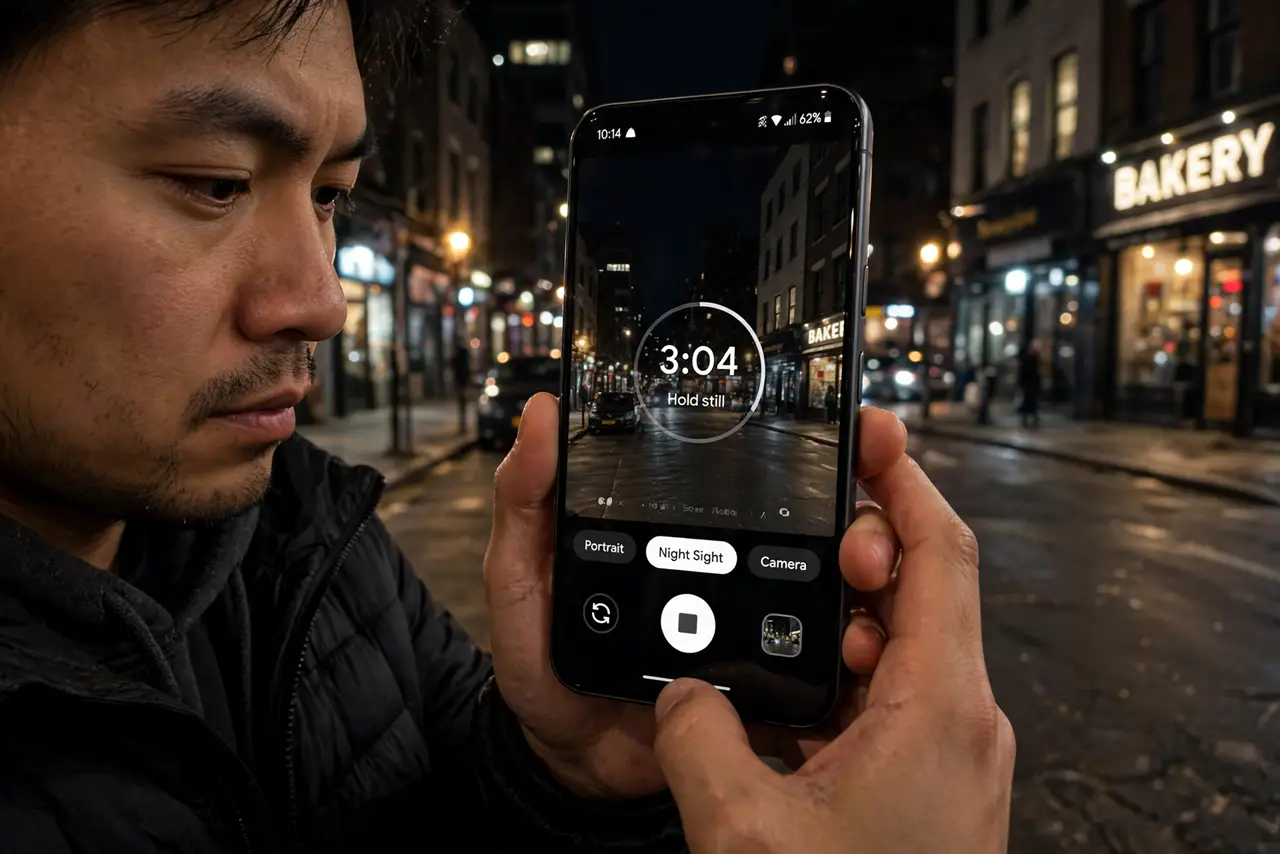
Quick fix: in dim light the Pixel camera offers Night Sight automatically — tap the moon icon when it appears, hold the phone steady, and wait out the countdown. Brace against a wall for sharper shots. Moving subjects will still blur; Night Sight is for still scenes, not action.
Follow these steps
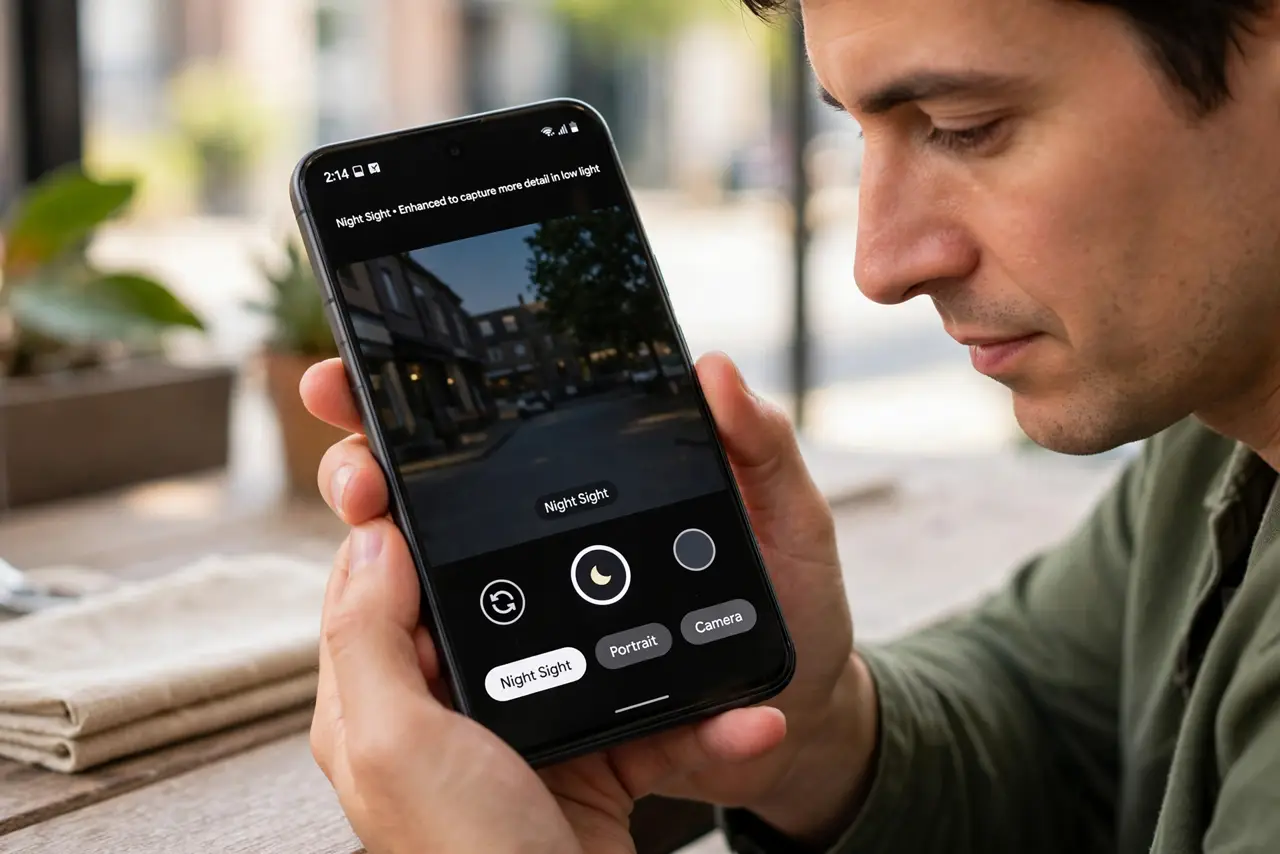
- Let the moon icon appear. In low light, the camera suggests Night Sight itself — tap the moon to engage it, or find it under the More tab.
- Hold still for the countdown. Night Sight captures multiple frames over a few seconds. Any shake smears them — brace your elbows or lean on something solid.
- Use a wall or tripod for the longest exposures. The darkest scenes trigger multi-second captures. A mini tripod turns those from mush into marvels.
- Keep subjects still. People must freeze too. Night Sight cannot fix a moving subject — it merges frames, and motion becomes ghosting.
- Try Astrophotography mode. On a tripod under dark skies, Night Sight offers an astrophotography capture — minutes long, stars sharp. A genuine party trick.
- Know when to skip it. One well-lit subject beats a Night Sight smear. If there is decent light, the normal mode is faster and often better.
What NOT to do
- Do not walk while it captures. Movement during the multi-frame burst is the number one cause of Night Sight mush.
- Do not expect it to freeze action. Concerts and kids need the normal mode or a flash — Night Sight is for still scenes.
- Do not cover the lenses with your fingers in the dark. You cannot see the smudge until the merged photo reveals it.
- Do not judge it on the preview. The preview is dark; the merged result arrives after processing — wait for it.
Frequently asked questions
How does Night Sight actually work?
It captures a burst of underexposed frames and aligns and merges them, averaging out noise. More frames, longer capture, cleaner shadows.
Why is my Night Sight photo blurry?
Movement — yours or the subject's — during the multi-second capture. Brace the phone and shoot still scenes.
Does Night Sight work for video?
There is a separate Night Sight video mode on newer Pixels. The classic Night Sight is stills only.