Dual SIM Settings on Android
Two numbers, one phone: work and personal, or home and travel SIMs. Android's dual-SIM settings decide which SIM calls, texts, and uses data — and the defaults are rarely what you want. Ten minutes of setup now prevents ‘which number did I call from?’ forever.
TL;DR / Quick Fix
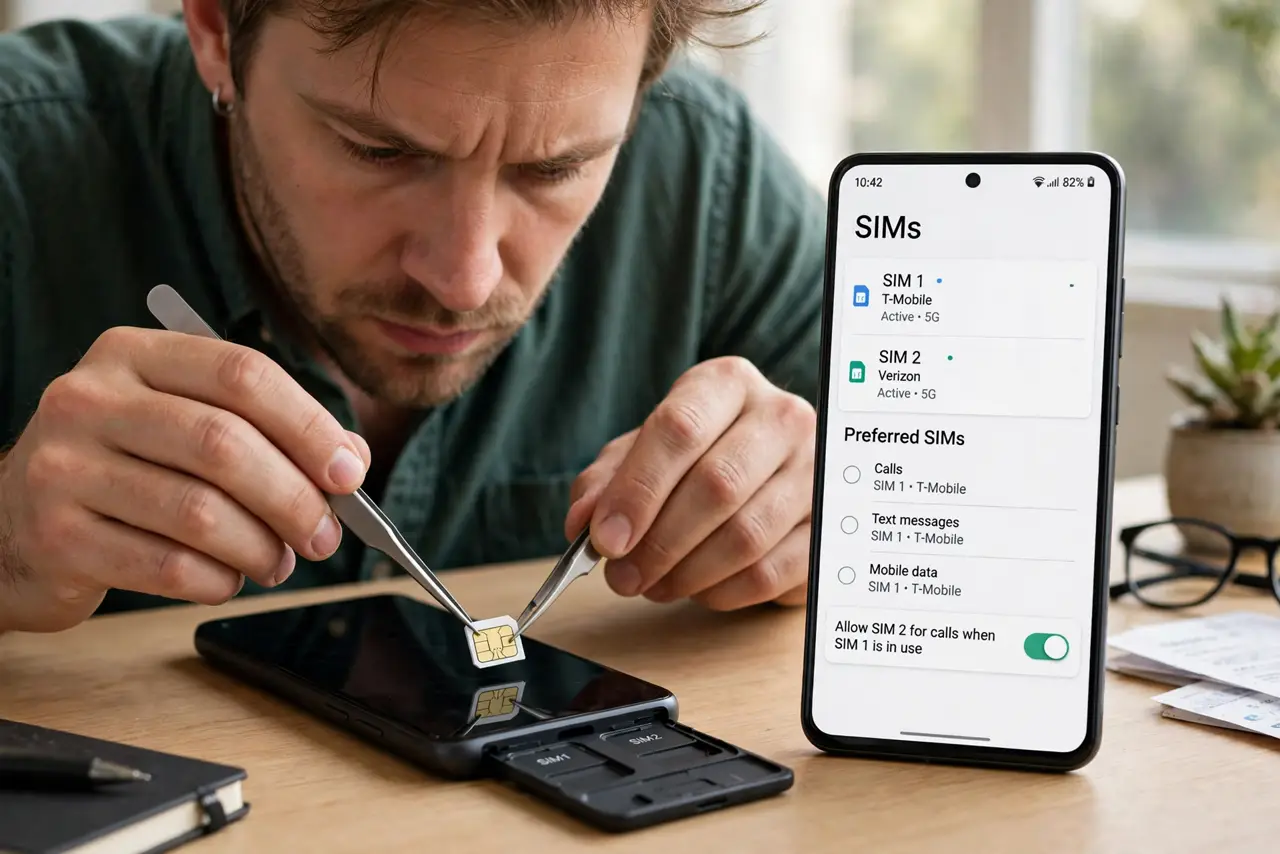
Quick fix: insert both SIMs or add an eSIM under Settings > Network & internet > SIMs. Set which SIM handles calls, texts, and mobile data separately. Label each SIM by purpose, like work and personal. Check roaming settings before traveling abroad.
Follow these steps
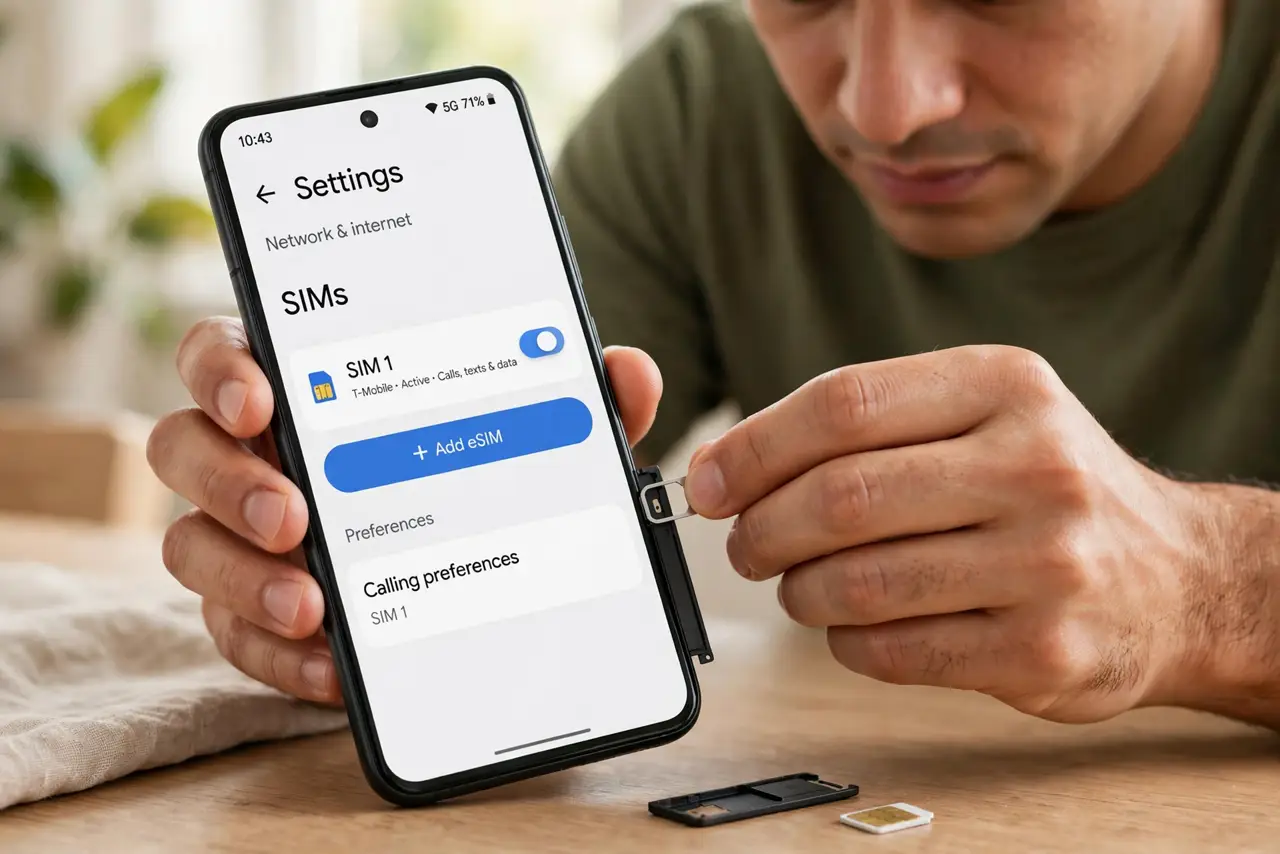
- Insert the SIMs or add the eSIM. Use the ejector tool for the physical tray, or go to Settings > Network & internet > SIMs > Add eSIM and scan the carrier's QR code.
- Label each SIM clearly. Tap each SIM and rename it ‘Work’ and ‘Personal’ (or by carrier). Labels appear on every call and message screen afterward.
- Assign calls, texts, and data separately. Set a default SIM for calls, one for SMS, and one for mobile data — they can differ. Data usually belongs on the plan with the bigger allowance.
- Choose the per-call behavior. Pick ‘ask every time’ for calls if you mix work and personal dialing; otherwise set a default and stop thinking about it.
- Set roaming per SIM. Turn data roaming on only for the travel SIM. A roaming-enabled home SIM abroad is how surprise bills happen.
- Watch for SIM-caused quirks. Two SIMs can confuse some apps — duplicate contacts after adding a SIM is the classic one.
What NOT to do
- Do not leave both SIMs on ‘ask every time’ for everything. Decision fatigue on every call defeats the convenience.
- Do not enable data roaming on both SIMs abroad. One roaming SIM is a plan; two is a billing accident.
- Do not assume both SIMs get 5G. Many phones limit the second SIM to 4G — check the specs if speed matters on both.
- Do not ignore the eSIM transfer step when switching phones. eSIMs do not move in a backup; transfer or re-issue them with the carrier.
Frequently asked questions
Can I use two eSIMs at once?
On most modern Androids, yes — dual eSIM or one physical plus one eSIM both work. Check your model's specs to be sure.
Will dual SIM drain the battery faster?
Slightly. Two radios maintaining two network connections cost some standby power — usually a few percent a day.
Why do contacts appear twice now?
The new SIM imported its own contact list. Merge or hide the SIM contacts in the Contacts app settings.