Emergency Info on the Lock Screen
Android's answer to Medical ID: your medical details and emergency contacts, reachable from the lock screen without unlocking the phone. First responders know to look for it — but only if you filled it in and switched on lock-screen access. Here is the two-minute setup that makes your phone speak for you.
TL;DR / Quick Fix
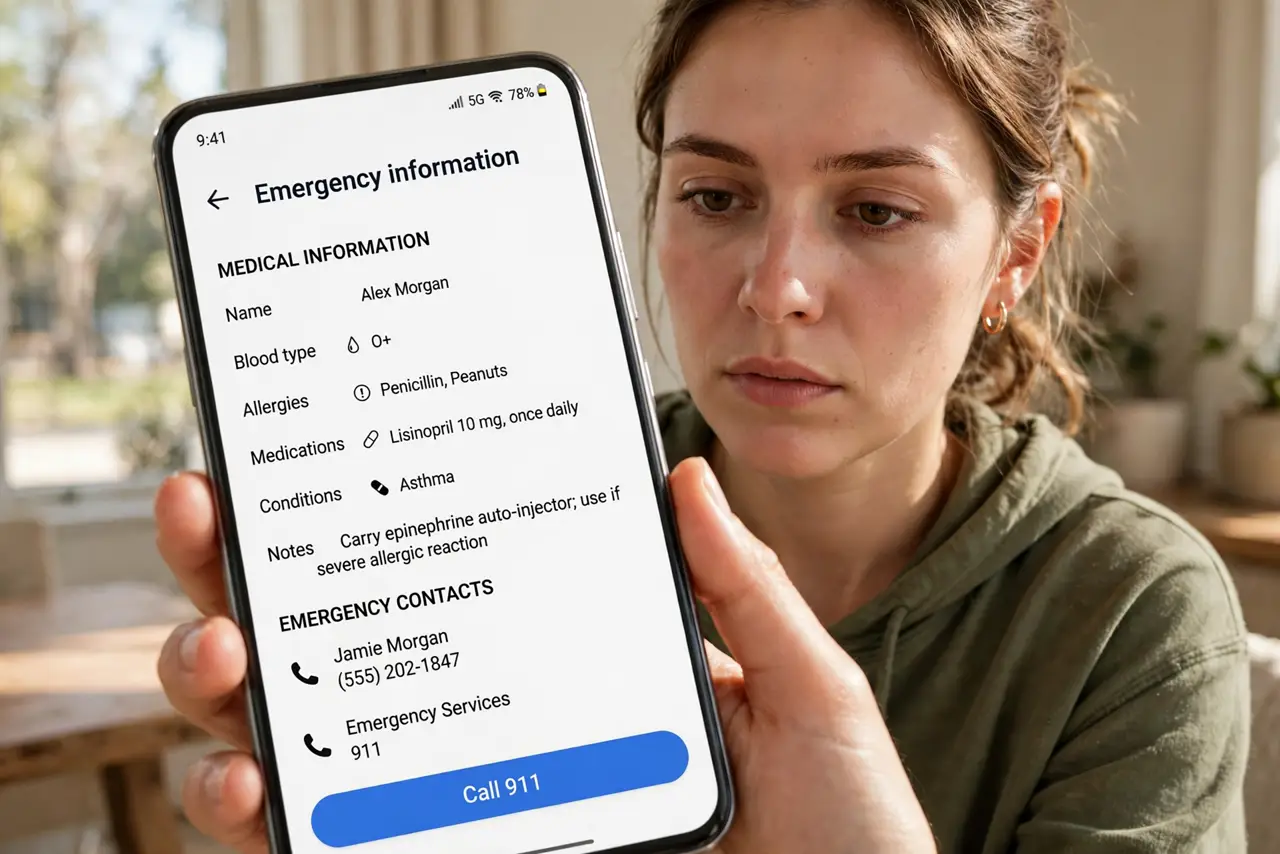
Quick fix: open Settings > Safety & emergency > Emergency information and fill in your medical details and contacts. Turn on Show on lock screen so anyone can reach it via Emergency call > Emergency information without unlocking. It's the Android equivalent of iPhone Medical ID.
Follow these steps
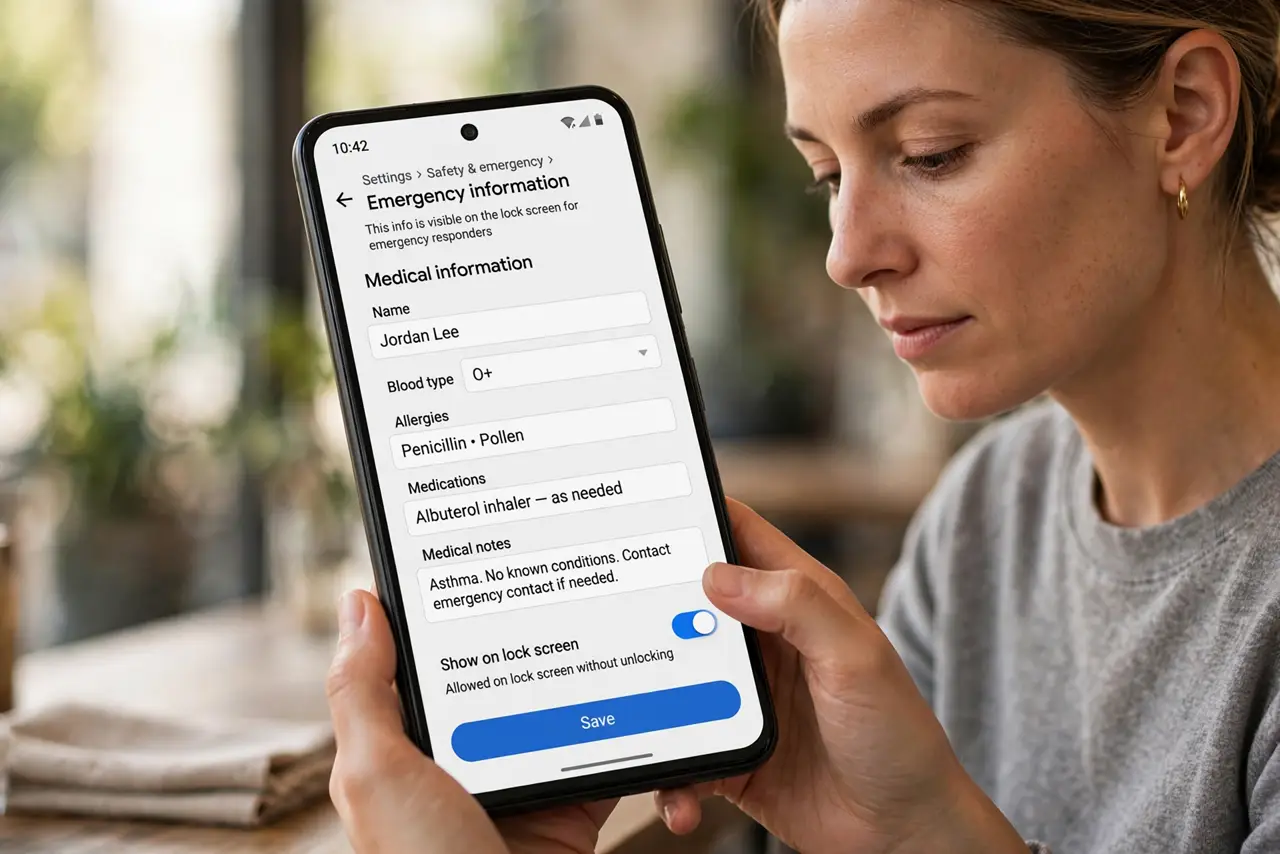
- Fill in Emergency information. Open Settings > Safety & emergency > Emergency information. Add medical notes, allergies, medications, and blood type.
- Add emergency contacts. In the same section, add your emergency contacts. They appear to anyone opening the info — and get SOS alerts.
- Enable lock-screen access. Turn on the option to show emergency info on the lock screen. Reachable via Emergency call > Emergency information — no unlock needed.
- Test it yourself. Lock the phone, swipe up, tap Emergency call, then Emergency information. What you see is what a paramedic sees — verify it.
- Keep medications current. An outdated meds list misleads emergency care. Update it whenever prescriptions change.
- Tell your contacts. Like the iPhone setup, warn your listed people — a surprise SOS text at midnight needs prior context.
What NOT to do
- Do not skip the lock-screen switch. Filled-in info hidden behind your lock screen helps nobody in a real emergency.
- Do not write an essay. Conditions, allergies, current meds — the paramedic skims; brevity saves lives.
- Do not assume it syncs everywhere. Emergency info lives per device — set it on each phone you carry.
- Do not include sensitive non-medical data. It is visible without unlock — keep passwords and financial details far away.
Frequently asked questions
Who can see my emergency info?
Anyone holding the locked phone, via the emergency call screen. It shows only what you entered — nothing else on the phone.
Does it work if the phone is dead?
No — the phone must be powered on. A medical bracelet remains the no-battery backup.
Can emergency services get it automatically?
On supported carriers and regions, emergency calls can share the info with dispatchers. Lock-screen access works regardless.