Gboard's Built-In Clipboard
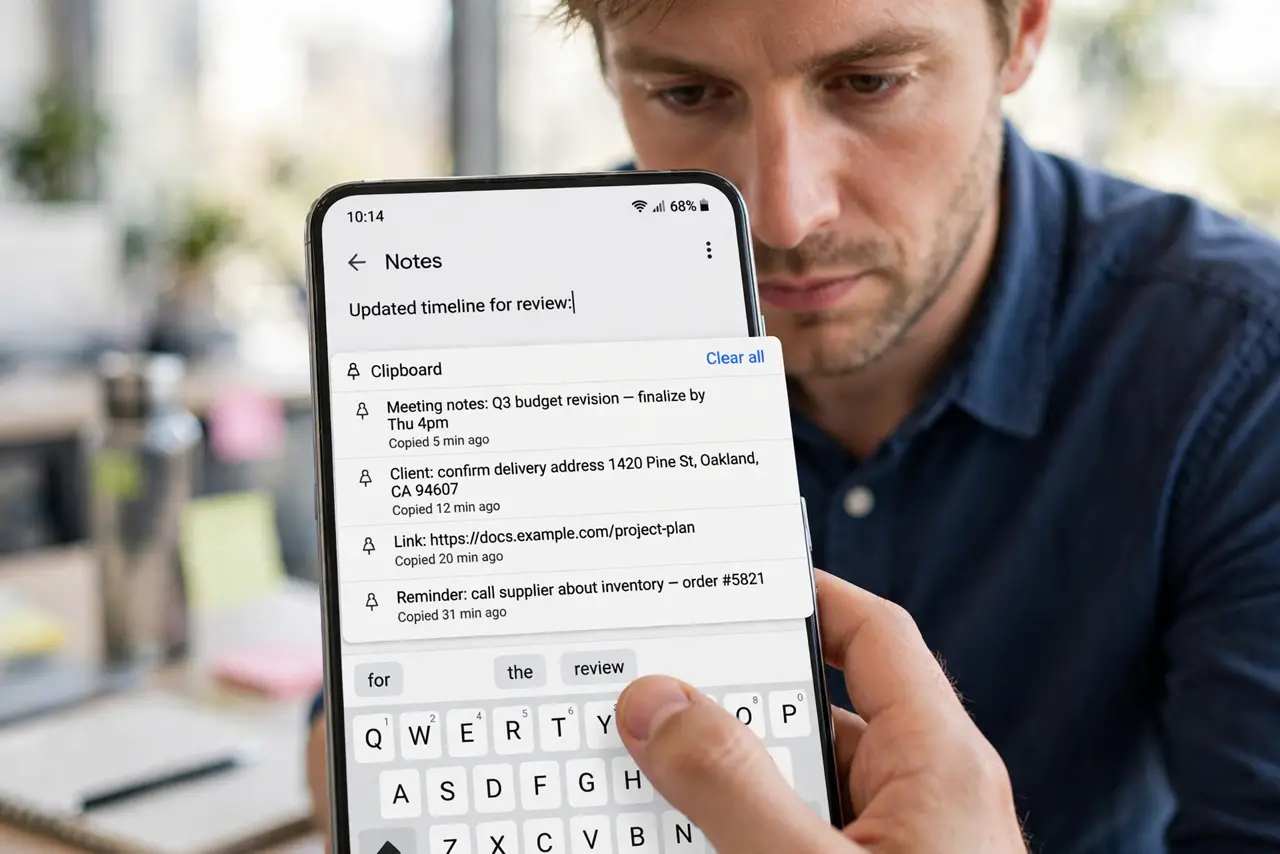
Copy an address, copy a tracking number, copy a quote — then lose the first one when you copy the second. Gboard's built-in clipboard keeps your recent copies in one strip above the keys, and pinned items survive indefinitely. No extra app needed; it is already on your phone.
TL;DR / Quick Fix
Quick fix: open Gboard, tap the clipboard icon above the keys, and turn on the clipboard. Recent copies appear there for up to an hour; pin items to keep them longer. Tap the trash icon to clear sensitive copies. Screenshots and images save there too.
Follow these steps
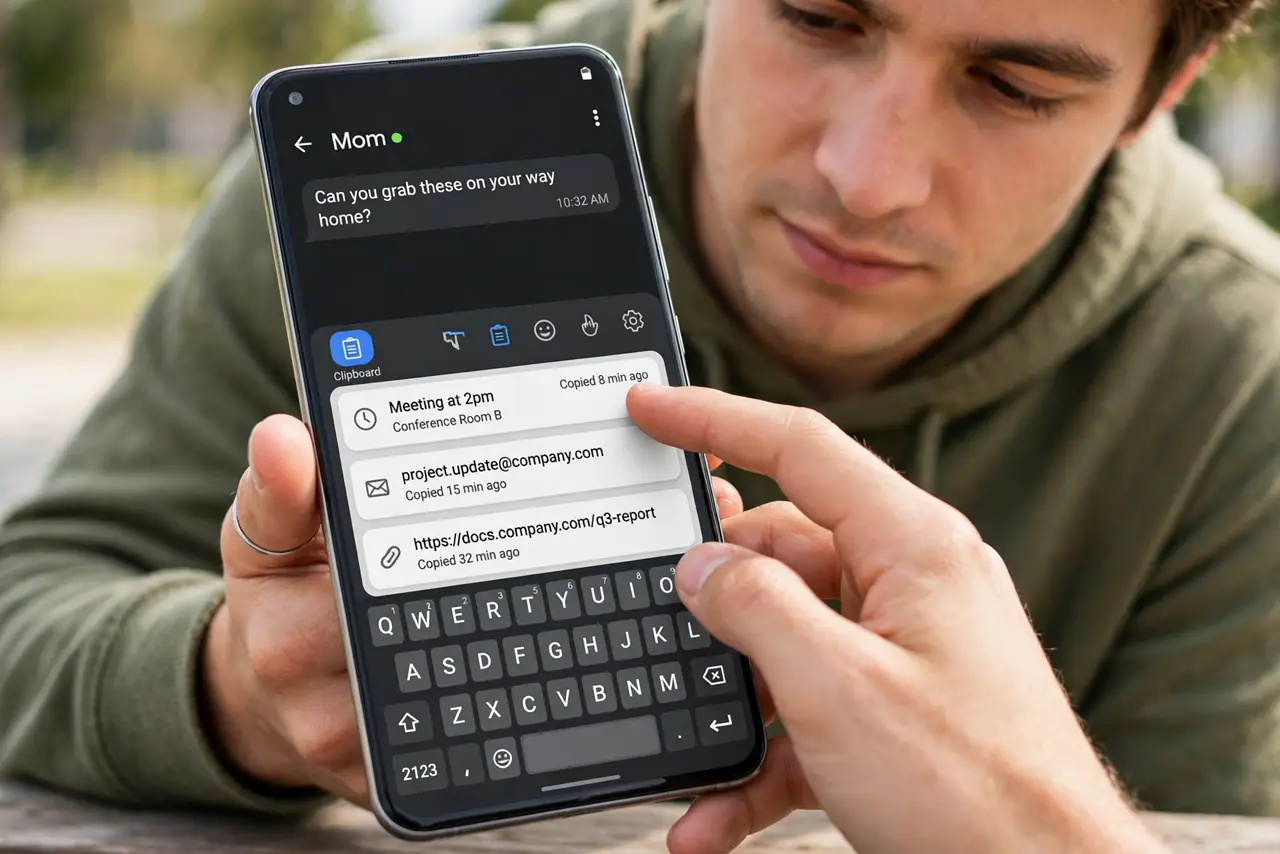
- Open the clipboard strip. In any typing field, tap the clipboard icon in Gboard's top bar. If you do not see it, tap the three-dot menu and drag the clipboard icon into the bar.
- Turn the clipboard on. The first visit asks you to enable it. Toggle it on — Gboard now watches your copies locally on the device.
- Copy things normally. Copy text, links, or screenshots anywhere. Each lands in the clipboard strip automatically for about an hour.
- Pin what you reuse. Long-press any item and tap Pin. Pinned items — addresses, email templates, frequent replies — stay until you unpin them.
- Paste from the strip. Tap any clipboard item to paste it at the cursor. Faster than switching back to the source app to re-copy.
- Clear sensitive copies. Tap the trash or pencil icon to delete passwords and codes. The clipboard is convenient, not a vault — and check the keyboard language if suggestions look wrong too.
What NOT to do
- Do not copy passwords into the clipboard and leave them. Clear them right after pasting; a clipboard is visible to apps with paste access.
- Do not pin twenty items. A bloated clipboard is slower than re-copying; pin the five you truly reuse.
- Do not expect copies to sync across devices. Gboard's clipboard is local to the phone.
- Do not install a third-party clipboard manager first. Gboard's built-in one covers nearly every need with less risk.
Frequently asked questions
How long does Gboard keep copied items?
About an hour for unpinned items. Pinned items stay until you remove them manually.
Is the Gboard clipboard private?
Copies stay on your device and are not uploaded. Still, clear sensitive items — any app you paste into sees them.
Why is the clipboard icon missing?
It may be hidden in the overflow menu. Tap the three dots above the keys and drag the clipboard icon into the visible bar.