Forgot Your Android Pattern? Your Options
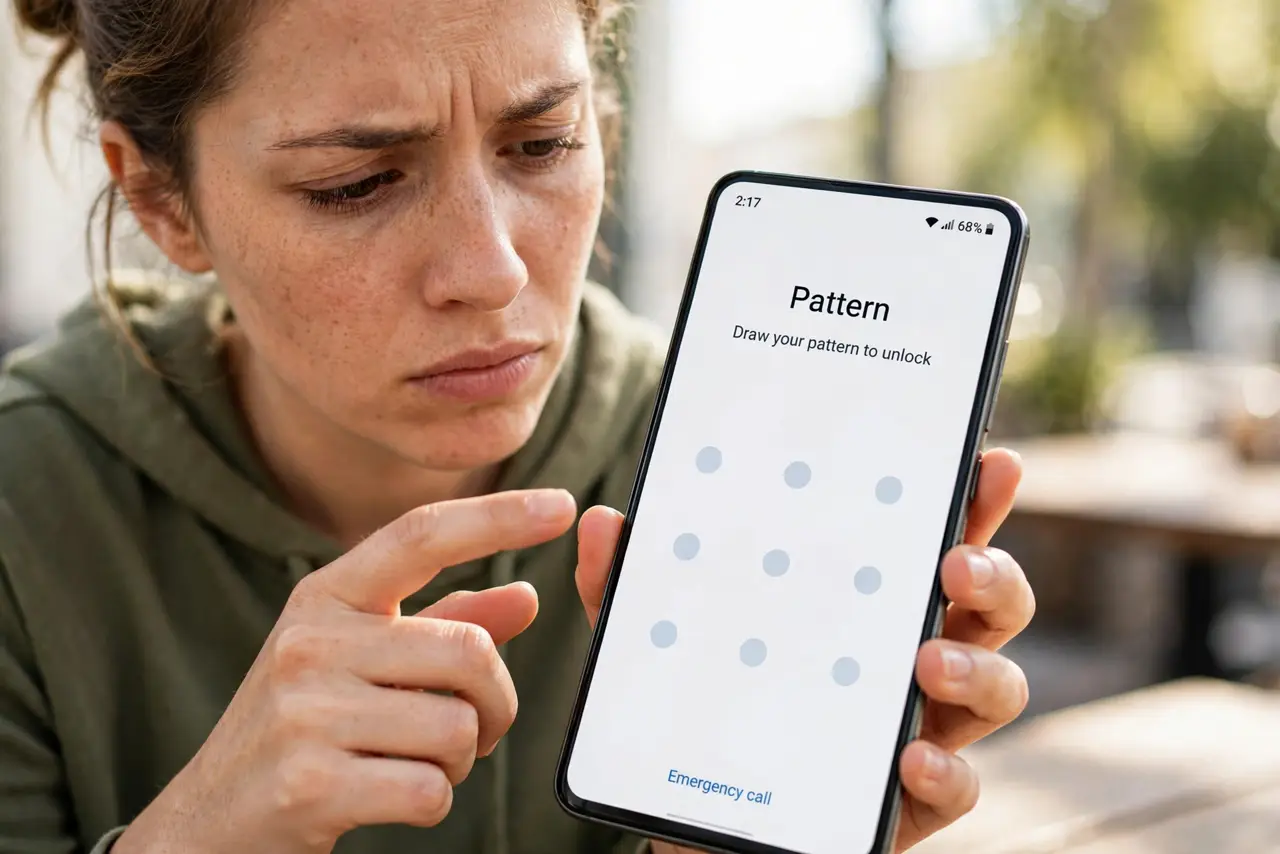
The pattern you drew a thousand times suddenly won't come to your fingers — or it's someone else's phone and nobody remembers it. Modern Android removed the easy bypasses, so the honest options are narrow: the backup PIN, Find My Device, or a factory reset. Here's each path, plainly.
TL;DR / Quick Fix
Quick fix: try the backup PIN or password you set with the pattern — most people set one and forget it. If that fails, use Google's Find My Device to secure the phone. Without the backup code, only a factory reset from recovery gets you in, erasing everything unsynced.
Follow these steps
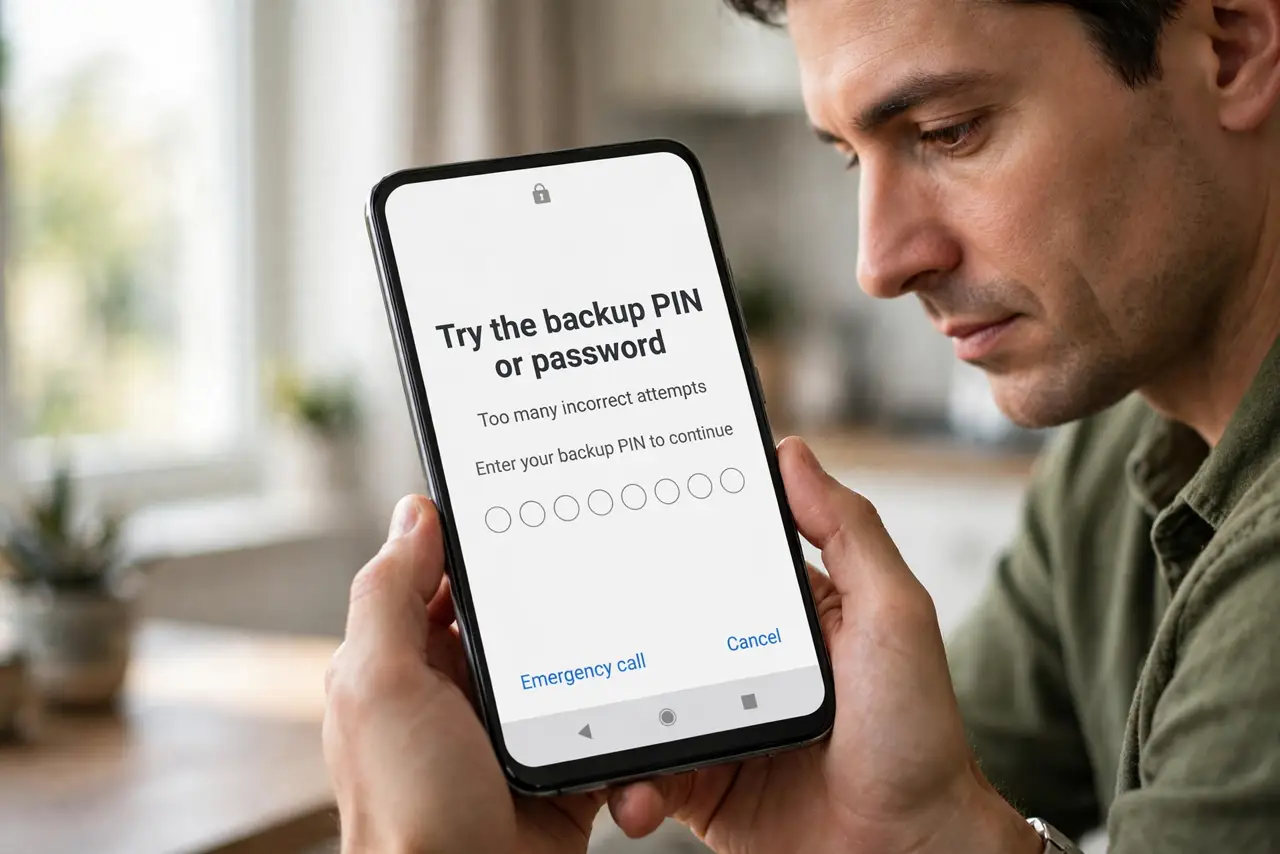
- Try the backup PIN or password. When you created the pattern, Android asked for a backup PIN. Try every PIN you might have used — this is the easiest legitimate way back in.
- Check your password manager or notes. Many people saved the backup PIN in a manager or a note. Search before assuming it is lost.
- Use Find My Device to secure it. From a computer, open Google's Find My Device to locate, lock, or display a message on the phone. It cannot bypass the pattern, but it protects a lost device.
- Confirm it is really your phone. If it is a secondhand phone still locked to the previous owner, only they can remove it. This is theft protection working as designed.
- Factory-reset from recovery as the last resort. Power off, hold power plus volume up, and choose factory reset. This erases everything — photos included — unless synced.
- Set up a backup unlock method afterward. Once back in, add a fingerprint and a written-down backup PIN. Future-you will be grateful.
What NOT to do
- Do not trust pattern-unlocker tools or APKs. They are scams or malware — modern Android has no software bypass for a forgotten pattern.
- Do not keep guessing hundreds of times. Too many wrong attempts can trigger longer lockouts or a forced wipe on managed devices.
- Do not buy a locked secondhand phone hoping to unlock it. Factory Reset Protection will demand the previous owner's account.
- Do not skip writing down the new backup PIN. The whole ordeal repeats otherwise.
Frequently asked questions
Can Google unlock my pattern remotely?
No. Google cannot bypass your lock screen — that would defeat its purpose. Find My Device can locate, lock, or erase the phone, but not open it.
Will a factory reset remove the pattern?
Yes, but Factory Reset Protection will then ask for the Google account that was on the phone. Without those credentials, the phone stays unusable.
I remember part of the pattern — any trick?
Try the partial pattern with common completions, calmly, a few times. Beyond that there is no legitimate shortcut — reset is the honest path.