Why iPhone Demands the Passcode After Restart
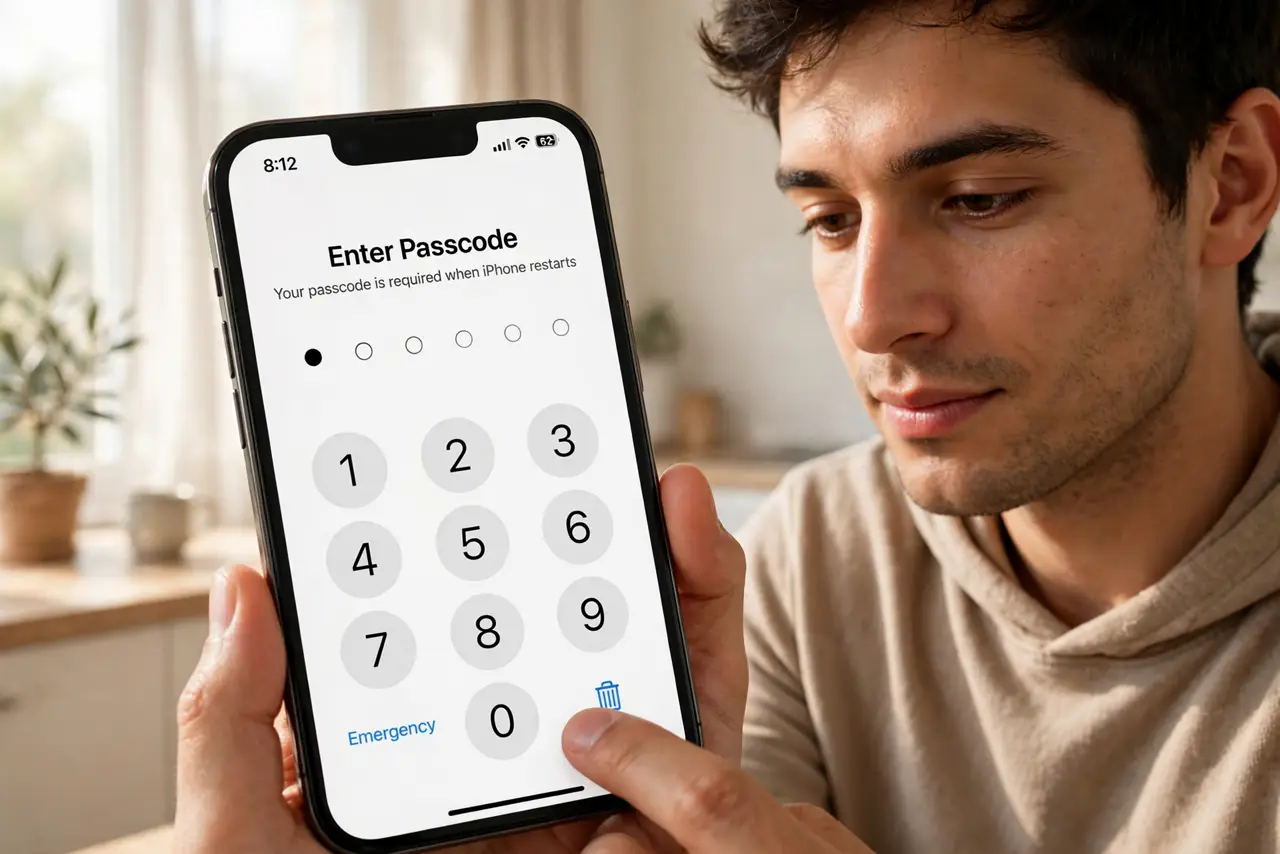
Every restart, the iPhone demands the full passcode — Face ID sulks in the corner until you type it. It feels like a bug, but it's a deliberate security design: after a reboot, your data is fully encrypted and only the passcode can unlock the keys. Here's why, and the few cases where the prompt signals something else.
TL;DR / Quick Fix
Quick fix: there is no setting to skip it — after every restart, iPhone requires the passcode once before Face ID works, because only the code unlocks the encryption keys. Type it once and Face ID returns. Random passcode prompts without a restart are a different issue.
Follow these steps
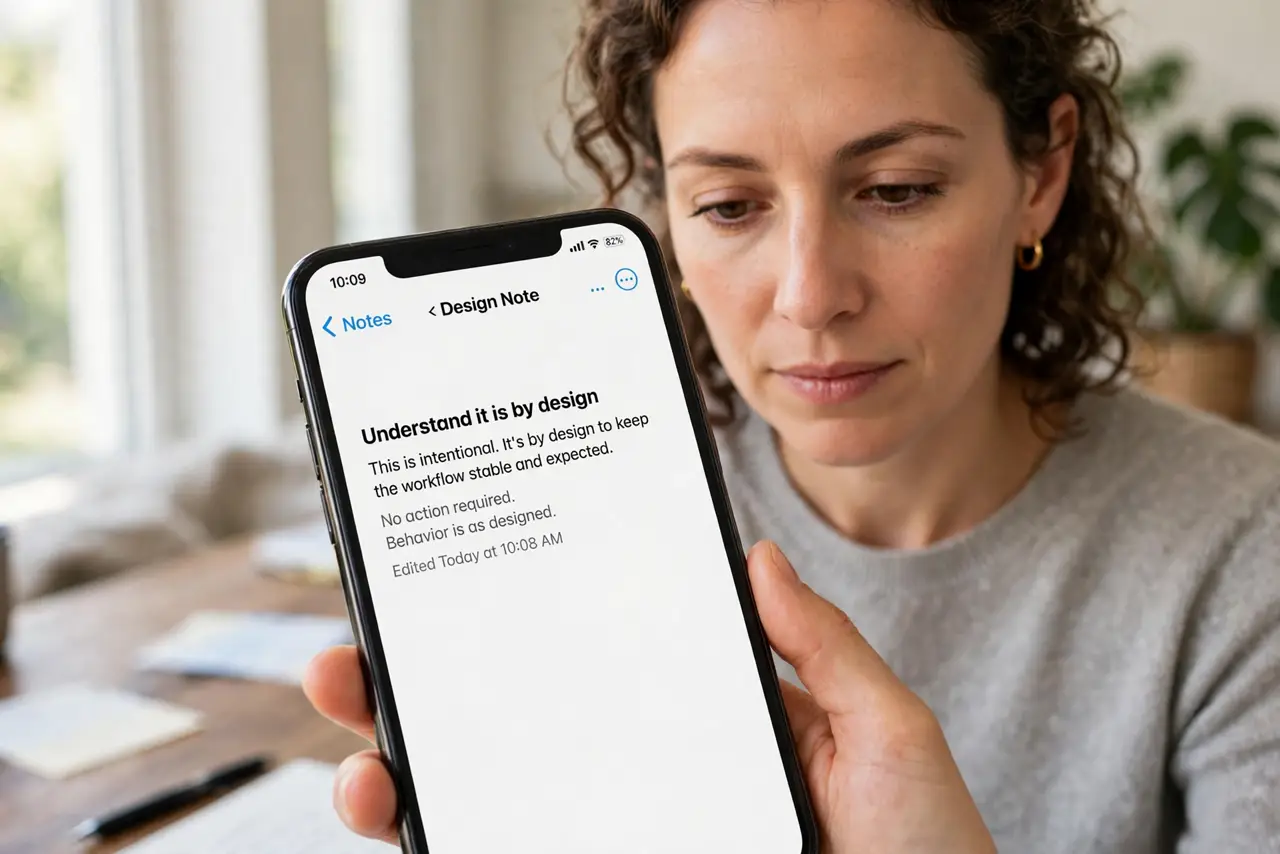
- Understand it is by design. After a reboot, the Secure Enclave holds no unlocked keys. Only your passcode can release them — Face ID literally cannot work until you type it once.
- Type the passcode once after every restart. One correct entry restores Face ID for everything. There is no toggle to bypass this, and any tutorial claiming one is lying.
- Distinguish restart from random prompts. Passcode after a restart is normal. Passcode out of nowhere, with no restart, can mean a failed Face ID sensor or a rejected code — different problem.
- Check for scheduled restarts. Some management profiles and buggy updates restart the phone overnight. If you face the prompt every morning, look for overnight reboots.
- Keep the passcode memorable but strong. Since you must type it after every restart, a six-digit code you can type blind beats a complex one you fumble.
- Do not disable the passcode to dodge it. Removing the passcode removes the encryption that protects your data. The one-time typing is the price of that protection.
What NOT to do
- Do not follow tutorials promising to disable the post-restart passcode. No such setting exists — those videos waste your time.
- Do not enter the passcode dozens of times hoping Face ID returns early. One correct entry is enough; repeats change nothing.
- Do not confuse this with an Activation Lock prompt. Activation Lock asks for an Apple ID, not the device passcode — different screen, different fix.
- Do not let anyone watch you type it. Shoulder-surfing at a restart is a classic way passcodes leak.
Frequently asked questions
Why can't Face ID work right after a restart?
Security design. After reboot, your data encryption keys are locked, and only the passcode unlocks them. Face ID convenience resumes after that first unlock.
Does Android do the same thing?
Yes — Android requires the PIN or pattern after a restart before fingerprint or face unlock works, for the same encryption reason.
I didn't restart — why is it asking?
Then it is not this behavior. Check for overnight auto-restarts, or see the guide on a passcode rejected once for the random-prompt case.
What to read next
- Fix Iphone passcode rejected once
- Mac Touch ID Asks for Password After Restart