What Are Play System Updates?
Your Android phone has two kinds of updates and they arrive through different doors: big OS upgrades, and smaller Google Play system updates that patch core components silently. The second kind confuses everyone — it updates critical pieces without a full system update, and it has its own screen buried in Settings. Here is what it does and how to check it.
TL;DR / Quick Fix
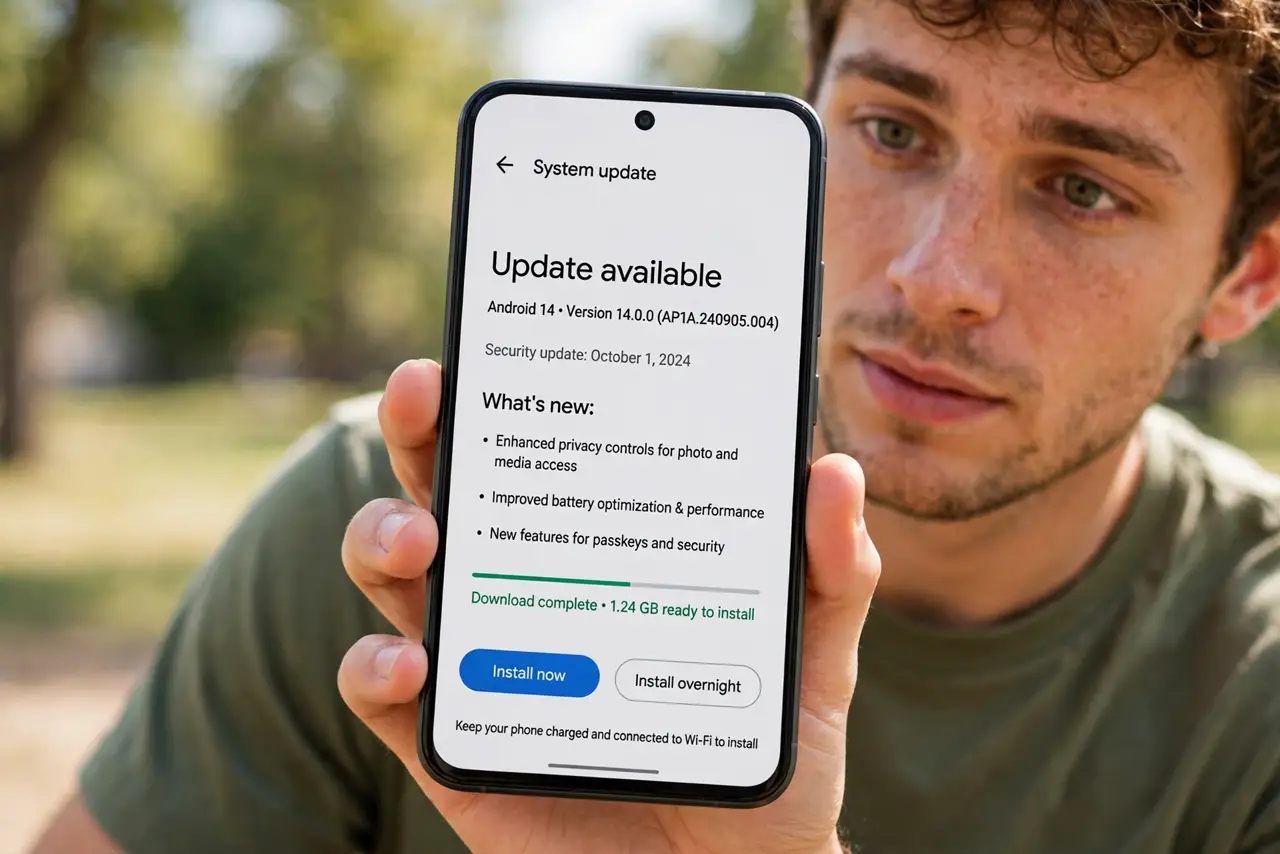
Quick fix: open Settings, go to Security and privacy (or About phone), then Google Play system update, and tap Check for update. These updates patch core Android components without a full OS upgrade. Install them like any security update — they close real vulnerabilities.
Follow these steps
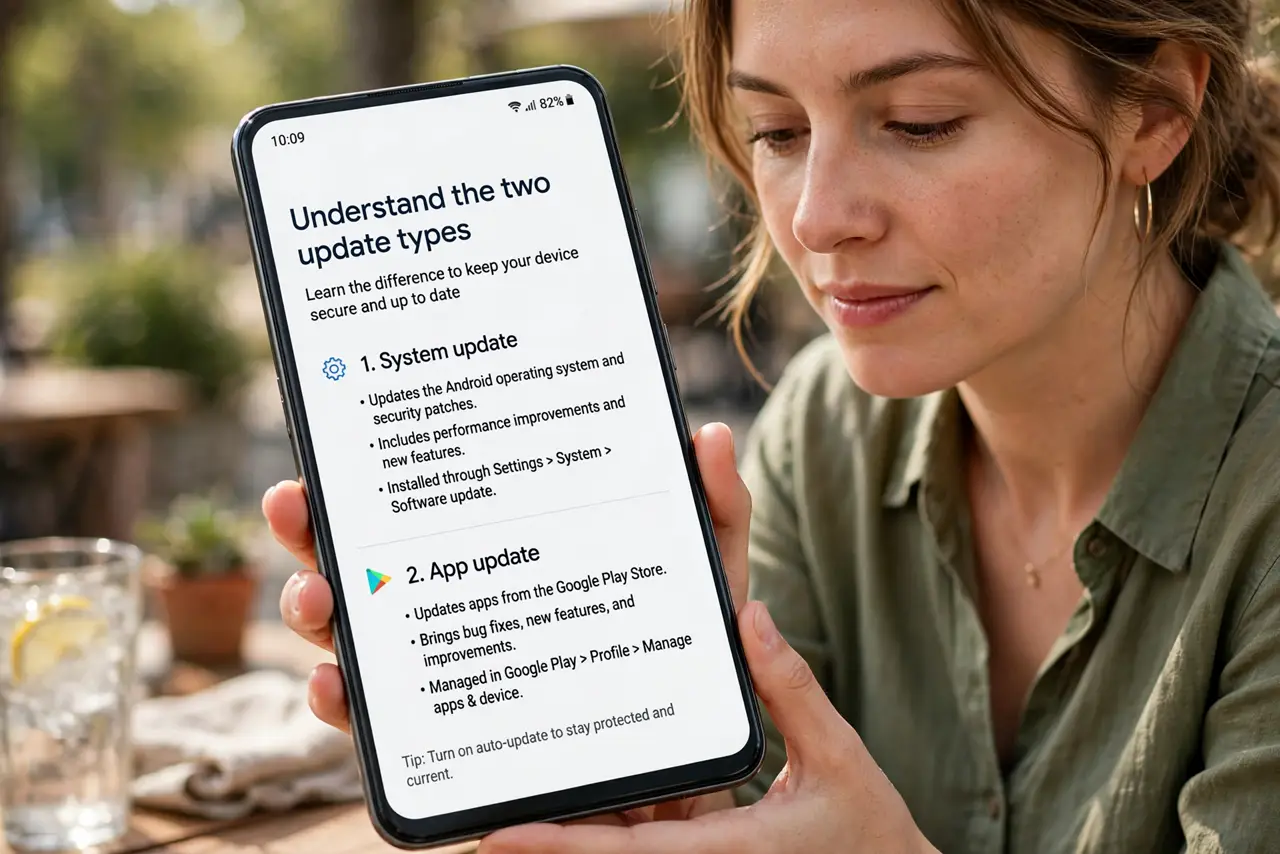
- Understand the two update types. OS updates bring new Android versions and arrive rarely. Play system updates patch core modules — media, networking, security — through the Play Store, monthly, without a full upgrade.
- Find the Play system update screen. Open Settings, then Security and privacy — or About phone on some brands — and tap Google Play system update. The date shown tells you how current your core components are.
- Check for updates manually. Tap Check for update. If one is waiting, download and install it — the phone restarts quickly, much faster than a full OS update.
- Know what it actually patches. These updates touch Project Mainline modules: the pieces Google can update without the phone maker involved. That is why they arrive even when your brand is slow with OS upgrades.
- Do not confuse it with app updates. App updates live in the Play Store under your profile. If the Play Store shows pending downloads, that is separate from system updates entirely.
- Keep automatic updates on. Leave auto-update enabled for both types. Play system updates are small, fast, and security-relevant — there is no upside to postponing them.
What NOT to do
- Do not ignore a months-old Play system date. A stale date means core components are unpatched — check manually.
- Do not assume a new Android version includes everything. OS upgrades and Mainline updates are separate tracks; you need both current.
- Do not download system updates from random sites. Real updates come only through Settings — anything else is a scam vector.
- Do not confuse this with a security patch level. They are related but distinct lines on the About phone screen.
Frequently asked questions
Are Play system updates mandatory?
Effectively yes — they install like security patches and keep core components safe. Skipping them leaves known holes open.
Why is my Play system date older than my friend's?
Rollouts are staggered by device and carrier. Check manually — if nothing is offered, your turn simply has not come.
Do these updates change features?
Rarely in visible ways — they are plumbing, not paint. New features come with OS upgrades and app updates.