Install Apps Outside Play Safely
The app you need is not in the Play Store — a beta, a work tool, an open-source project — so the only route is installing its APK file directly. Android calls this installing from unknown sources, and it is legal and often necessary. The trick is doing it narrowly: grant the install permission to one trusted app, verify what you are installing, and revoke the permission after.
TL;DR / Quick Fix
Quick fix: download the APK only from the developer's official site, then in Settings go to Apps, Special app access, Install unknown apps, and allow just your browser or file manager. Install the app, then turn the permission back off. Run a Play Protect scan right after.
Follow these steps
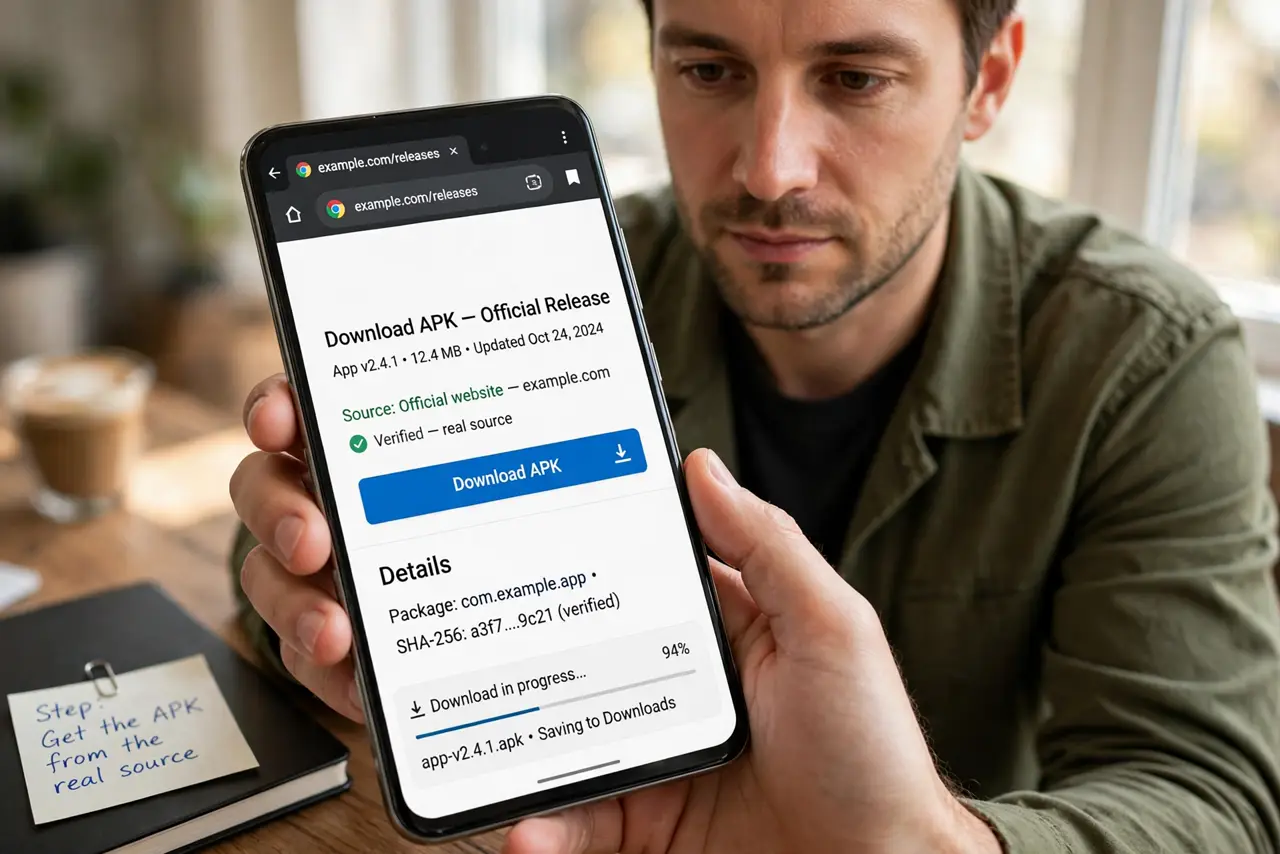
- Get the APK from the real source. Download only from the developer's official website or a repository you trust. Random free-APK sites are the number one way shady apps reach phones — if the price of the app is zero on a sketchy mirror, you are the product.
- Enable installs for one app only. Go to Settings, Apps, Special app access, Install unknown apps, and toggle it on for just your browser or file manager — not for everything. Narrow permission, narrow risk.
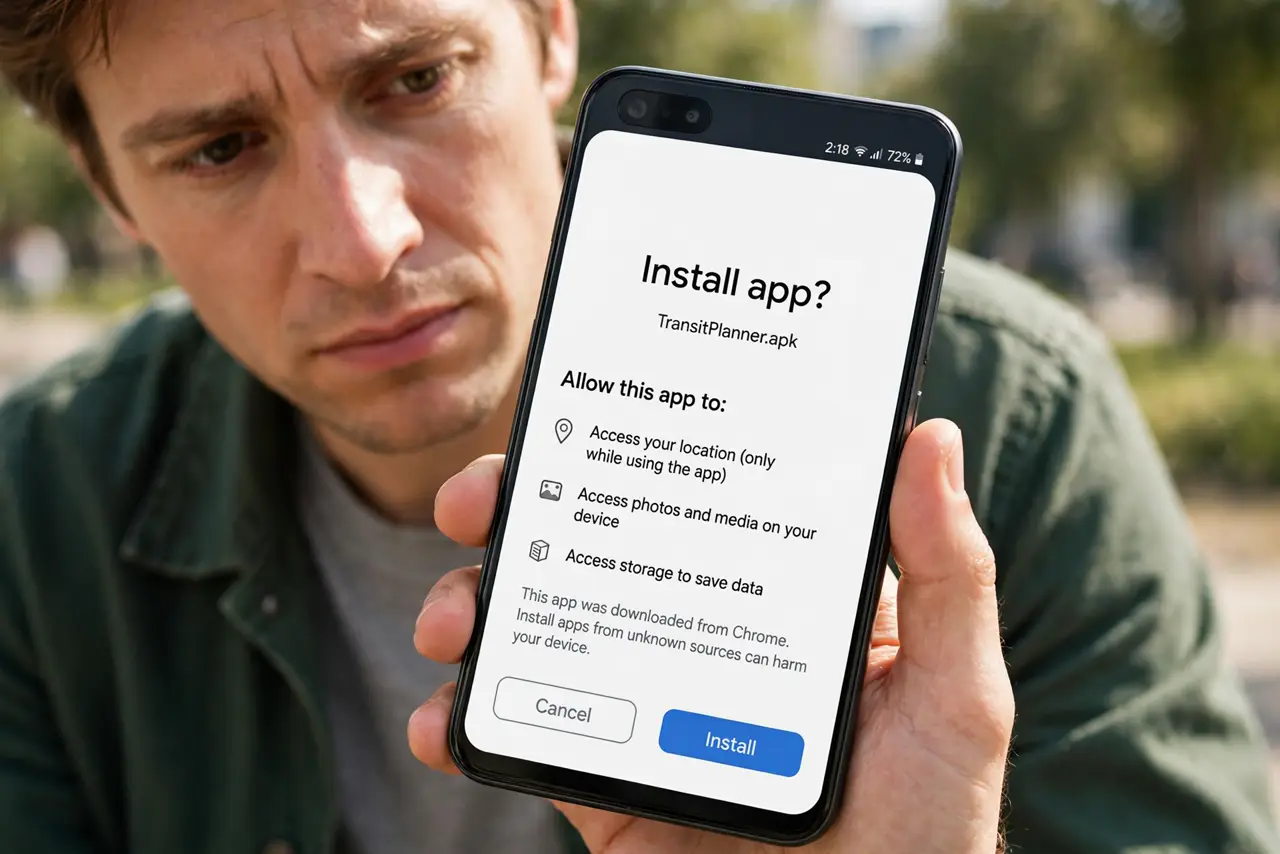
- Check what the APK asks for. Before tapping Install, read the permissions list. A simple utility asking for contacts, SMS, and location is telling you exactly what it plans to do — believe it.
- Install and open once. Tap the downloaded file and install. Open the app once to confirm it is what you expected, and deny any permission it does not clearly need.
- Revoke the install permission. Go back to Install unknown apps and turn the permission off again. Leaving it on means any future download can silently install — the door should not stay open.
- Scan with Play Protect. Run a manual Play Protect scan after installing. It checks sideloaded apps too, and it is the cheapest second opinion you will ever get.
What NOT to do
- Do not install APKs from random mirror sites. Repackaged apps with added malware are the classic sideloading trap.
- Do not leave install-unknown-apps on permanently. Enable it for the install, then switch it off — an open door invites trouble.
- Do not grant every permission at install. Deny first; the app will ask again if it genuinely needs something.
- Do not sideload paid apps for free. That is piracy, and cracked APKs are among the most malware-ridden files on the internet.
Frequently asked questions
Is sideloading legal?
Yes — installing apps from outside the Play Store is legal. What is not legal is sideloading pirated copies of paid apps.
Will sideloaded apps still update?
Only if the source provides updates — the Play Store will not update apps it did not install. Check the developer's site periodically.
Why does Android warn me so strongly?
Because the Play Store's review is skipped, so Android makes sure the risk is your informed choice. The warning is doing its job.