What Is Predictive Back?
On recent Android phones, swiping back sometimes shows a little preview of where you are headed — and sometimes it does not, which makes the gesture feel random. That preview is called predictive back, and it only appears when the app supports it. Here is what it is, why it is inconsistent, and how to make the back gesture predictable again.
TL;DR / Quick Fix
Quick fix: predictive back shows a preview of the screen during the back gesture, but only in apps updated to support it — older apps go back with no preview. The inconsistency is the app's age, not your phone. Keep gesture navigation on; previews spread as developers update their apps.
Follow these steps
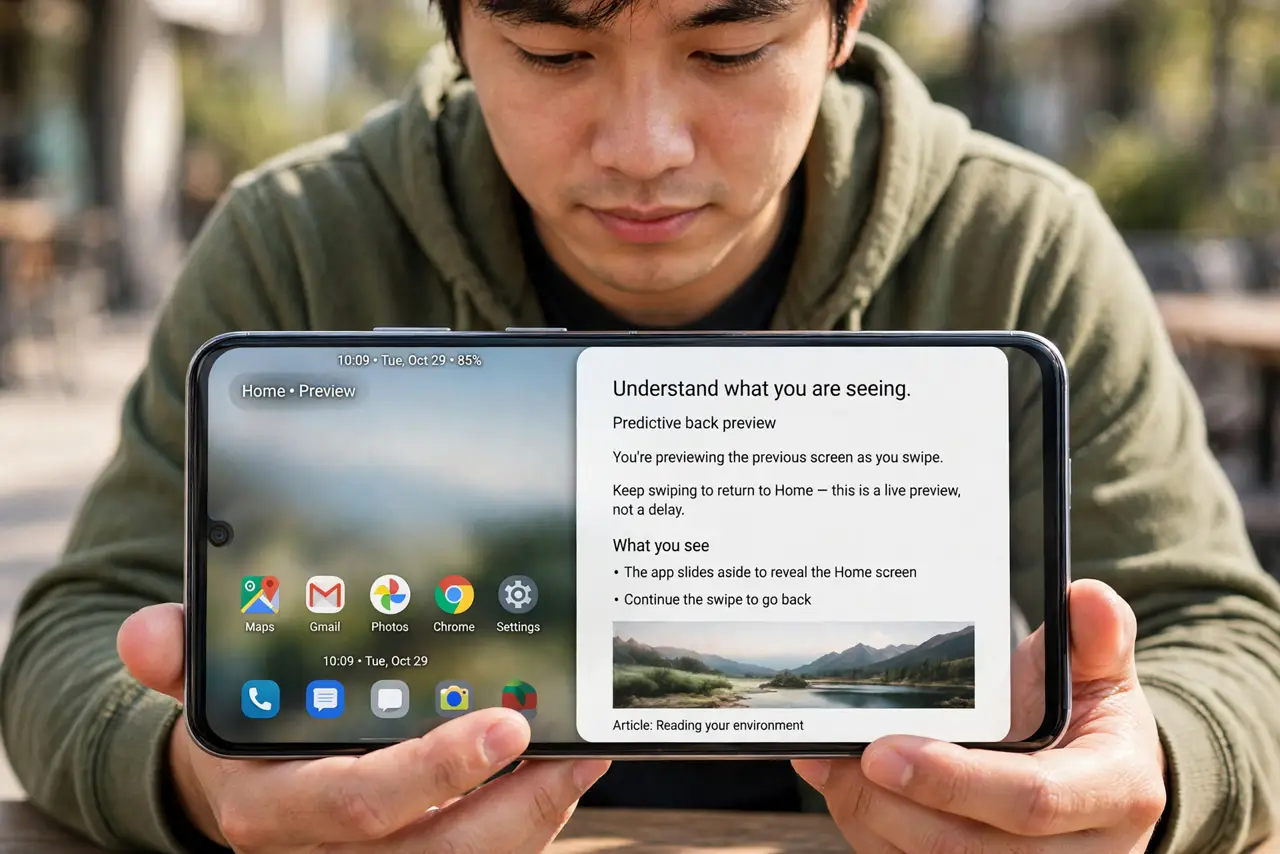
- Understand what you are seeing. Predictive back animates the current screen away to reveal the destination underneath as you swipe. It is a preview, not a delay — release to complete the back action, or slide back to cancel it.
- Know why it is inconsistent. The preview requires the app to opt in with updated code. System apps and recent updates show it; older or unmaintained apps fall back to the instant old-style back. Mixed behavior across apps is expected right now.
- Check your navigation setting. Predictive back only works with gesture navigation, not the three-button bar. If you use buttons, you will never see it — switch in Settings, System, Gestures if you want the previews.
- Do not fight the inconsistency. There is no switch to force previews in unsupported apps. The fix is patience plus updates — keep apps current and the previews appear as developers catch up.
- Use it to avoid accidental exits. The preview's real gift: you can see you are about to leave the app to the home screen and cancel mid-swipe. That alone makes the feature worth keeping on.
- Report gesture conflicts to app makers. If the back swipe fights an app's own gestures — common in drawing and map apps — that is an app gesture conflict, worth reporting rather than disabling system gestures.
What to avoid
- Do not turn off gesture navigation over this. The previews are cosmetic; the back action itself works the same everywhere.
- Do not assume your phone is broken. Inconsistent previews across apps are by design during the transition — not a defect.
- Do not install gesture-tweaking apps to 'fix' it. They fight the system implementation and usually make navigation worse.
- Do not expect iPhone-style uniformity yet. Apple's back gesture is consistent because Apple controls it end to end; Android's depends on each app.
Frequently asked questions
Which Android version has predictive back?
It debuted in Android 13 as a developer option and became default-on in Android 14 for supporting apps — your phone needs a recent version to see it at all.
Can I turn predictive back off?
There is no user-facing off switch; it is tied to gesture navigation. Switching to three-button navigation removes it entirely.
Does it drain battery?
Negligibly. It is a simple animation of screens the system already holds — no extra work worth measuring.