Share Files with Quick Share
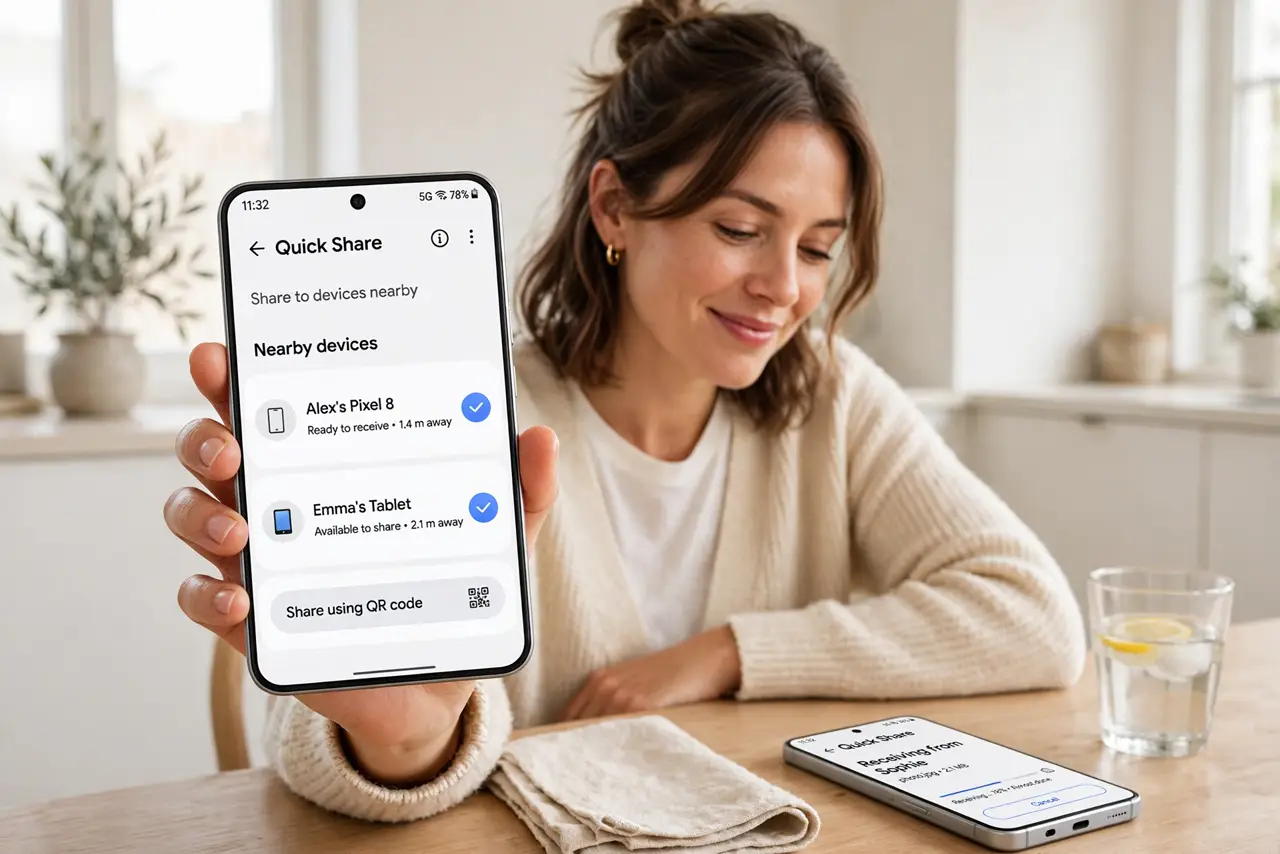
Nearby Share became Quick Share, and now you are not sure where the feature went or what it is called. It is Android's AirDrop equivalent: send photos, videos, and files to nearby Android devices, Chromebooks, and Windows PCs over direct Wi-Fi. Here is where it lives now and how to make discovery actually work.
TL;DR / Quick Fix
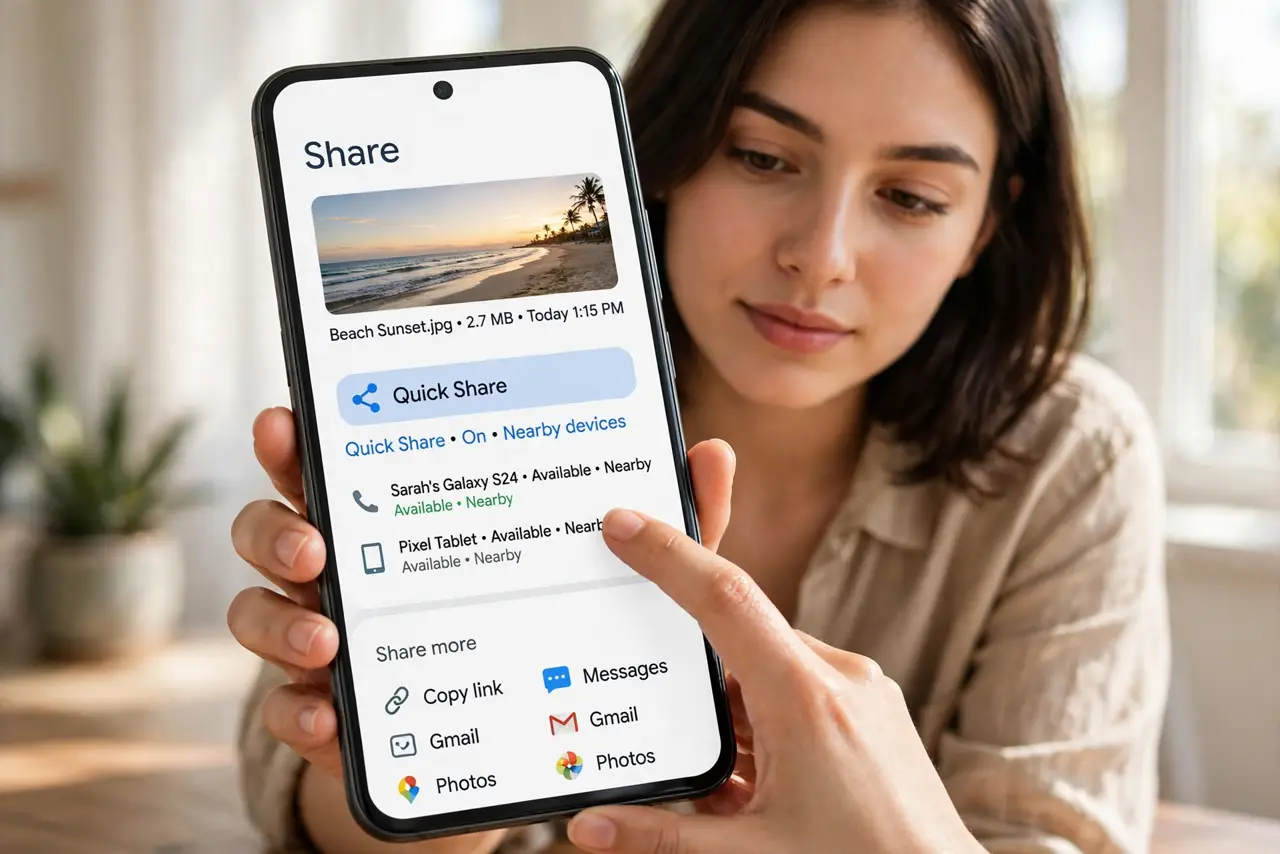
Quick fix: open the file, tap Share, and choose Quick Share, then pick the nearby device from the list. Both devices need Bluetooth and Wi-Fi on with the screen awake. For iPhones nearby, Quick Share will not appear — use a link or cloud share instead.
Follow these steps
- Find Quick Share in the share sheet. Open a photo or file, tap Share, and look for Quick Share in the options. It replaced Nearby Share — same feature, new name, same place.
- Turn on the radios. Both devices need Bluetooth and Wi-Fi enabled, with screens awake and unlocked. Quick Share negotiates over Bluetooth then transfers over direct Wi-Fi.
- Set your visibility. In Quick Share settings, choose who can find you: your devices, contacts, or everyone temporarily. Contacts is the sane default — Everyone invites the same surprises AirDrop users learned about.
- Pick the device and send. Tap the discovered device, accept on the receiving end, and the transfer runs. Large videos go surprisingly fast over the direct Wi-Fi link.
- Share to Windows too. Quick Share works with Windows PCs via Google's app — handy for phone-to-laptop transfers without cables or cloud uploads.
- Fix the not-found case. If the device never appears, toggle Bluetooth and Wi-Fi, bring the phones close, and check visibility settings. The device not found guide covers the stubborn cases.
What NOT to do
- Do not leave visibility on Everyone. Temporary Everyone is for the moment of transfer; permanent Everyone is an invitation.
- Do not expect it to reach iPhones. Quick Share is Android, Chromebook, and Windows only — iPhones need a different route.
- Do not transfer with the screen locked. Both devices need to be awake for discovery to work reliably.
- Do not confuse it with Bluetooth sharing. Quick Share is far faster — it only uses Bluetooth for the handshake, then switches to Wi-Fi.
Frequently asked questions
Is Quick Share the same as Nearby Share?
Yes — Google renamed Nearby Share to Quick Share. Same feature, same settings location, new name.
Can I Quick Share to an iPhone?
No. Apple and Google's systems do not interoperate — use a cloud link or messaging app for cross-platform transfers.
Why is Quick Share so slow sometimes?
It may have fallen back to Bluetooth instead of Wi-Fi direct. Toggle Wi-Fi off and on on both devices and retry.