Satellite Messaging? Explained
Off the grid on a Pixel and still texting — satellite messaging brings SMS-style communication where cell towers never reached. Emergency services first, and on newer models, regular contacts too. It is slower than normal texting and thirstier for open sky, but it ends the era of total backcountry silence.
TL;DR / Quick Fix
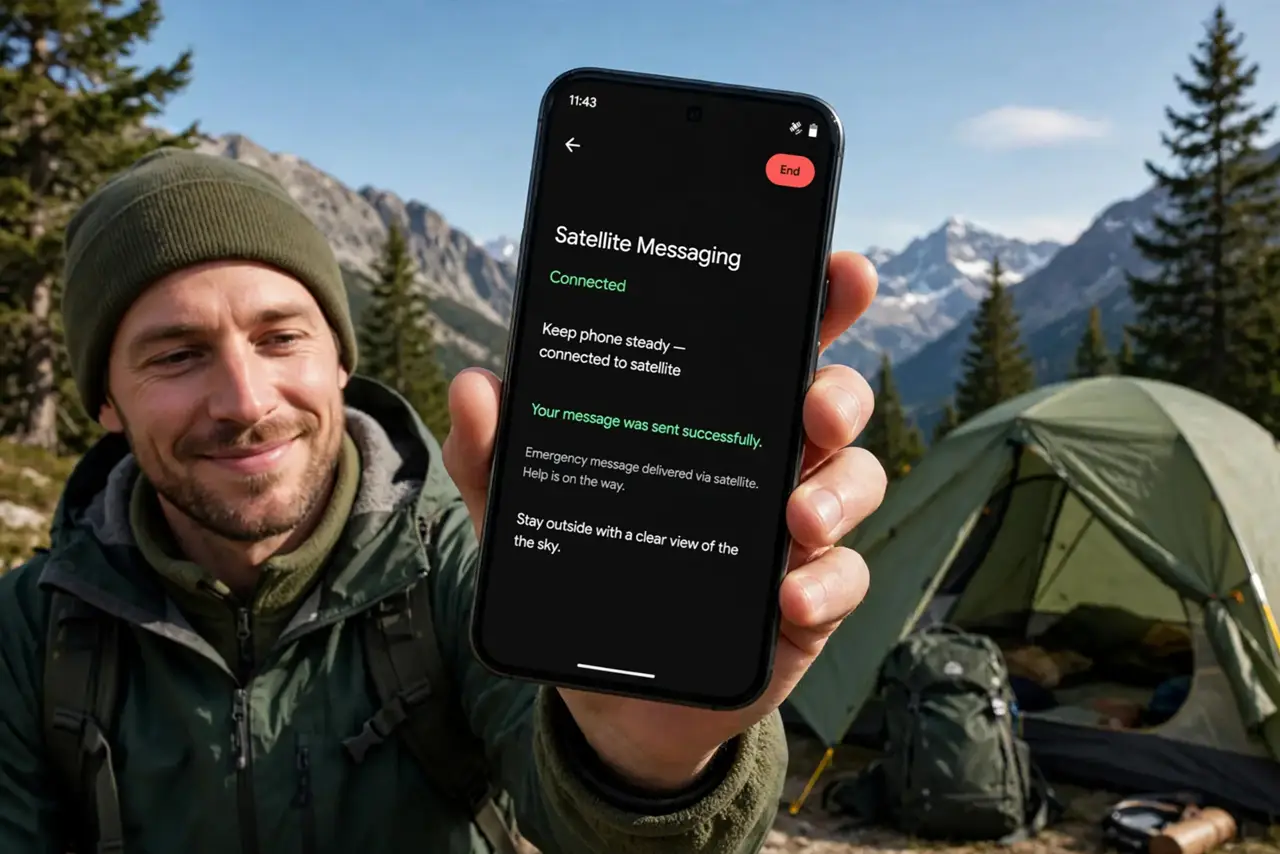
Quick fix: on supported Pixel phones, satellite messaging activates when you're off the grid — open Messages and it offers to connect via satellite. You can text emergency services and, on newer models, message any contact. It needs a clear sky view and patience; texts take longer than normal.
Follow these steps
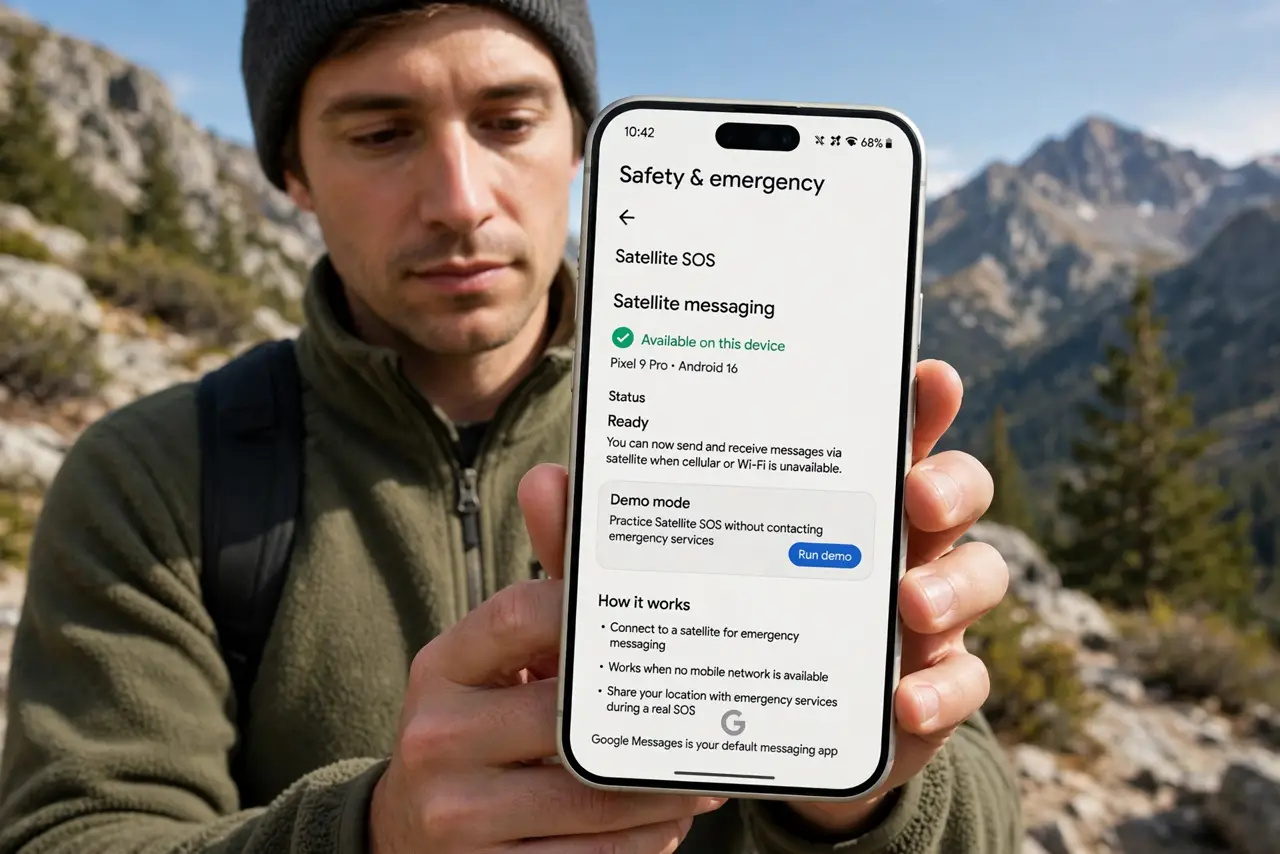
- Know which Pixels qualify. Satellite messaging needs the hardware — Pixel 9 and later. Older Pixels never gain it, whatever the update promises.
- Let it trigger off-grid. With no cellular or Wi-Fi, the Messages app offers the satellite option itself. You do not enable it in advance.
- Message emergency services first. The core use: texting emergency dispatch when nothing else reaches. Short, factual messages work best.
- Text contacts on newer models. Recent Pixels extend satellite messaging to regular contacts — tell them you are on satellite so they keep replies short.
- Hold the sky view. Like the iPhone system, it needs open sky and a steady hand. Each message takes noticeably longer than a normal text.
- Plan around the limits. No photos, no video, no group chats — text only, and slow. File it under 'better than nothing', which off-grid is everything.
What NOT to do
- Do not expect normal texting speed. Satellite latency turns chats into correspondence — one thoughtful message beats five fragments.
- Do not try it under dense forest. The phone will hunt for signal until the battery begs — move to open sky first.
- Do not use it for casual check-ins when others wait. In a real emergency queue, keep the channel for what matters.
- Do not assume your carrier includes it. Availability depends on model, region, and carrier support — verify before the trip.
Frequently asked questions
Can I text anyone via satellite?
Emergency services always; regular contacts on the newest models. Photos, videos, and group chats are not supported.
Why is satellite texting so slow?
The signal travels to orbit and back through a relay center. Seconds to minutes per message is normal.
Does it cost extra?
Policies vary by carrier and region — some include it, some charge. Check before you depend on it.