SOS via Satellite on Pixel
You are hiking beyond cell coverage, something goes wrong, and the phone shows the dreaded 'No Service.' On recent Pixel phones (and iPhones), satellite SOS can still get an emergency message out by talking directly to satellites overhead. It is slow and limited — but it is the difference between silence and rescue. Here is how it works before you need it.
TL;DR / Quick Fix
Quick fix: satellite SOS lets phones send emergency texts via satellite with no cellular or Wi-Fi — but you need a clear view of the sky and must follow the pointing guide. Set it up before your trip; it is text-only, slow, and no substitute for a real safety plan.
Follow these steps
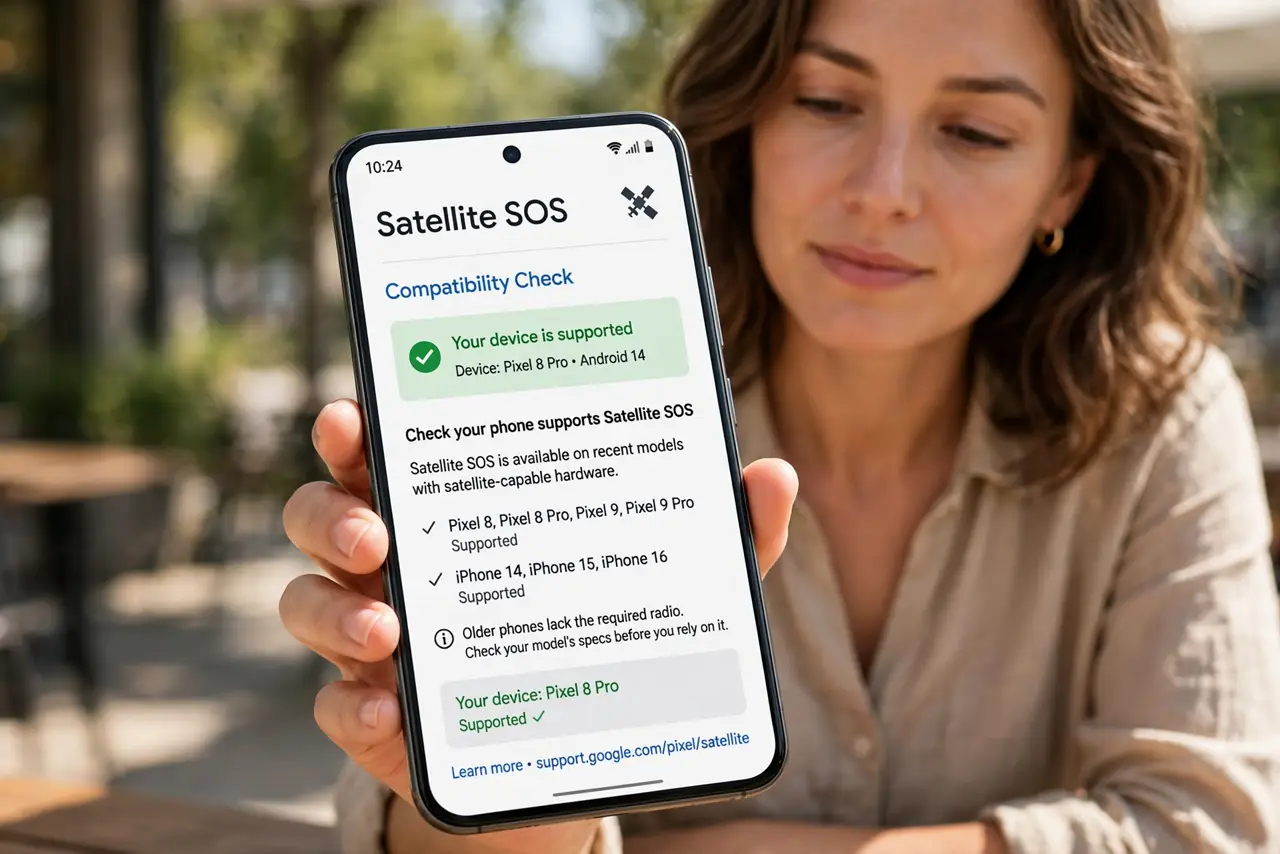
- Check your phone supports it. Satellite SOS needs specific recent models — newer Pixels and iPhones. Older phones simply lack the radio; check your model's specs before counting on it. See the iPhone equivalent if you are on Apple.
- Understand what it can do. Emergency texts to responders, sometimes with location sharing — that is it. No calls, no browsing, no photos. Slow, message-by-message, but purpose-built for rescue.
- Set it up before you leave. Some carriers require activation or a compatible plan. Do the setup at home with signal — discovering requirements on a mountaintop is the failure mode.
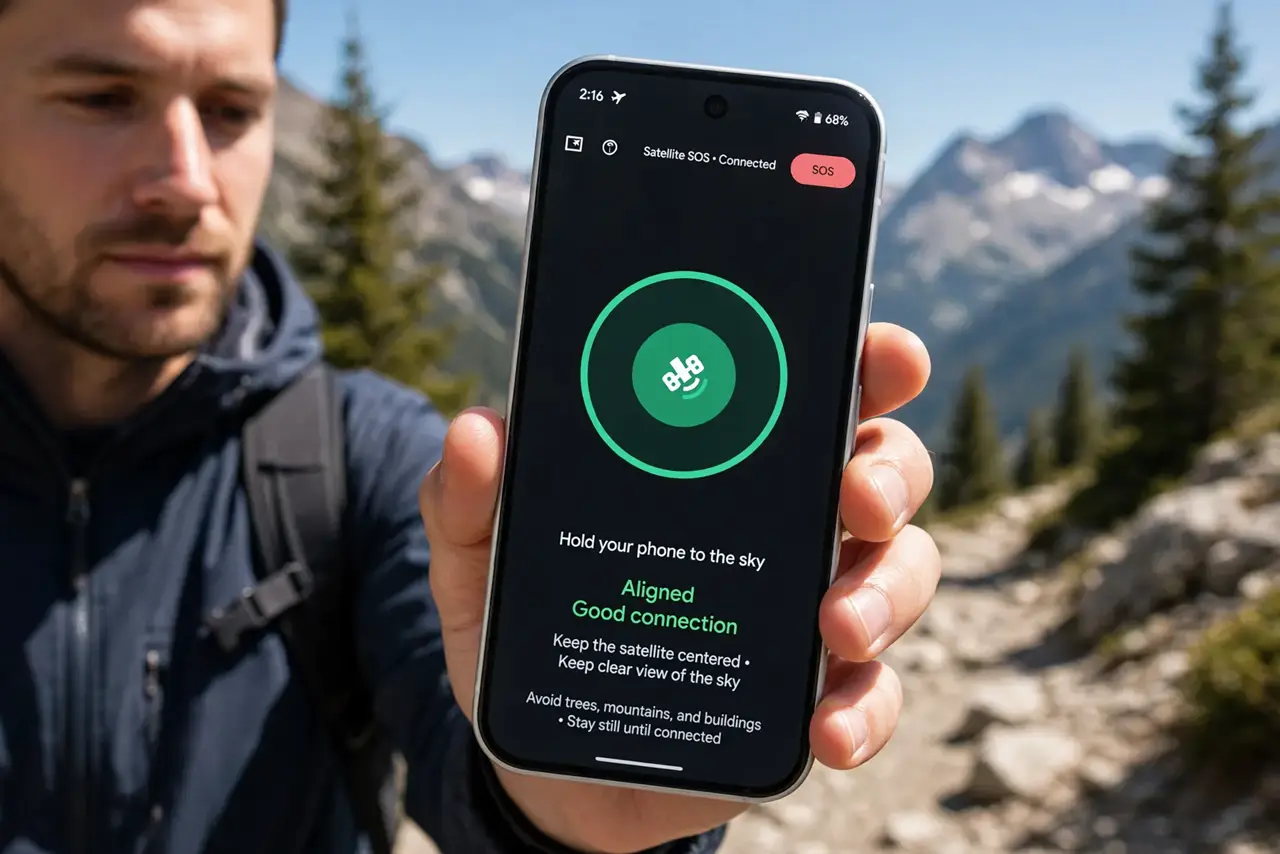
- Learn the sky-pointing dance. The phone guides you to aim at the passing satellite and hold still. Practice the flow in the demo mode if your phone offers one — fumbling it during an emergency wastes precious minutes.
- Know the limitations. Heavy tree cover, canyons, and storms can block the signal. It is a last resort, not a guarantee — tell someone your route and return time regardless.
- Keep expectations honest. Messages take minutes each, and the exchange with responders is terse. It buys rescue, not conversation — and that is exactly enough.
What NOT to do
- Do not assume every phone has it. The satellite radio is new hardware — most phones in pockets today cannot do this.
- Do not wait until the emergency to learn it. Setup, carrier requirements, and the aiming flow all need doing beforehand.
- Do not treat it as a safety plan alone. Tell someone your route, carry the usual gear — satellite SOS is the backup, not the plan.
- Do not expect a conversation. Terse texts with long gaps between them is the medium — keep messages short and factual.
Frequently asked questions
Does satellite SOS cost extra?
Policies vary by maker and carrier — some include a period free, some tie it to plans. Check before the trip, not during.
Can I text anyone via satellite?
No — emergency services and designated contacts only, depending on the implementation. It is not satellite texting for everyone.
Will it work under trees?
Poorly. It needs a clear view of the sky — dense canopy, canyons, and buildings all block the weak satellite signal.