Spam Screening Blocks Real Calls? Fix It
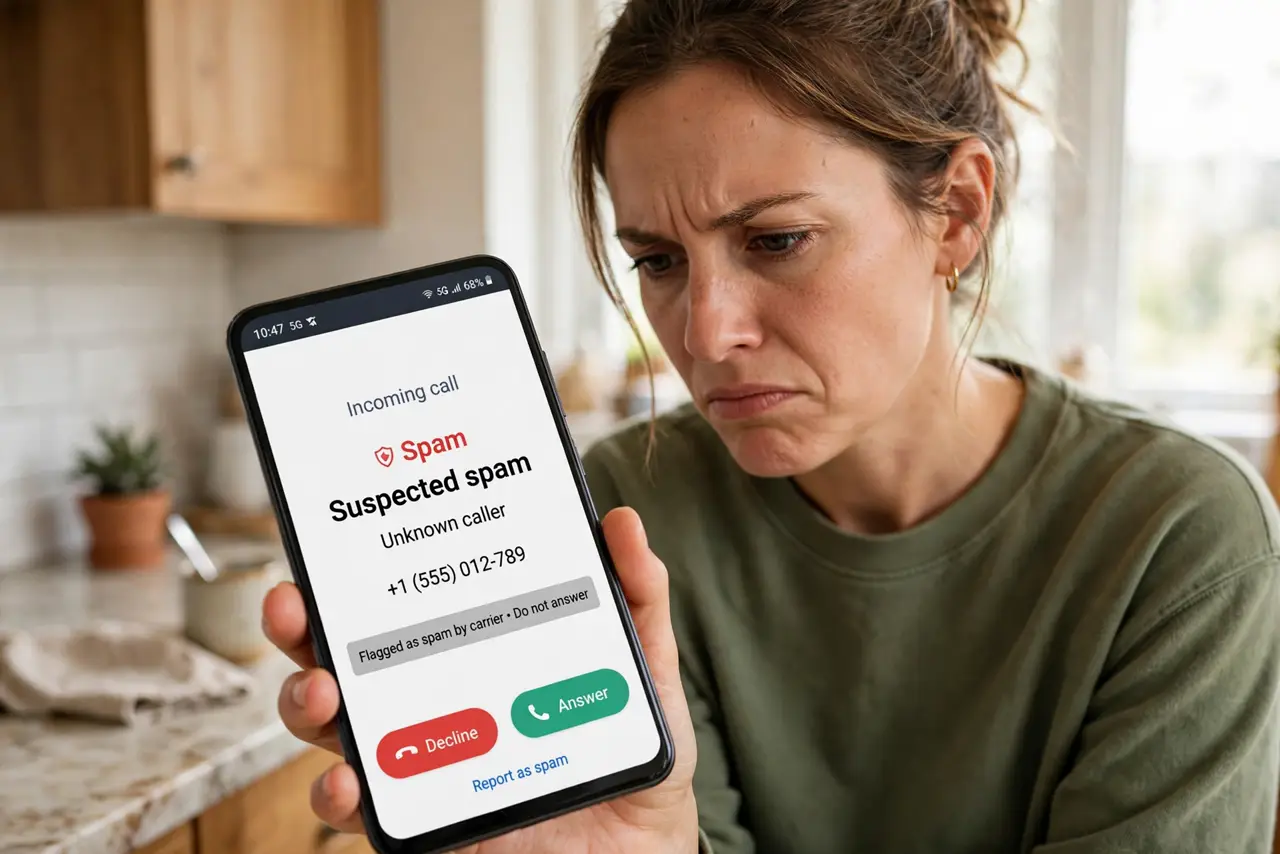
Your Android phone proudly labels calls as spam — including your dentist, your bank, and your kid's school. Spam screening guesses from call patterns, and it guesses wrong. This guide tunes it so real calls get through while the actual spam stays blocked, unlike the blunter iPhone approach.
TL;DR / Quick Fix
Quick fix: open the Phone app's spam settings and turn off automatic spam blocking, keeping only caller ID warnings. Review blocked numbers and unblock the real ones. Report wrongly flagged calls as 'not spam' — this trains the filter. Save important numbers as contacts so they always ring through.
Follow these steps
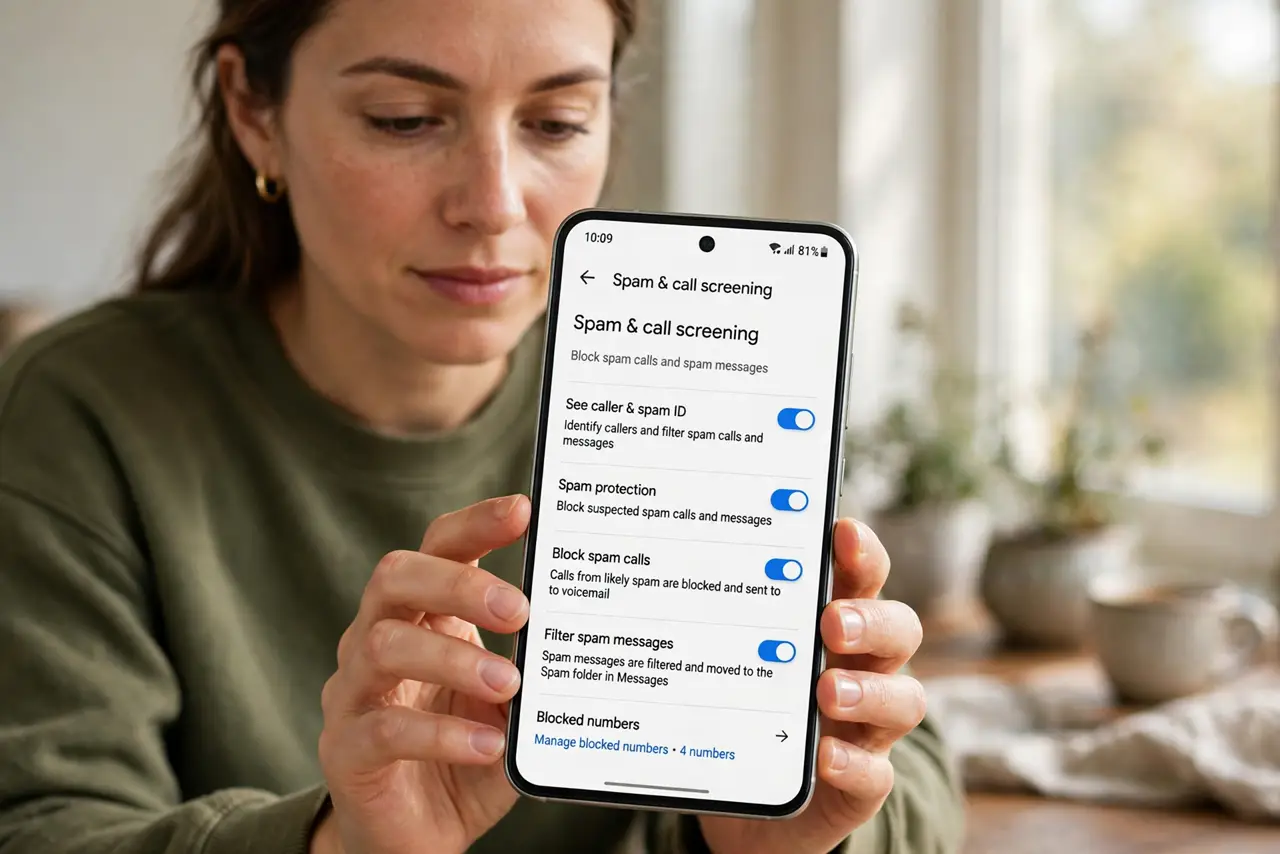
- Find the spam settings. Open the Phone app, go to settings, and find the spam and call-screen options. Every Android brand hides them somewhere slightly different.
- Switch blocking to warnings only. Change automatic blocking to caller-ID warnings. You still see 'suspected spam' on the screen, but the call rings and you decide.
- Review and unblock real numbers. Open the blocked numbers list and remove anyone legitimate. One wrong block can silently eat calls for months.
- Report mistakes as 'not spam.' When a real call is flagged, mark it as not spam. These reports train the filter and help other users too.
- Save important numbers as contacts. Schools, doctors, banks, and delivery services belong in contacts. Saved numbers bypass most spam logic entirely.
- Check your carrier's filter too. Many carriers run their own spam blocking on the network. If legit calls still vanish, check the carrier's app or settings as well.
What NOT to do
- Do not trust the spam label blindly. Businesses that call many customers — clinics, schools, delivery firms — get flagged constantly.
- Do not enable maximum blocking during important waits. House hunting, job hunting, and medical waits are bad times for aggressive filters.
- Do not forget call screening audio. If you use automatic call screening, check its transcripts — real callers do leave messages there.
- Do not assume the phone filter is the only layer. Carrier-level blocking can stop calls before your phone ever sees them.
Frequently asked questions
Why is my phone marking real calls as spam?
Spam filters guess from call volume and patterns. Legitimate businesses that call many people match those patterns and get flagged.
Can I turn off spam blocking completely?
Yes, in the Phone app settings. You will get more spam calls, but you will stop missing real ones.
Does reporting 'not spam' actually help?
Yes — it trains the shared filter and usually whitelists the number on your phone going forward.