Silence Unknown Callers Blocks Wanted Calls
Silence Unknown Callers is great until it silences the plumber, the school, or a job interview. The feature cannot tell a wanted unknown number from a spam one. This guide shows how to keep the peace without missing important calls — including when spam screening goes too far on Android.
TL;DR / Quick Fix
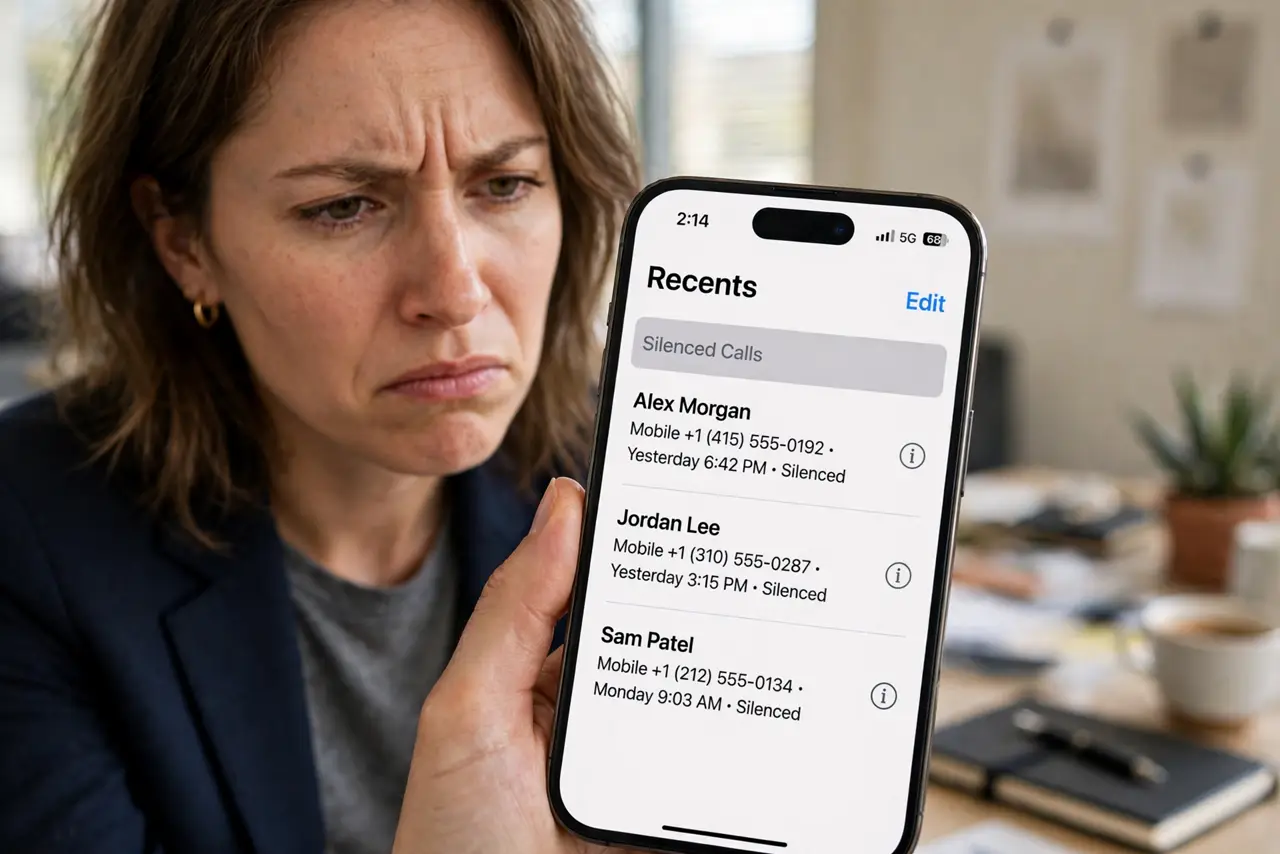
Quick fix: add important numbers to your contacts — Silence Unknown Callers lets contacts ring through. Check silenced calls in the Recents list daily until the important ones are saved. If you miss too many wanted calls, turn the feature off and rely on a spam filter instead.
Follow these steps
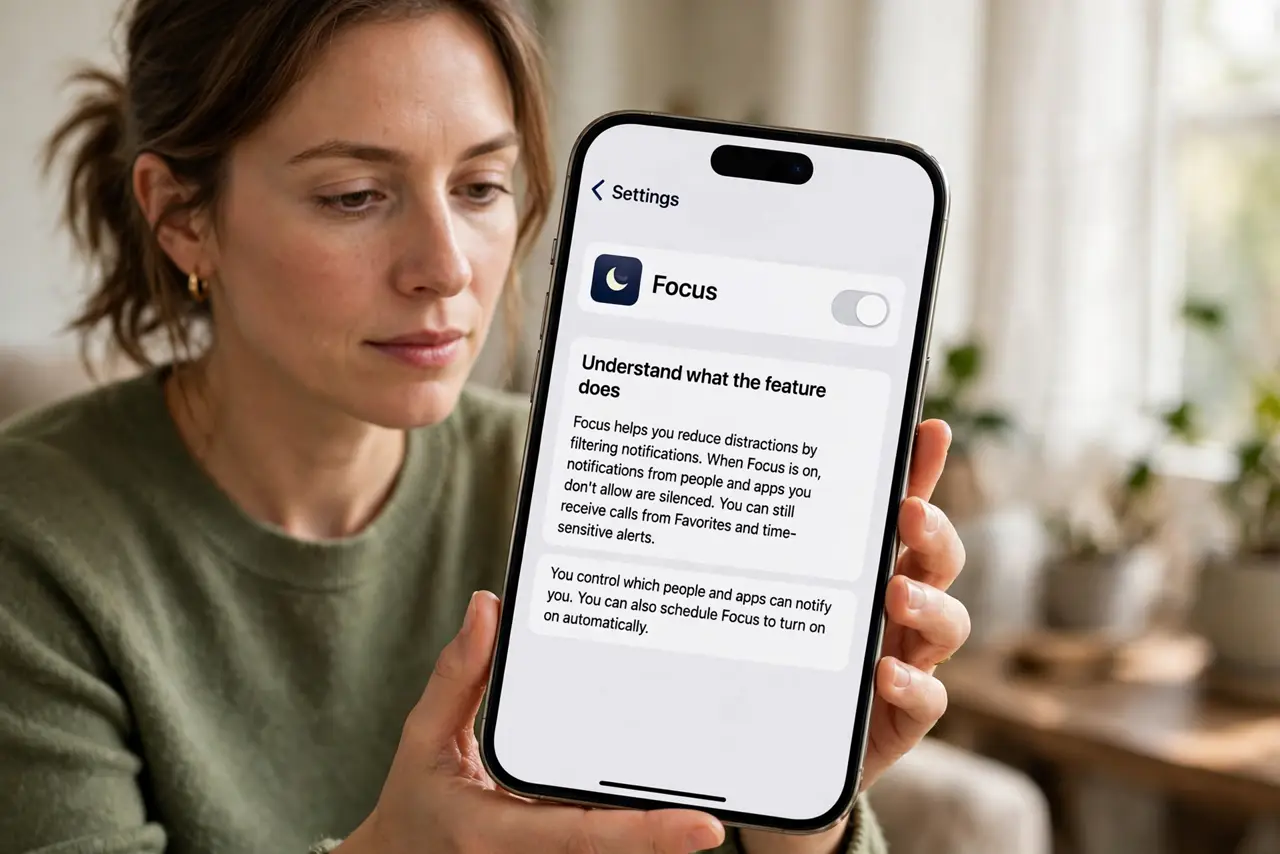
- Understand what the feature does. Silence Unknown Callers sends any number not in your contacts, recent calls, or Siri suggestions straight to voicemail. It is blunt by design.
- Save important numbers as contacts. Add the school, doctor, workplace, and delivery services to contacts. Known numbers always ring through, no matter the setting.
- Check silenced calls in Recents. Silenced calls still appear in the Recents list. Review it daily for a while and save any legitimate number you find there.
- Keep voicemail greeting helpful. Tell callers to leave a message or text. A good greeting turns a silenced call into a returned call instead of a lost one.
- Use it on a schedule, not always. If your phone supports it, enable the feature only during work hours or sleep. Part-time silencing catches spam while leaving the rest of the day open.
- Turn it off if the cost is too high. If you regularly miss wanted calls — job hunting, house hunting, waiting on services — disable the feature and use your carrier's spam filter instead.
What NOT to do
- Do not assume every silenced call was spam. Doctors' offices, schools, and delivery drivers all call from unknown numbers.
- Do not enable it right before expecting important calls. Job interviews and service appointments are the worst time for aggressive silencing.
- Do not forget to check voicemail. Silenced callers can still leave messages — an unchecked voicemail box defeats the safety net.
- Do not combine it with an aggressive spam filter blindly. Two layers of blocking multiply the chances of missing a real call.
Frequently asked questions
Will Silence Unknown Callers block texts too?
No — it only affects calls. Texts from unknown numbers still arrive normally.
Do silenced callers know they were silenced?
They hear it ring once or go to voicemail, like a normal unanswered call. There is no 'blocked' message.
Can I allow some unknown numbers through?
Only by saving them as contacts first. There is no per-number allowlist for truly unknown callers.