Android Update Promises
Two Android phones cost the same, but one gets updates until 2031 and the other was abandoned before you finished the setup wizard. The update promise — how many years of OS and security updates the maker guarantees — is the most underrated spec on the sheet, and it varies enormously. This guide shows how to read the promise before you buy, not after. iPhone buyers face a simpler world; see the safe update guide for that side.
TL;DR / Quick Fix
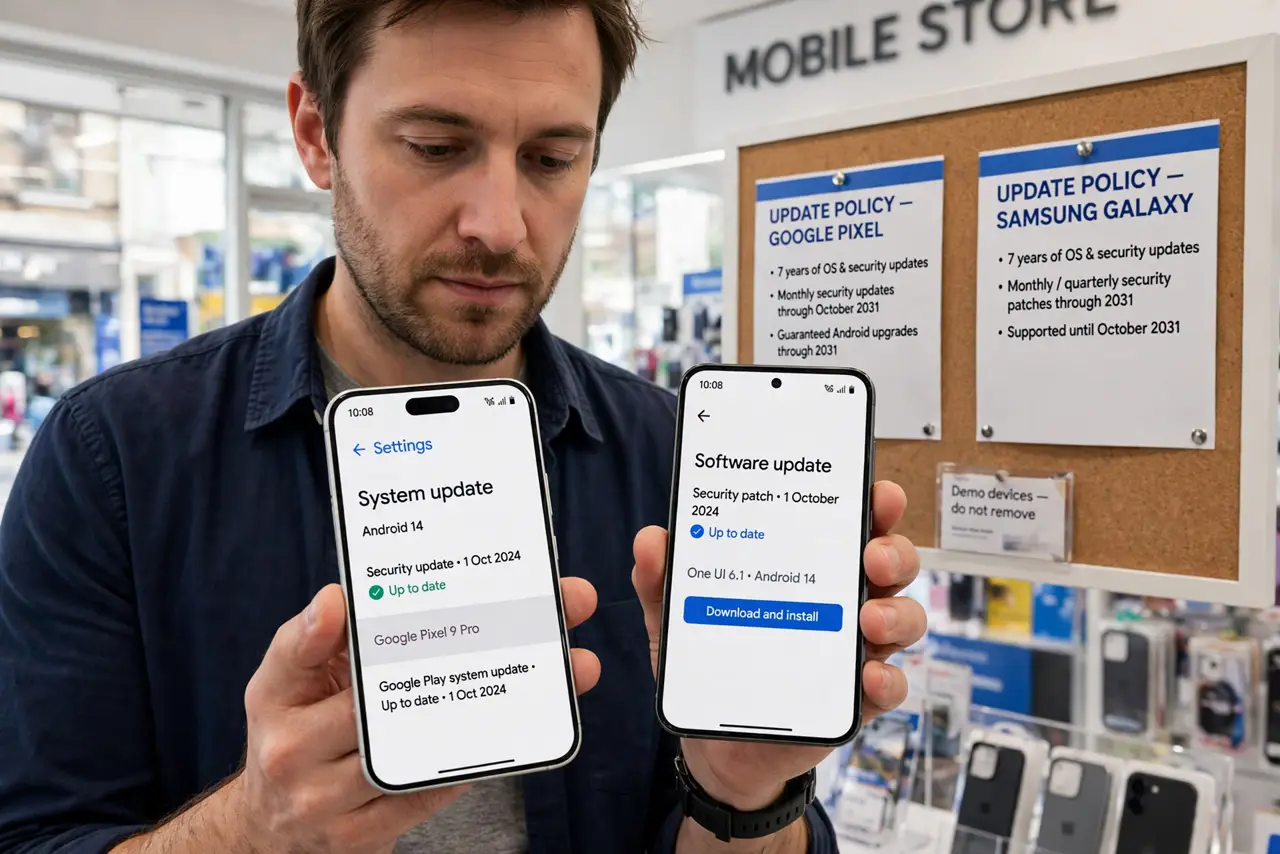
Quick fix: before buying an Android phone, check the maker's update promise — years of OS and security updates vary wildly. Pixel and Samsung flagships now promise seven years; budget phones may get two. The promise matters more than the launch-day software.
Follow these steps
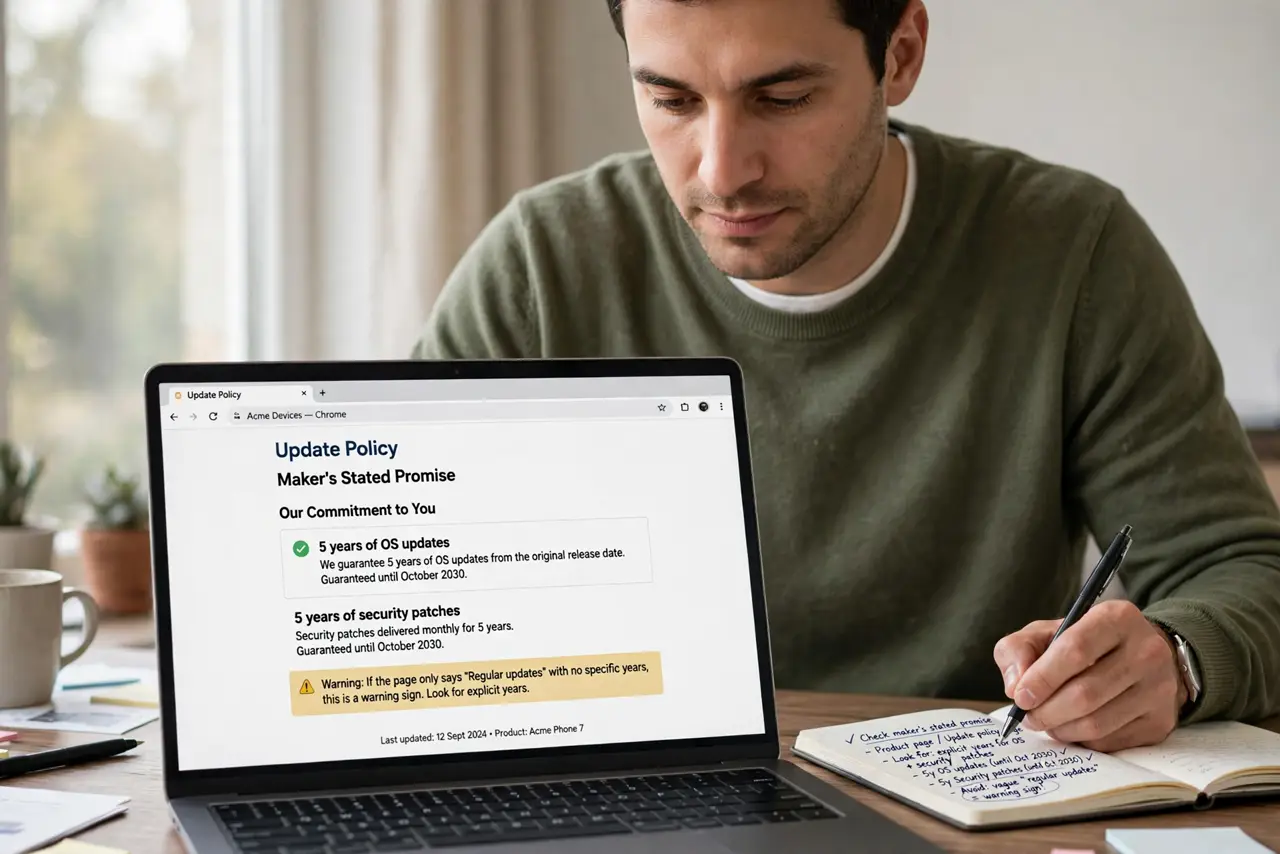
- Find the maker's stated promise. Check the product page or the maker's update policy page for explicit years of OS updates and security patches. Vague 'regular updates' language is a warning sign.
- Distinguish OS from security updates. OS updates bring new features; security patches keep you safe. Some makers promise fewer OS versions but longer security coverage — know which number you are reading.
- Compare the tiers. Flagships from major makers now offer up to seven years; mid-range phones often get four; budget models may get two or three. The price gap buys longevity.
- Check the track record. Promises are new; history is evidence. Search whether the maker actually delivered past promises on time — late updates are an old Android tradition.
- Factor in carrier delays. Carrier-sold phones can lag unlocked models by months. If fast updates matter, unlocked direct from the maker is the safer buy.
- Weigh the promise against price. A cheaper phone with two years of updates can cost more per supported year than a pricier one with seven. Do the division before deciding.
What NOT to do
- Do not trust launch-day software alone. A phone shipping the latest Android with a two-year promise ages fast.
- Do not confuse 'up to' with guaranteed. Read whether the years are a commitment or marketing fluff.
- Do not ignore security patch frequency. Monthly patches beat quarterly ones — ask how often, not just how long.
- Do not buy carrier models blind. Extra carrier testing layers add real delay to every update.
Frequently asked questions
Which Android makers promise the longest updates?
Google Pixel and Samsung flagships currently lead with multi-year OS and security commitments. The landscape shifts — verify at purchase time.
Do updates slow old phones down?
Major OS updates can feel heavier on old hardware, but security patches are light. The tradeoff favors staying updated.
What happens when updates end?
The phone keeps working but gets no new features or security fixes — plan replacement around the end date, not after.