Wireless Charging Too Slow? Fix It
Wireless charging is convenient, but when it crawls, the cause is usually alignment, a thick case, or a weak adapter — not a broken phone. This guide walks through the fixes in order, so your MagSafe or Qi charging actually finishes overnight.
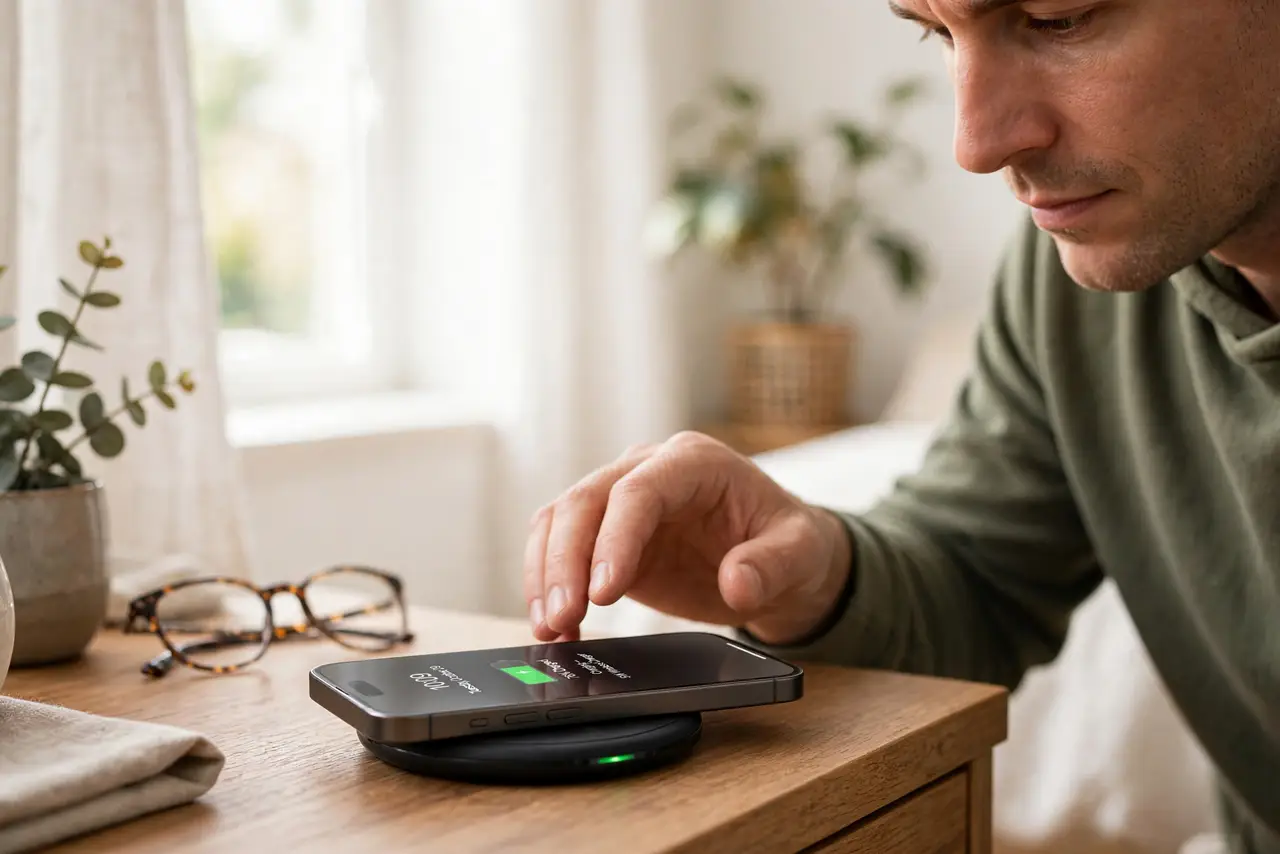
TL;DR / Quick Fix
Quick fix: center the phone on the charger, remove thick or metal cases, and use the adapter the charger was designed for. Wireless charging is slower than a cable by nature. If the battery barely moves after an hour, try a cable to rule out a phone problem.
Follow these steps
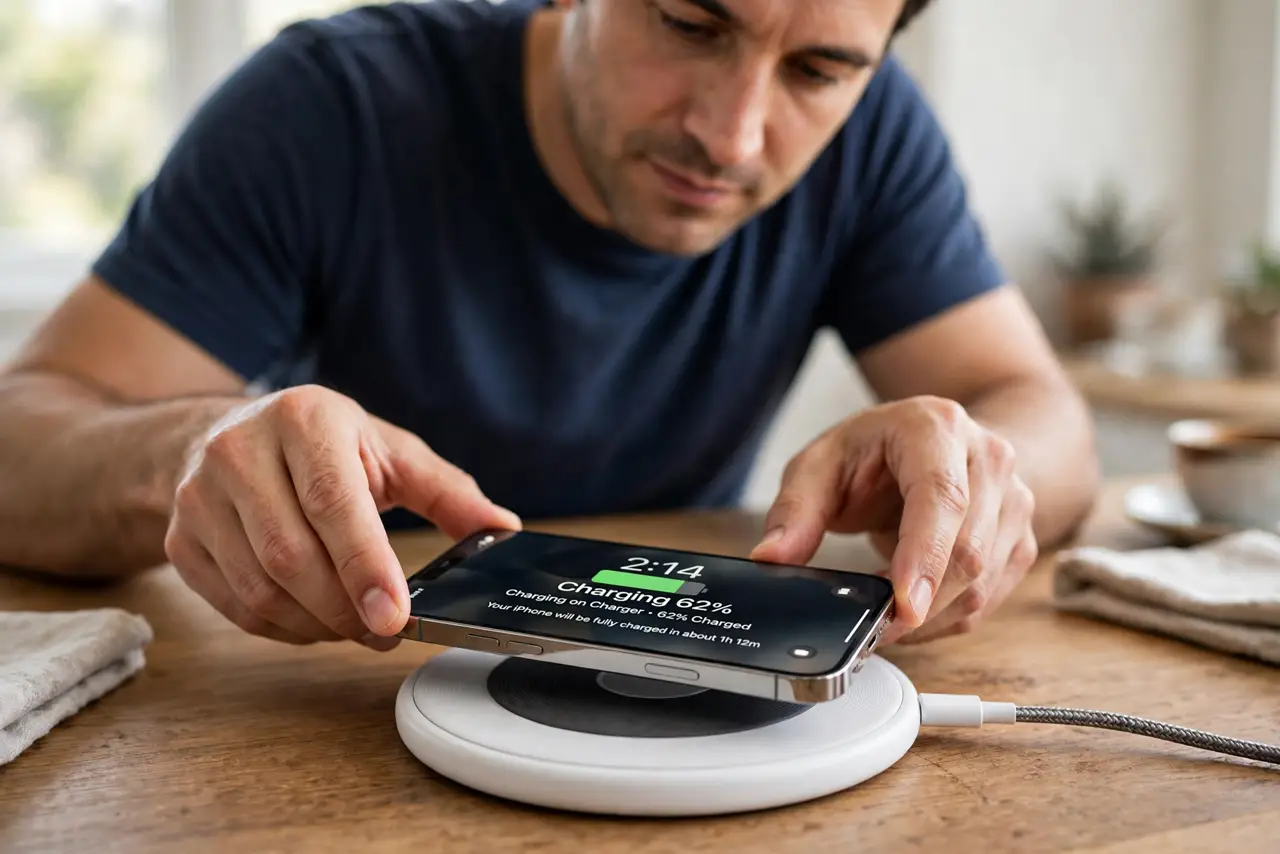
- Center the phone on the coil. Pick the phone up and set it back down, centered on the pad. Off-center placement is the most common reason wireless charging crawls.
- Remove thick, metal, or wallet cases. Cases over a few millimeters, metal plates, and wallet folds block the wireless field. Test with the case off — many slow charging cases are the whole problem.
- Use the right power adapter. A wireless pad fed by a weak old USB adapter cannot deliver full power. Use the wattage the pad's manual recommends, ideally the one it came with.
- Keep the phone cool while it charges. Wireless charging makes heat, and heat makes the phone throttle charging speed. Charge on a hard surface, not on bedding, and out of sunlight.
- Expect slower speeds than a cable. Even working perfectly, wireless charging runs noticeably slower than wired. If it adds a healthy chunk overnight, it is doing its job.
- Test wired to isolate the fault. Charge with a cable and adapter for 30 minutes. If wired is fast and wireless is not, the pad or adapter is at fault — not the phone.
What NOT to do
- Do not stack the phone on a metal surface. Metal between or under the coils kills efficiency and adds heat.
- Do not use a frayed cable to power the pad. An unstable feed makes charging start and stop all night.
- Do not expect 15-minute top-ups wirelessly. That speed belongs to wired fast charging, not to a pad.
- Do not ignore a pad that gets very hot. Excess heat means poor alignment or a failing pad — unplug it and investigate.
Frequently asked questions
Why is wireless charging so slow?
Usually misalignment, a thick case, or a weak adapter. Even at its best, wireless charging is slower than a wired fast charger.
Does wireless charging damage the battery?
The extra heat adds some wear, but modern phones manage it. Keeping the phone cool matters more than the charging method.
Why does wireless charging keep stopping?
The phone is likely shifting off-center or overheating. Reposition it on a hard, cool surface and remove the case.