Separate Work and Personal Apps
Work email pings during dinner, your personal photos sit next to client files, and one wrong share could send a meme to your boss. Mixing work and personal on one phone is a boundary problem with a technical fix: Android's work profile, or a Work Focus setup on iPhone. For two personal accounts inside one app instead, see app cloning.
TL;DR / Quick Fix
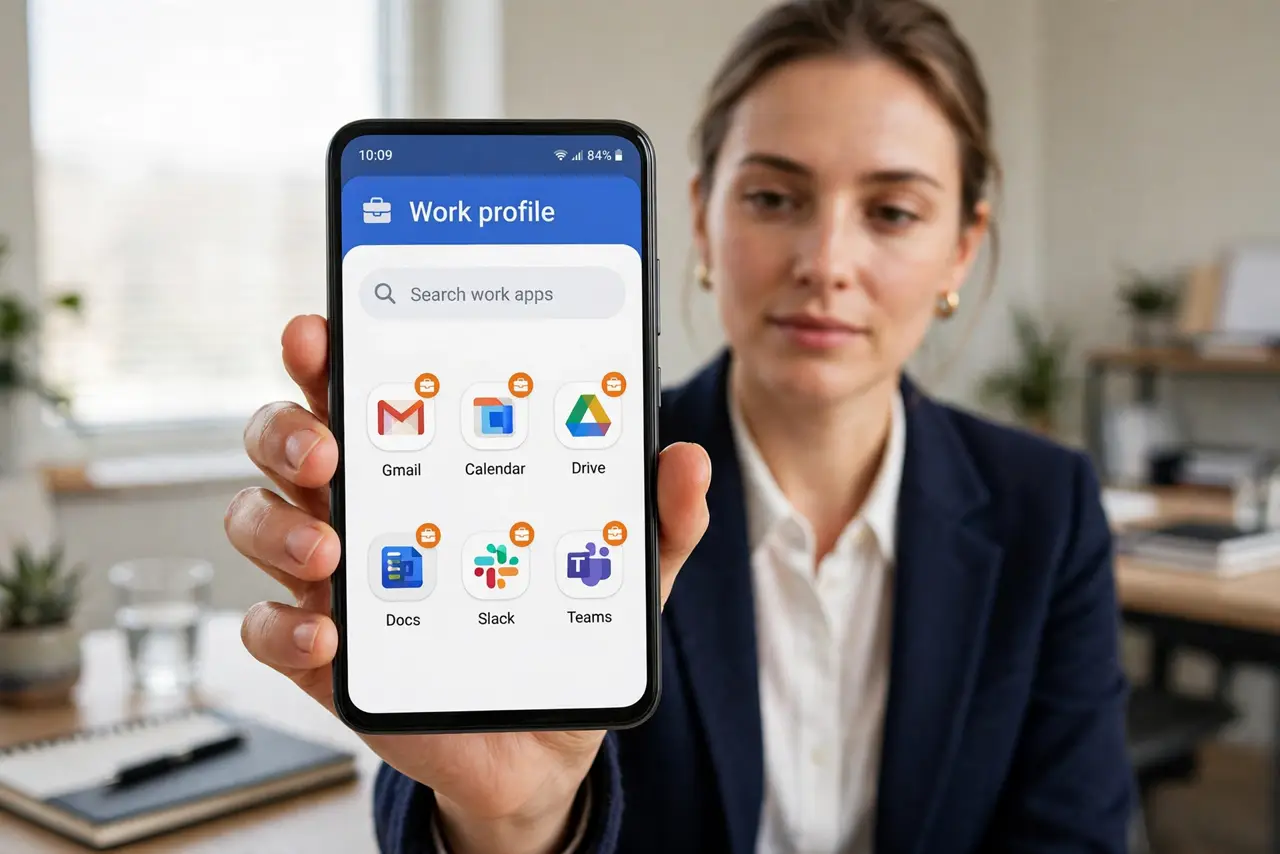
Quick fix: on Android, use a work profile to isolate job apps with a briefcase badge — your employer manages only that side. On iPhone, set up a Work Focus mode with its own home screen page. Pause work apps after hours so notifications stop following you home.
Follow these steps
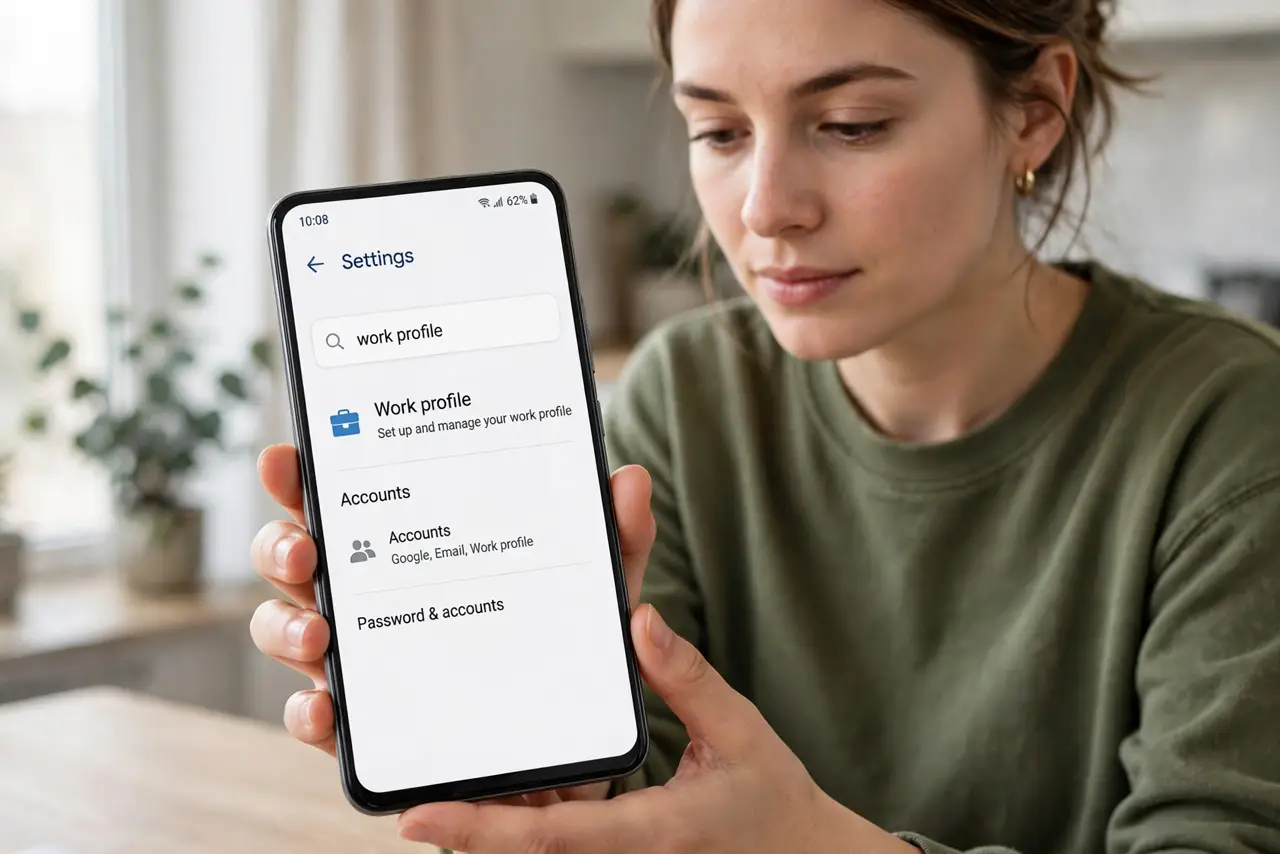
- Check if your Android supports a work profile. Open Settings and look for Accounts or search “work profile.” Most modern Android phones support it; your employer's IT usually triggers the setup.
- Enroll through your employer. Work profiles are typically created during enrollment with your company's device management. Your employer can manage and wipe only the work side — personal apps and photos stay private.
- On iPhone, create a Work Focus. Go to Settings > Focus and add a Work focus. Choose which people and apps may notify you, and give it a dedicated Home Screen page with only work apps.
- Schedule work hours. Set the work profile or Focus to pause automatically after hours and on weekends. Automation beats willpower — you will not remember to toggle it manually.
- Keep files separated. Save work documents inside work apps only. A photo saved to the personal gallery from a work chat is the classic leak — keep the boundary clean.
- Know the wipe policy. Ask IT what happens if you leave: a work profile wipe removes work data only, but confirm this in writing before enrolling a personal phone.
What NOT to do
- Do not install your employer's management on your personal profile. Always use the work profile container — that is what protects your personal side.
- Do not assume IT cannot see work-side activity. They manage the work profile; keep personal browsing in personal apps.
- Do not mix credentials. Use separate passwords for work and personal accounts, even on the same phone.
- Do not ignore the remote-wipe policy. Read it before enrolling — surprises here are expensive.
Frequently asked questions
Can my employer see my personal apps?
No — a proper work profile isolates them. But confirm your company's policy, since setups vary.
What is the iPhone equivalent?
A Work Focus mode plus a dedicated Home Screen page. It is organization, not true containerization, but it works well.
Can I pause work apps on weekends?
Yes — pause the work profile on Android or schedule the Focus off on iPhone. Keep personal files private with a locked folder too.