Antivirus Flags Your Own File? False Positives
Your antivirus just quarantined a file you wrote yourself or a program you trust — annoying, but usually harmless. Antivirus software guesses, and it sometimes guesses wrong, especially with homemade scripts and niche tools. This guide shows how to verify the file is safe and restore it without disabling your protection.
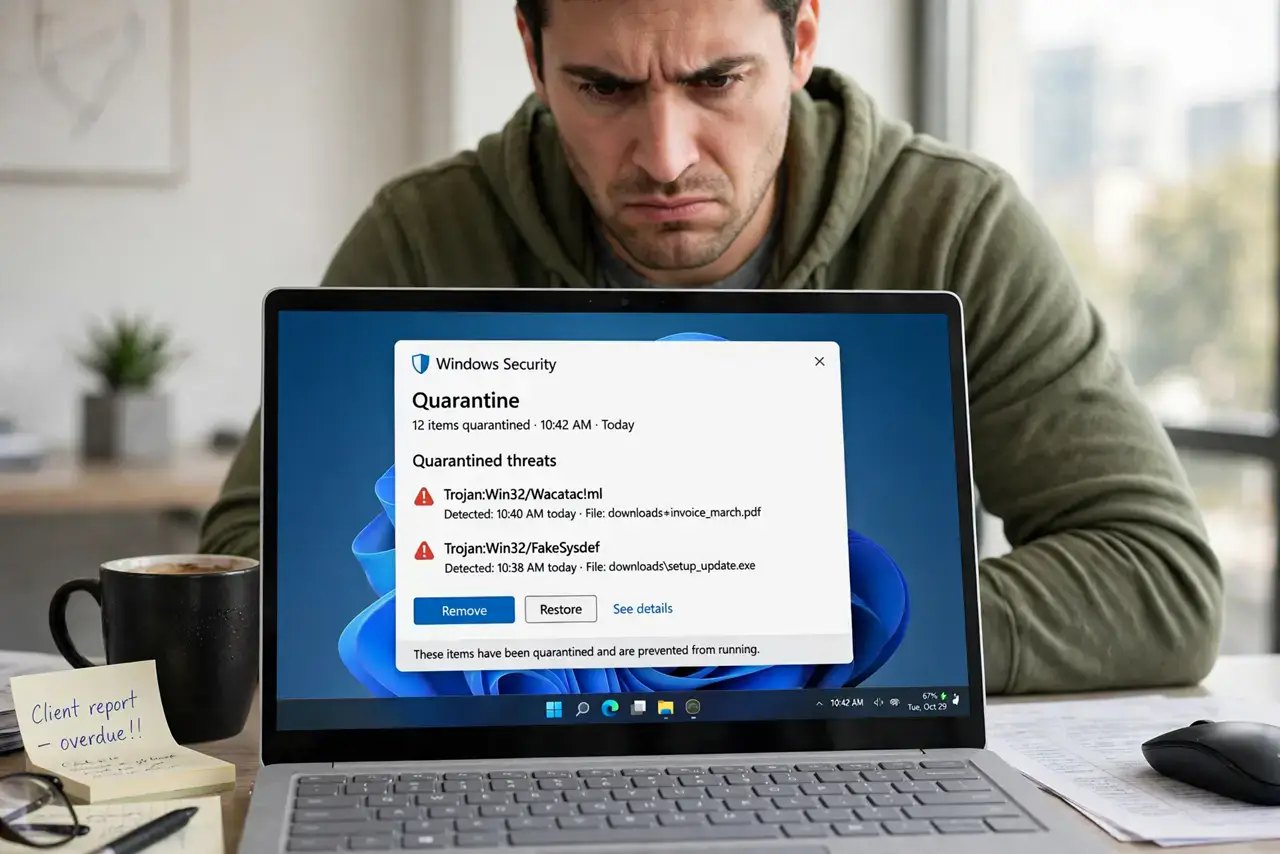
TL;DR / Quick Fix
Quick fix: do not disable your antivirus — instead, upload the flagged file to an online multi-scanner to confirm it is clean. If it is, restore it from quarantine and add it to your antivirus exclusions. If even one reputable scanner flags it, treat the file as genuinely dangerous.
Follow these steps
- Read the exact detection name. The alert names what it found — a generic 'heuristic' or 'suspicious' label suggests a guess, while a specific trojan name deserves more caution.
- Upload it to a multi-scanner. Submit the file to an online service that scans with dozens of engines. One flag out of seventy is a false positive; twenty flags is not.
- Check where the file came from. A script you wrote yourself or a tool from its official site is almost certainly safe. A 'cracked' download or email attachment is not — delete those.
- Restore from quarantine. In your antivirus, open the quarantine list, select the file, and choose Restore. The file returns to its original location.
- Add a targeted exclusion. Exclude that specific file or folder from future scans — not your whole drive. A narrow exclusion keeps protection intact everywhere else.
- Report the false positive. Most antivirus vendors accept false-positive reports. Reporting helps their next update stop flagging your legitimate file.
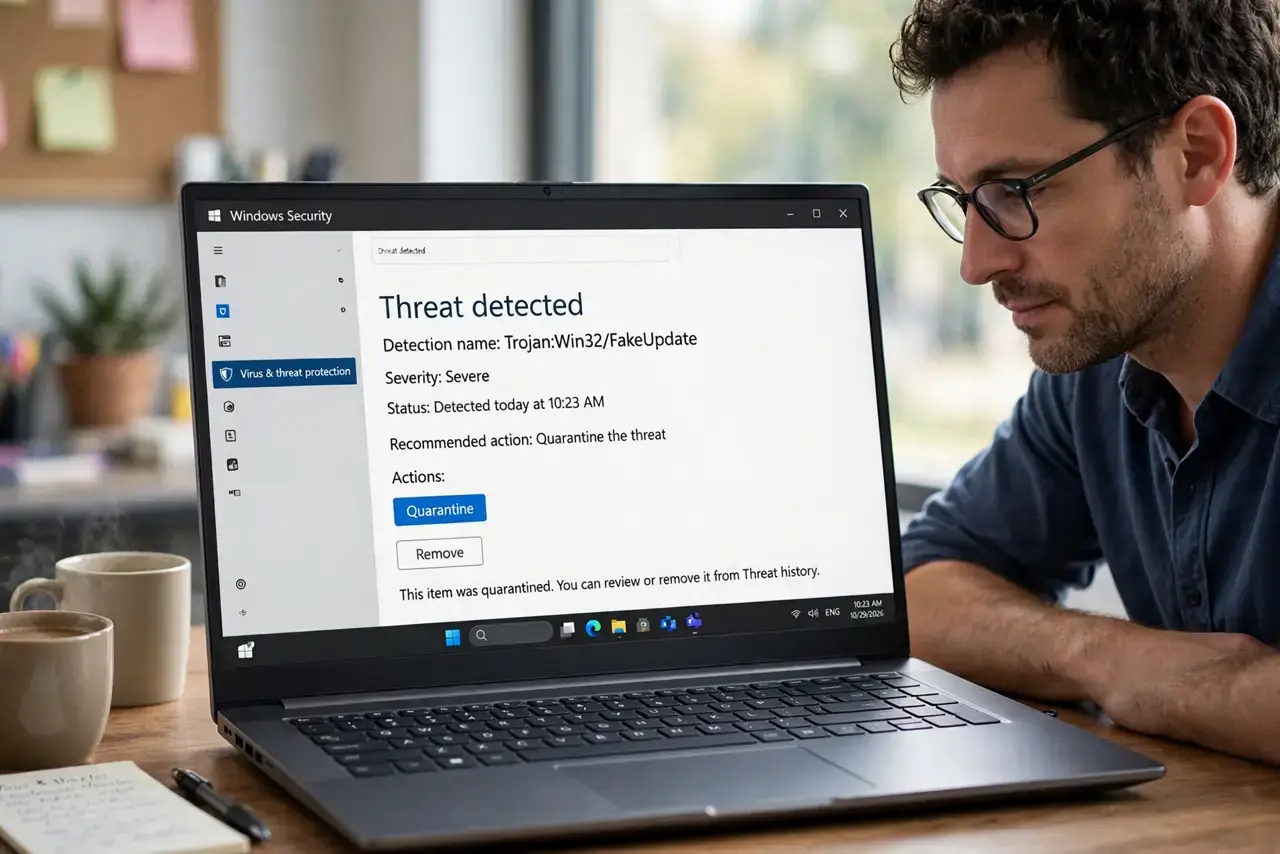
What NOT to do
- Do not disable your antivirus to 'make it stop.' Disabling protection for one annoying alert leaves you exposed to every real threat.
- Do not exclude entire drives or download folders. A blanket exclusion is an open door; exclude only the specific verified file.
- Do not restore a file that multiple scanners flag. If several engines agree it is malware, your antivirus was right — delete it.
- Do not assume a false positive means the antivirus is useless. Heuristic guesses are the price of catching brand-new threats early.
Frequently asked questions
Why does antivirus flag safe files?
It uses heuristics — educated guesses about suspicious behavior. Homemade scripts, game mods, and niche utilities often look 'suspicious' to those guesses.
Can I trust an online multi-scanner?
For verdicts, yes. Seeing 1 flag versus 40 across independent engines is the clearest signal you can get without expertise.
Will the exclusion slow my computer?
No. Exclusions slightly reduce scanning coverage for that one file, with no performance effect worth noticing.