App Asks for Contacts to Work? Decide Safely
Some apps claim they need contacts to work, when they only need them for one convenience feature, such as finding friends. Before granting access to your whole address book, test what the app does without it.
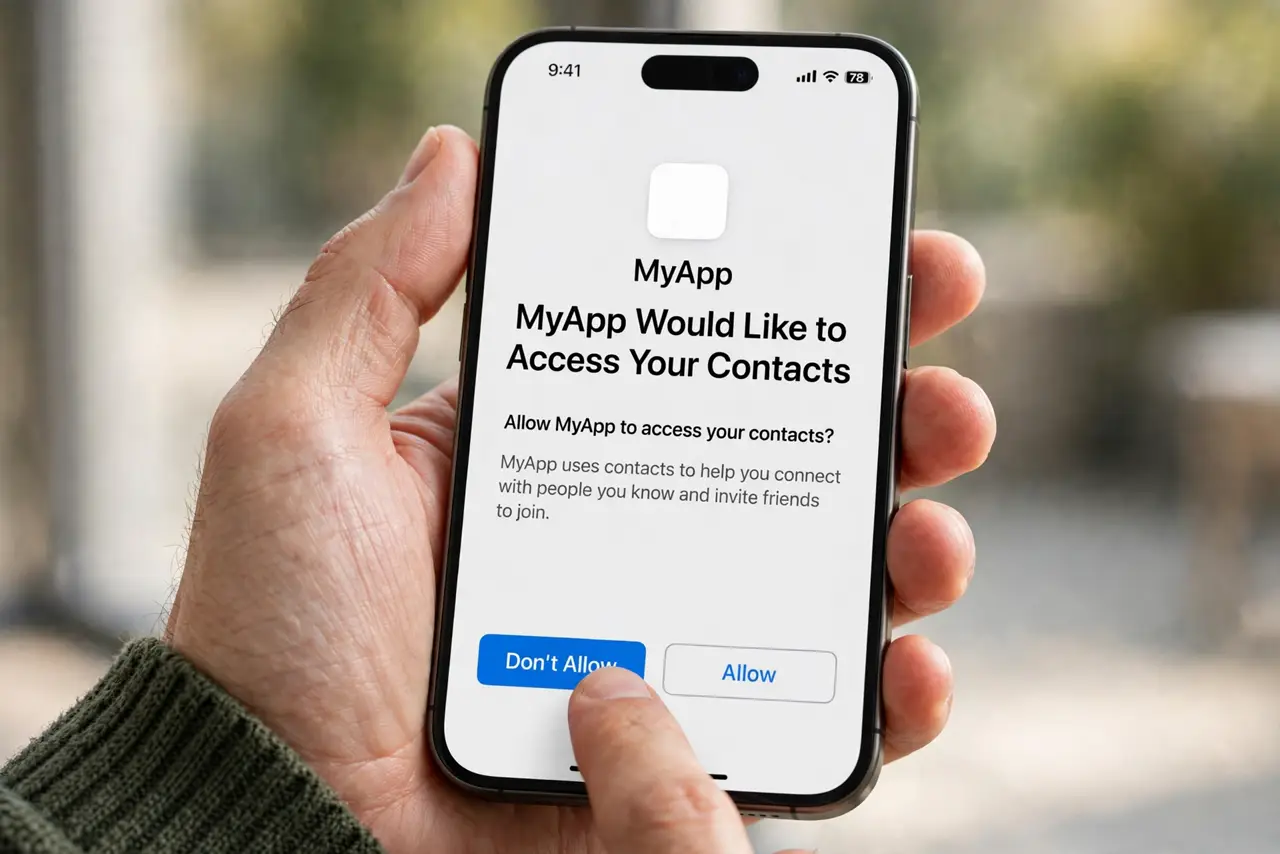
TL;DR / Quick Fix
Quick fix: deny contacts permission first and test the app. If core features work, leave it denied and type names or numbers manually. Grant contacts only to a trusted app, only if a feature you truly need stops without it.
Follow these steps
- Deny contacts permission first. When the app asks, choose deny or do not allow. This is the safe starting point, and you can change it later if a real need appears.
- Test the core features. Try the main things you installed the app for: messaging, calling, ordering, or reading. If those work, contacts were never required for the core app.
- Use manual entry instead. Type a name, number, or email by hand when you need to reach someone. Manual entry is slower, but it shares nothing about your other contacts.
- Identify the feature that actually needs contacts. If one feature fails, note exactly which one. A find friends feature is a convenience, not a core need, and you can live without it.
- Grant access only to a trusted app. If you decide the feature is worth it, grant contacts only to an app from a maker you trust, with a clear privacy policy. Check the permission again after a week.
- Consider an alternative app. If an untrusted app refuses to work at all without contacts, look for an alternative that works without them. Many apps in the same category do.
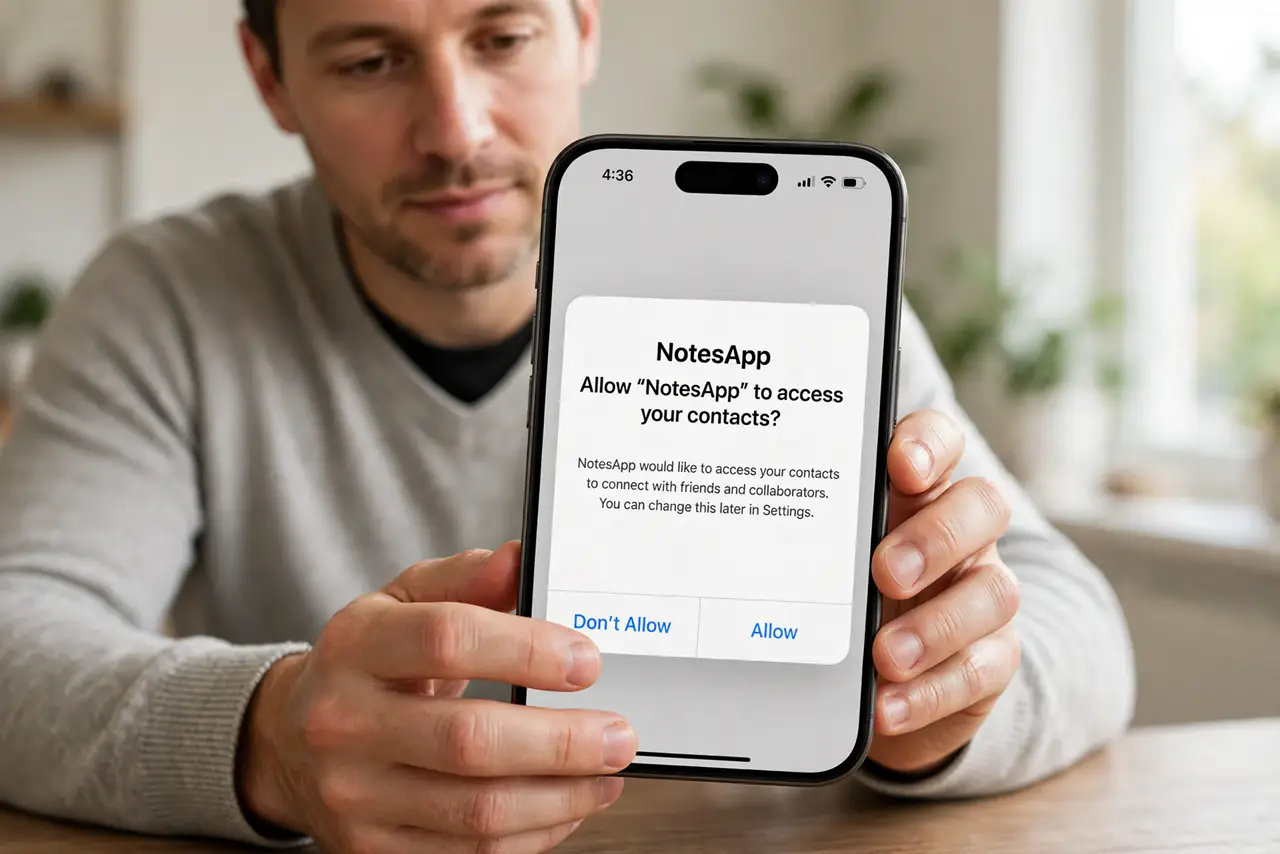
What NOT to do
- Do not grant contacts just to get past a setup screen. Deny first, test, and decide from evidence, not from a prompt.
- Do not grant contacts to an app you just installed and do not yet trust. Trust comes from use, not from a first-run request.
- Do not assume a refusal means the app is broken. Many apps warn about contacts, then work perfectly without them.
- Do not upload contacts to find friends in an app you may delete tomorrow. The upload can outlive your use of the app.
Frequently asked questions
What if the app will not open without contacts?
Close it and check whether an alternative exists. An app that blocks all use over contacts is asking for more than most apps in its category need.
Can I grant contacts temporarily?
Yes. Grant it, use the one feature, then set it back to Never in device settings. Temporary access limits what can be copied.
Does denying contacts affect my own number?
No. Denying stops the app reading your address book. It does not hide your own account or number from people you contact directly.