App Has Contacts Permission It Does Not Need?
Many apps ask for contacts during setup even when they work fine without them. Your contacts list includes names, numbers, and emails of other people, so granting it casually shares more than your own data. Revoke it and test the app.
TL;DR / Quick Fix
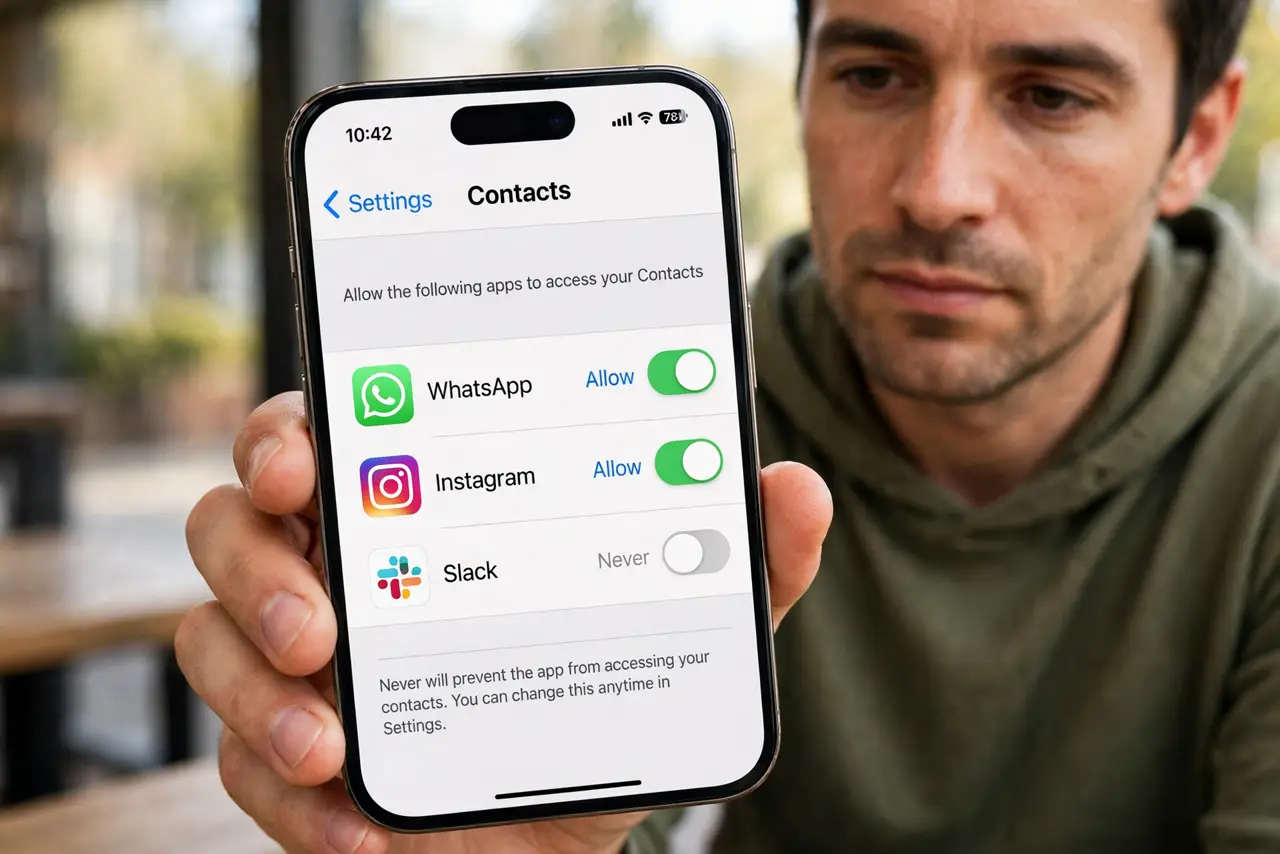
Quick fix: open contacts permission for the app and set it to Never. Test the app normally: if everything you need still works, leave it off. If one feature needs contacts, grant it only to that trusted app, and only while you use it.
Follow these steps
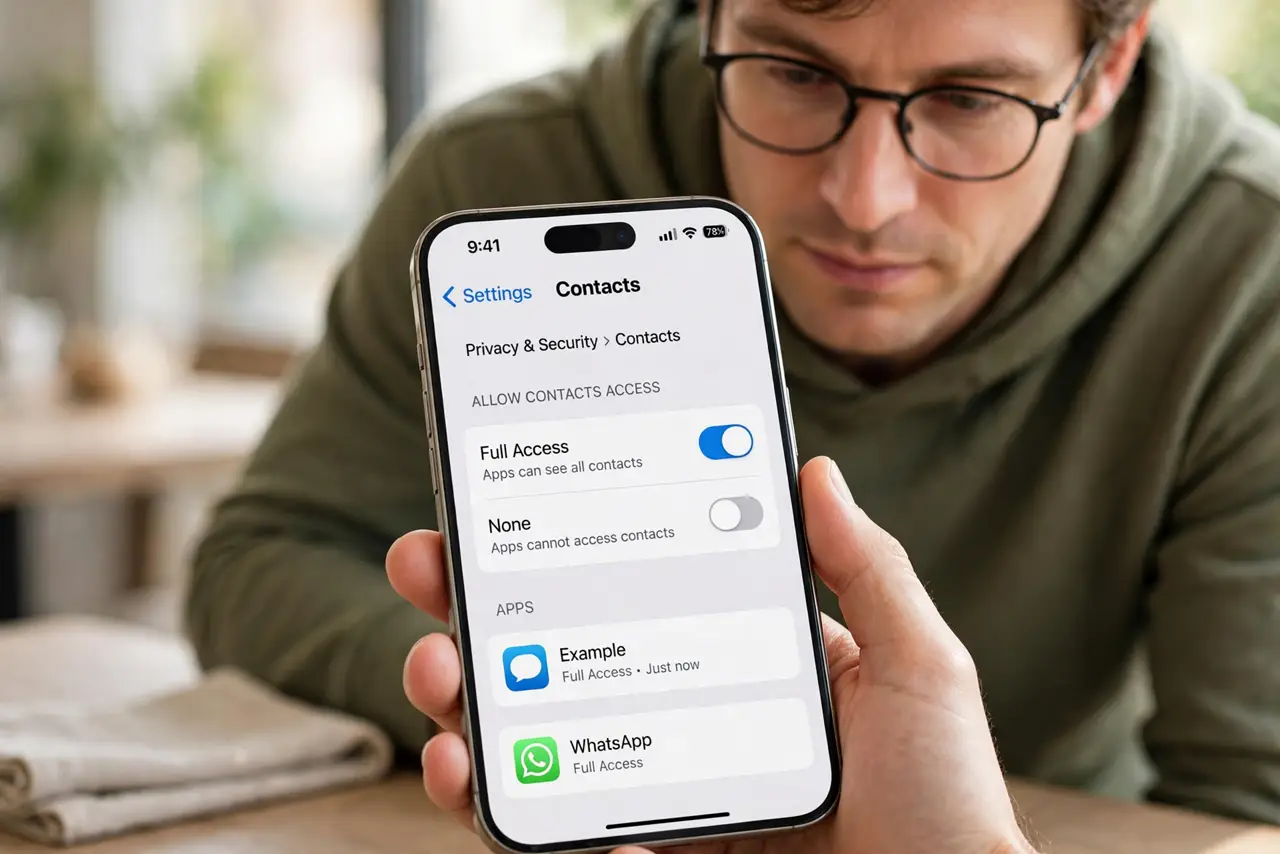
- Open contacts permission for the app. In device settings, open privacy, then contacts, and find the app. Check whether it currently has access to your full contacts list.
- Set it to Never. Change the setting to Never. This stops the app reading, copying, or syncing your contacts from this point on.
- Test the app normally. Use the app as you normally would for a day. Most apps work fine without contacts, and any missing feature will show itself quickly.
- Grant it back only for a real need. If a trusted messaging or calling app truly needs contacts to find people, grant it back deliberately. Do not grant it back just because a prompt reappears.
- Check for contacts already synced. In the app account settings, look for synced contacts or find friends options, and delete synced contacts if the app offers that choice.
- Recheck after updates. Recheck contacts permission after major updates. Updates can ask for it again, and a quick review keeps an unwanted grant from returning quietly.
What NOT to do
- Do not grant contacts to every app during setup out of habit. Grant it only when a feature you trust actually needs it.
- Do not assume contacts permission only affects you. It can expose names and numbers of friends and family too.
- Do not reinstall an app just to restore contacts access. Reinstalling does not fix a feature that works without it.
- Do not accept a find friends prompt as harmless. It is a contacts upload, even when it is worded as a convenience.
Frequently asked questions
Will messaging still work without contacts?
Yes, if you type numbers or names manually. Contacts access only makes finding people faster, it is not required for sending messages.
What if the app stops working entirely?
That is rare, and usually means the app was built around contacts. Decide whether you trust it enough, or use an alternative that works without them.
Can I delete contacts an app already copied?
Sometimes, through the app account settings or by deleting the account. Check its synced contacts or privacy options for a delete choice.