App Opens on the Wrong Monitor? Fix It
When an app always opens on the second monitor, Windows is remembering its last position, or the main display is set to the wrong screen. Dragging it to the right monitor and closing it there usually retrains it.
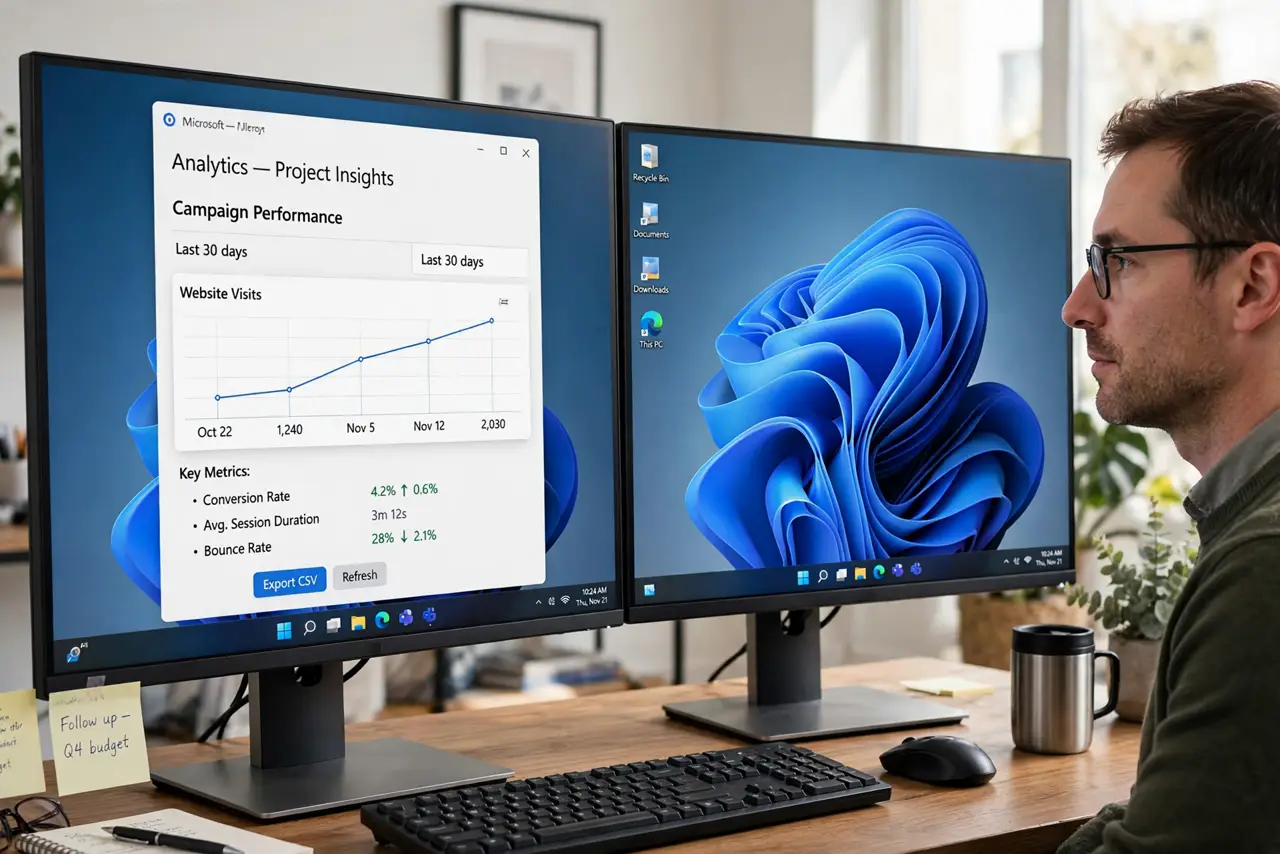
TL;DR / Quick Fix
Quick fix: drag the app window onto the monitor you want, maximize it there if you like, then close it from that monitor. Reopen it: it should return to the same monitor. If it still opens elsewhere, check which display is set as main in Display settings.
Follow these steps
- Drag the app to the wanted monitor. Drag the app window by its title bar onto the monitor you want it on. Do not just maximize it there from the other screen, because position matters more than size.
- Close the app from that monitor. Close the app while it sits on the wanted monitor. Windows remembers the last position on close, so closing it there teaches it where to reopen.
- Reopen and check. Open the app again and see where it appears. If it returns to the wanted monitor, the fix worked. If not, the main display setting is the next check.
- Set the correct main display. Open Settings, then System, then Display, select the monitor you use most, and choose Make this my main display. The taskbar and new windows will favor that screen.
- Check the monitor order. In the same Display page, confirm the monitor boxes match their physical left-to-right order. Drag the boxes to match reality if they are swapped.
- Test with a second app. Open a second app and see where it appears. If all apps favor the wrong monitor, the main display is the cause. If only one app misbehaves, its own saved position is.
What NOT to do
- Do not reinstall an app that opens on the wrong monitor. The app is fine, and reinstalling will not change its saved window position.
- Do not swap monitor cables to fix the order. Cable order does not set the main display, and swapping cables can confuse the layout further.
- Do not turn off the second monitor permanently to force apps onto one screen. That loses the benefit of two screens for a problem a setting fixes.
- Do not change resolution to move an app. Resolution changes can shuffle every window, so fix the main display and the saved position instead.
Frequently asked questions
Why does only one app open on the wrong monitor?
That app saved its last position on the other monitor. Dragging it over and closing it there updates the saved position.
What does main display actually control?
It sets which monitor gets the taskbar and where new windows prefer to open. It does not force every app, which is why position memory still matters.
I dragged it over but it still reopens wrong. Why?
You may have closed it from the other monitor, or maximized without moving it. Drag it, close it there, and test again.