Why Downloads Beat Uploads
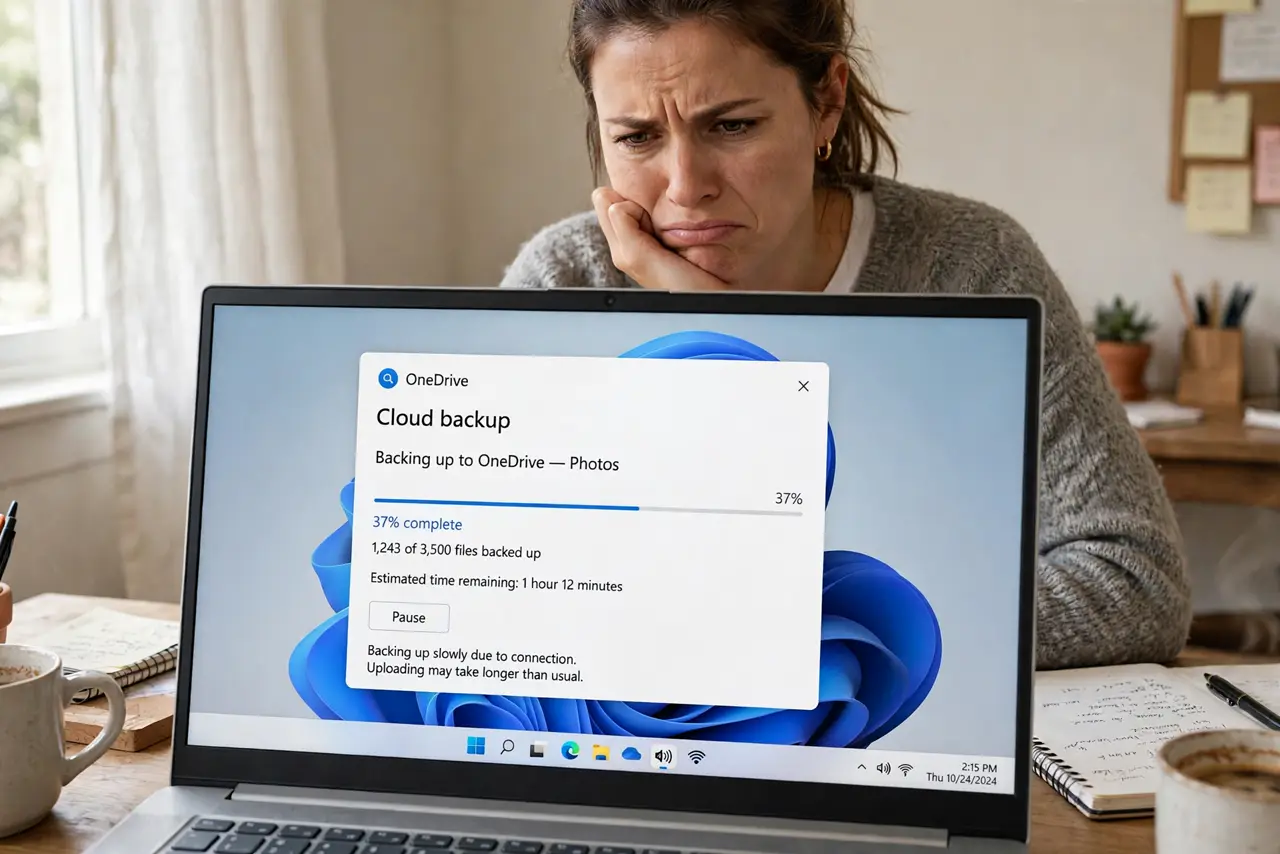
Your plan screams '300 Mbps' but cloud backups crawl and video uploads take forever. That is not a malfunction — most home internet is asymmetric by design, with downloads far outpacing uploads. This guide explains why the imbalance exists and when it is worth fixing, starting with why upload speed matters.
TL;DR / Quick Fix
Quick fix: most home plans are asymmetric — big download numbers, small uploads — because networks were built for streaming, not sending. Your slow cloud backups are normal on such plans. If uploads matter daily, look for fiber with symmetric speeds or a higher upload tier.
Follow these steps
- Learn what asymmetric means. Your plan's headline number is the download speed. Uploads typically run at a tenth of that or less — the plan is built lopsided on purpose.
- Understand why networks are built this way. Cable and phone-line tech devotes more spectrum to downloads because most households mostly download. The design matched old habits — remote work changed the habits, not the design.
- Check your plan's real upload number. Look past the headline: the fine print lists upload speed. Compare it to what you measured — that gap is your daily reality.
- See if it actually hurts you. Browsing and streaming barely touch uploads. Video calls, cloud backups, and content creation do — match the pain to the use before paying more.
- Consider fiber for symmetry. Fiber plans are usually symmetric — 300 down, 300 up. If uploads bottleneck your work daily, fiber is the structural fix.
- Ask about higher upload tiers. Some cable ISPs sell upload add-ons or business tiers with better ratios. A call costs nothing; an upgrade you do not need costs monthly.

What NOT to do
- Do not assume the headline speed covers uploads. Marketing shouts downloads and whispers uploads — read both numbers.
- Do not upgrade downloads to fix uploads. A faster download tier on the same lopsided tech barely moves the upload needle.
- Do not confuse Wi-Fi slowness with asymmetry. Test wired first so you blame the right thing.
- Do not ignore the upload when choosing a plan. Remote workers should shop by the smaller number, not the bigger one.
Frequently asked questions
Why do ISPs make uploads slow?
Legacy tech economics: download spectrum was cheaper to provision and matched demand. Fiber removes the technical excuse, but pricing habits linger.
Is 10 Mbps upload enough?
For one video caller, yes with headroom. For a household of remote workers plus cloud backups, it gets tight fast.
Will 5G home internet fix this?
Sometimes — 5G uploads beat cable's, but vary wildly by tower and congestion. Test during your actual usage hours.