Why Upload Speed Matters
Downloads get all the glory, but uploads decide whether your video calls look crisp, your cloud backups finish today, and your livestreams hold together. Most plans offer a fraction of the download speed for uploads — and nobody notices until the camera pixelates. This guide explains the imbalance and what to do about it.
TL;DR / Quick Fix
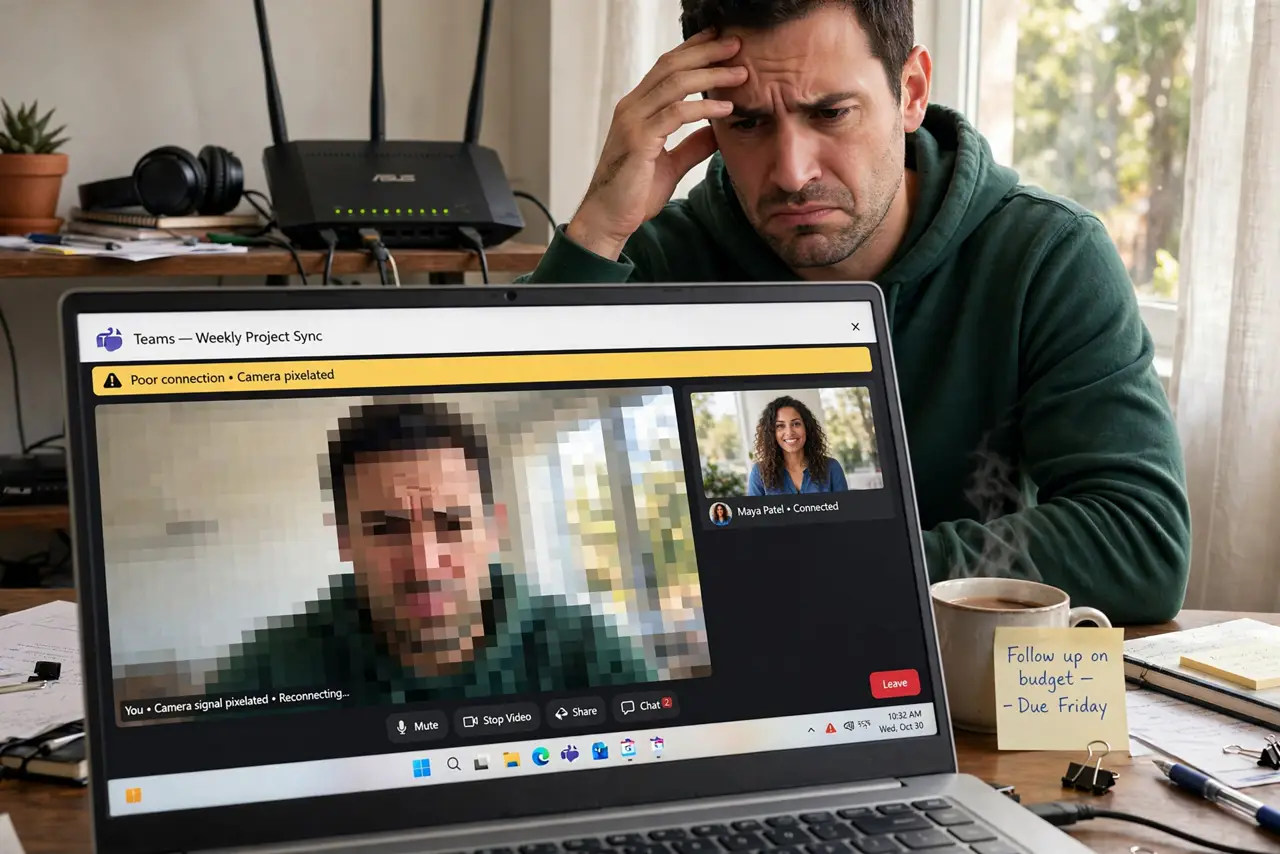
Quick fix: upload speed decides how smooth your video calls look and how fast cloud backups finish — most plans give far less upload than download. If calls pixelate while downloads feel fine, the upload side is the bottleneck. Consider a plan with more upload if you work from home.
Follow these steps
- Learn the asymmetry. Cable and 5G plans often give 10:1 or worse download-to-upload ratios. A 300 Mbps plan might include only 20 Mbps up — fine for Netflix, tight for a household on video calls.
- Measure your real upload. Run a proper speed test and note the upload number specifically. Compare it to your plan's advertised upload, not the download.
- Count your simultaneous uploaders. Each video call needs 2-5 Mbps up; cloud backups and photo syncs take whatever is left. Two calls plus a backup on 20 Mbps up is a traffic jam.
- Schedule big uploads off-hours. Cloud backups, video uploads, and photo library syncs can run overnight. Your daytime calls get the whole upload pipe.
- Wire the important machine. Ethernet removes Wi-Fi jitter from the upload path. The work laptop on a cable is the single most reliable video-call upgrade.
- Know when the plan is the problem. If uploads saturate daily despite scheduling, you need more upstream. Fiber plans are usually symmetric — see why downloads beat uploads and whether an upgrade is worth it.

What NOT to do
- Do not blame the camera for pixelation. Blocky video is almost always upload bandwidth or jitter, not the webcam.
- Do not run cloud backups during work hours on a slow upload plan. Schedule them — your meetings will thank you.
- Do not assume 'gigabit' means gigabit up. Read the upload number in the fine print before signing.
- Do not test upload while someone streams. Saturate nothing during the test or the number lies.
Frequently asked questions
How much upload do I need for video calls?
About 3-5 Mbps per HD call with headroom. A household of two remote workers wants at least 20 Mbps up.
Why is upload so much slower than download?
Most residential tech allocates more spectrum to downloads, matching typical usage. Fiber is the common exception with symmetric speeds.
Will a mesh system help uploads?
It can stabilize Wi-Fi uploads in dead zones, but it cannot create upload bandwidth your plan does not provide.