Audit Your Calendar
Friday arrives and the week vanished into a blur of calls — but you cannot say where the hours went. A calendar audit fixes that: a simple review of where your time actually went, so next week's schedule is a choice instead of an accident. Here is how to run one in under an hour.
TL;DR / Quick Fix
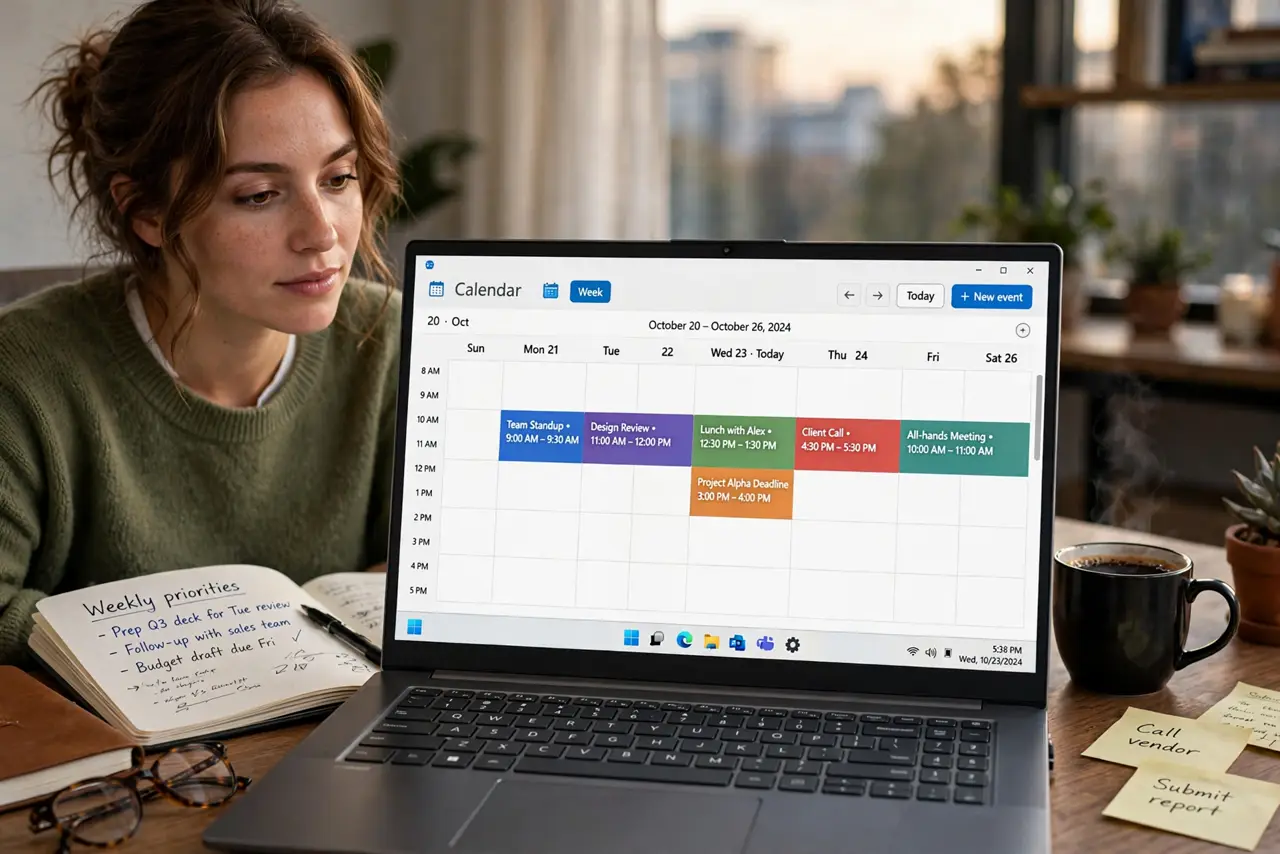
Quick fix: once a week, open your calendar's week view and label each block — meetings, deep work, admin, personal. Total the hours per category and compare against what you intended. The gap between intention and reality is the finding; fix next week by declining, shortening, or batching the offenders.
Follow these steps
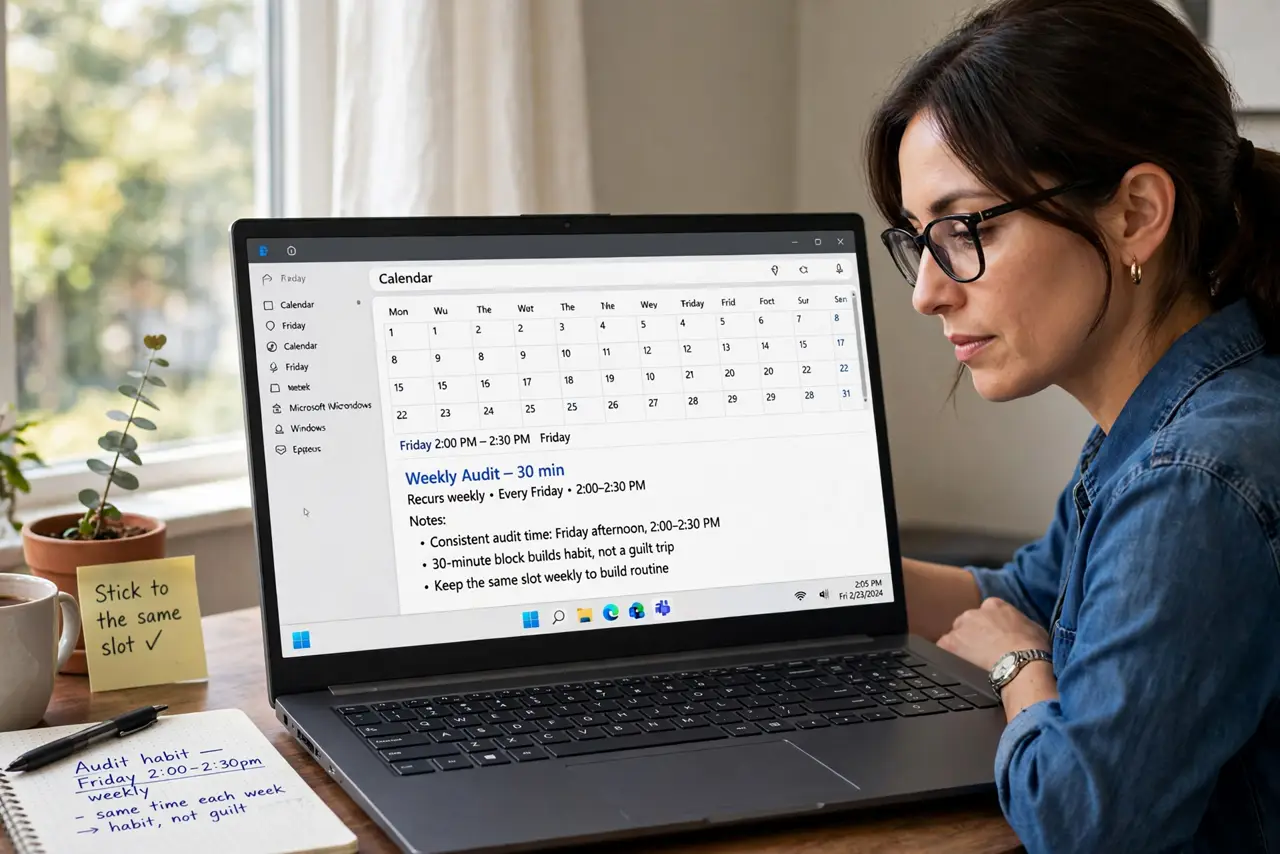
- Pick a consistent audit time. Friday afternoon or Monday morning — the same slot weekly. A recurring 30-minute block makes the audit a habit instead of a guilt trip you keep postponing.
- Color-code by category first. Assign colors to meeting types, deep work, admin, and personal time. The week view becomes a visual pie chart — see the color-coding guide for a system that actually helps.
- Total the hours honestly. Add up each category's hours for the week. Include the meetings you forgot about — the calendar does not lie, even when memory does.
- Compare against your intention. Decide what the ideal split looks like — say, 50% deep work — then face the gap. The audit's value is entirely in this uncomfortable comparison.
- Pick one fix for next week. Not five. Decline one recurring meeting, shorten one series, or batch one admin pile — a single concrete change beats a grand resolution.
- Automate the defense. Use focus time blocks and buffers so next week's calendar resists refilling — the audit diagnoses, automation treats.
What to avoid
- Do not audit without acting. A weekly review that changes nothing is just scheduled regret — every audit must produce one calendar change.
- Do not count only meetings. Email, chat, and 'quick questions' eat hours too — note the big ones so the picture is honest.
- Do not aim for zero meetings. The goal is intentional time, not empty time — some meetings earn their hours.
- Do not do it monthly. A month of drift is too much to fix at once; weekly keeps corrections small and painless.
Frequently asked questions
How long does a calendar audit take?
About 20-30 minutes once the color system exists. The first one takes longer because you are building categories — after that it is quick.
What is a healthy meeting load?
There is no universal number, but if deep work gets under a third of your week consistently, something structural needs changing.
Should I track time with an app too?
The calendar covers scheduled time well. For unscheduled work, a lightweight time tracker for one week reveals the rest — then stop tracking and just audit.