'Conflicted Copy' Files? What They Mean
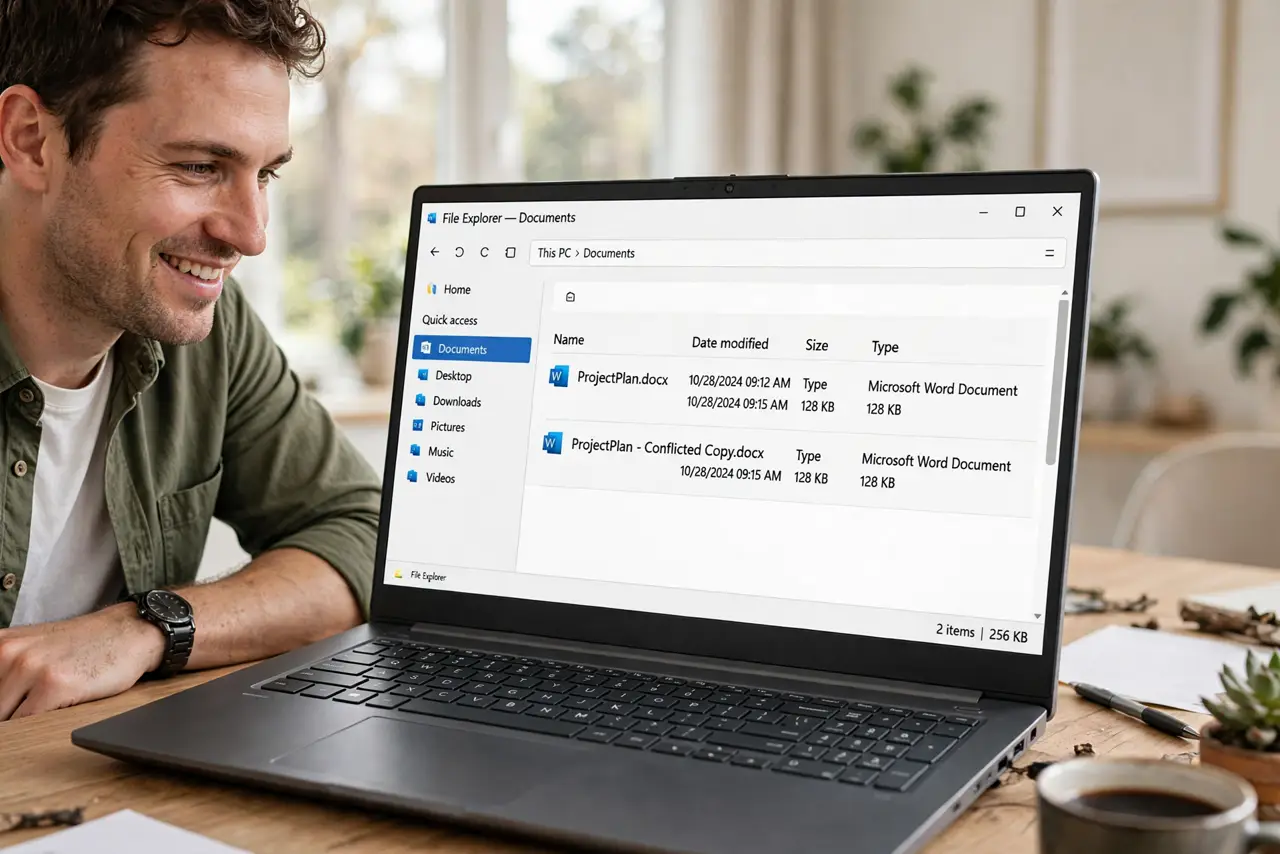
You open a folder and find Report (conflicted copy) next to Report — your sync app created a duplicate instead of merging two versions. It looks alarming, but it means no work was lost. This guide shows how to resolve conflicted copies calmly.
TL;DR / Quick Fix
Open both files and merge the differences into one correct version, keeping the conflicted copy until you are sure. Rename the merged file cleanly and delete the duplicate. Prevent repeats by closing files on one device before editing on another.
Follow these steps
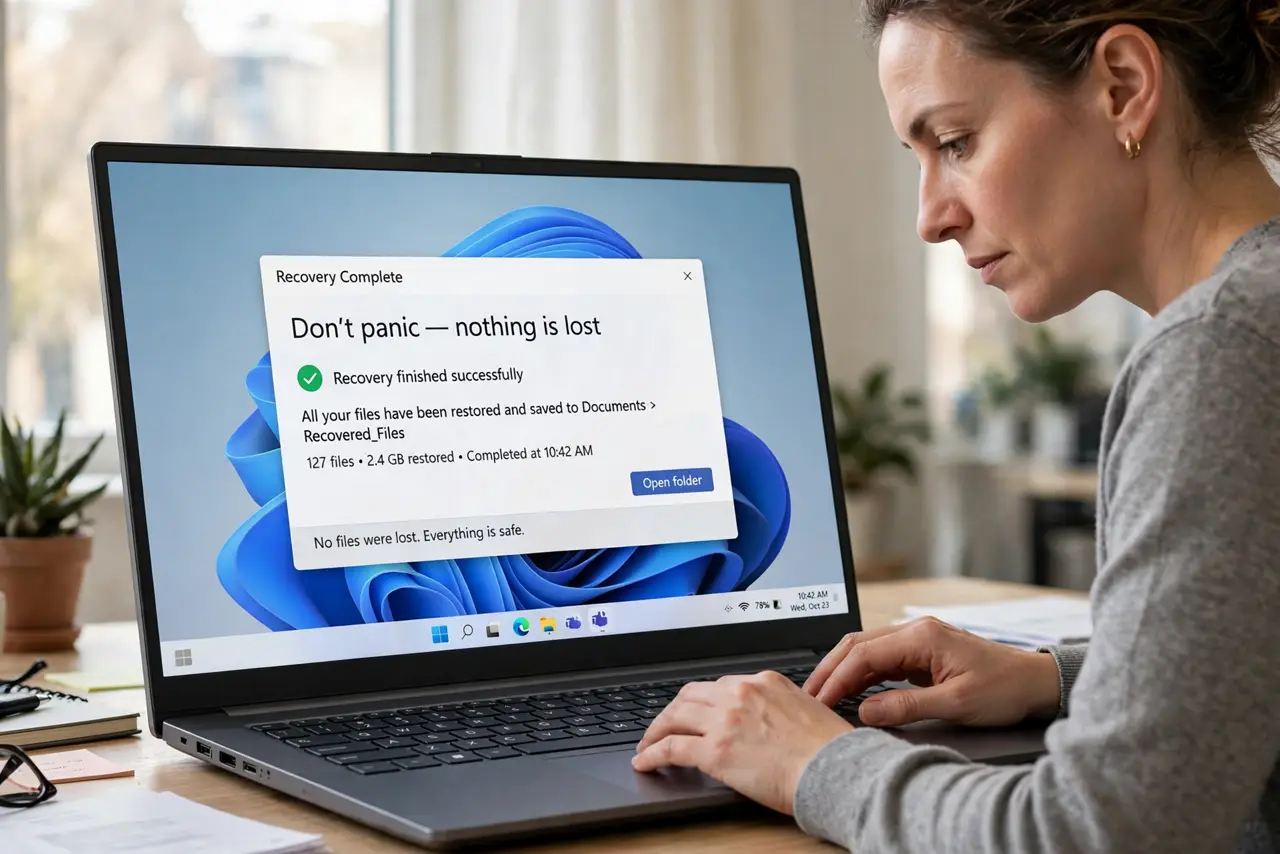
- Don't panic — nothing is lost. A conflicted copy means the sync app preserved both versions instead of picking one. This is the safe outcome, the same protection behind cloud conflicts that create copies.
- Open both versions side by side. Open the original and the conflicted copy together. Check timestamps to see which device made which changes.
- Merge the differences. Copy the unique changes from the conflicted copy into the main file. Work carefully: the goal is one file containing everything.
- Verify the merged result. Read the merged file fully. Confirm nothing is duplicated and nothing is missing before touching the copies.
- Rename cleanly and delete the duplicate. Save the merged file under the clean original name and delete the conflicted copy. One file, one name, no confusion.
- Prevent the next conflict. Close the file on one device before editing it on another, and let sync finish before switching devices. Most conflicts come from editing two places at once.
What NOT to do
- Do not delete the conflicted copy first. It holds changes the main file may lack.
- Do not rename the conflicted copy as the new main without merging. You will orphan the other version's changes.
- Do not ignore repeated conflicts. Frequent conflicted copies signal a sync or workflow problem worth fixing.
- Do not edit both copies going forward. Pick the merged file as the single source of truth.
Frequently asked questions
What is a conflicted copy?
A duplicate file your sync app creates when the same file was changed in two places before syncing. It preserves both versions instead of overwriting one.
Which version should I keep?
Neither as-is: merge the unique changes from both into one file, verify it, then delete the duplicate.
How do I stop conflicted copies?
Edit on one device at a time, close files when done, and let sync complete before switching devices.