'Add to Drive' vs Shortcut? Choose Right
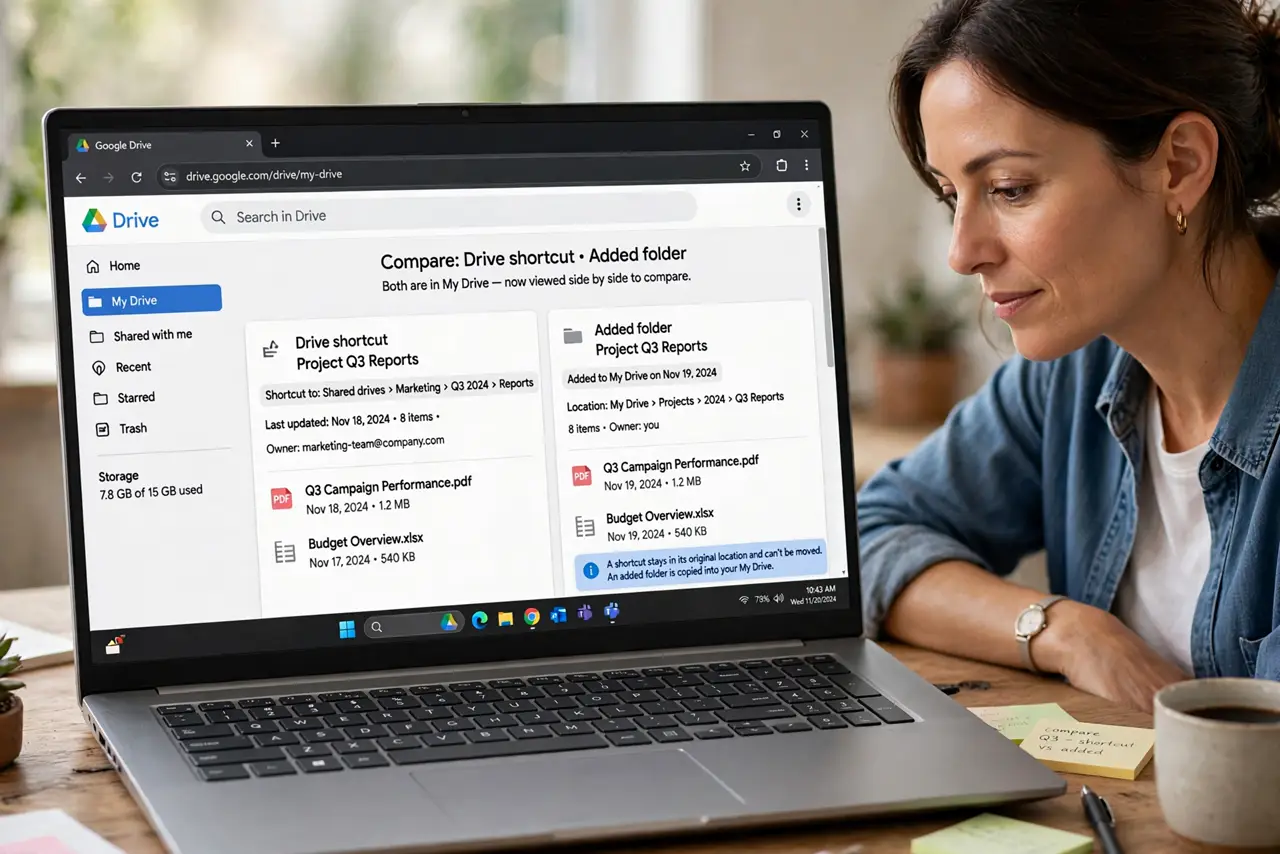
Someone shares a folder with you and Google Drive offers two ways to keep it: Add to Drive, which copies it into your storage, or a shortcut, which just points at theirs. Choosing wrong eats your quota or breaks when they reorganize. This guide shows which to pick.
TL;DR / Quick Fix
Use a shortcut for folders you only reference — it costs no storage and follows the owner's changes. Use Add to Drive when you need your own organized copy and accept the quota cost. Revisit the choice yearly, since needs change.
Follow these steps
- Check what you were actually shared. Open the shared item and confirm your access level — a shared link that allows editing by mistake changes the calculus. Viewers should shortcut; editors might need a copy.
- Choose shortcut for reference. If you just need to open the files sometimes, add a shortcut. It costs zero of your storage and always shows the owner's latest version.
- Choose Add to Drive for ownership. If you are taking over the work or need it in your folder structure, use Add to Drive. Accept that it consumes your quota.
- Place the shortcut deliberately. Put the shortcut in a folder you will actually browse, not the Drive root. A shortcut you cannot find is as useless as no shortcut.
- Watch for owner changes. Shortcuts follow the owner's file: if they move or delete it, your shortcut breaks. For critical files, keep your own copy.
- Revisit yearly. Once a year, review your shortcuts and added folders. Delete the ones for finished projects and convert keepers as needed.
What NOT to do
- Do not Add to Drive for everything shared with you. Your quota will fill with other people's files.
- Do not rely on a shortcut for mission-critical files. Owner deletions break shortcuts without warning.
- Do not mix both for the same folder. A shortcut and a copy side by side guarantee version confusion.
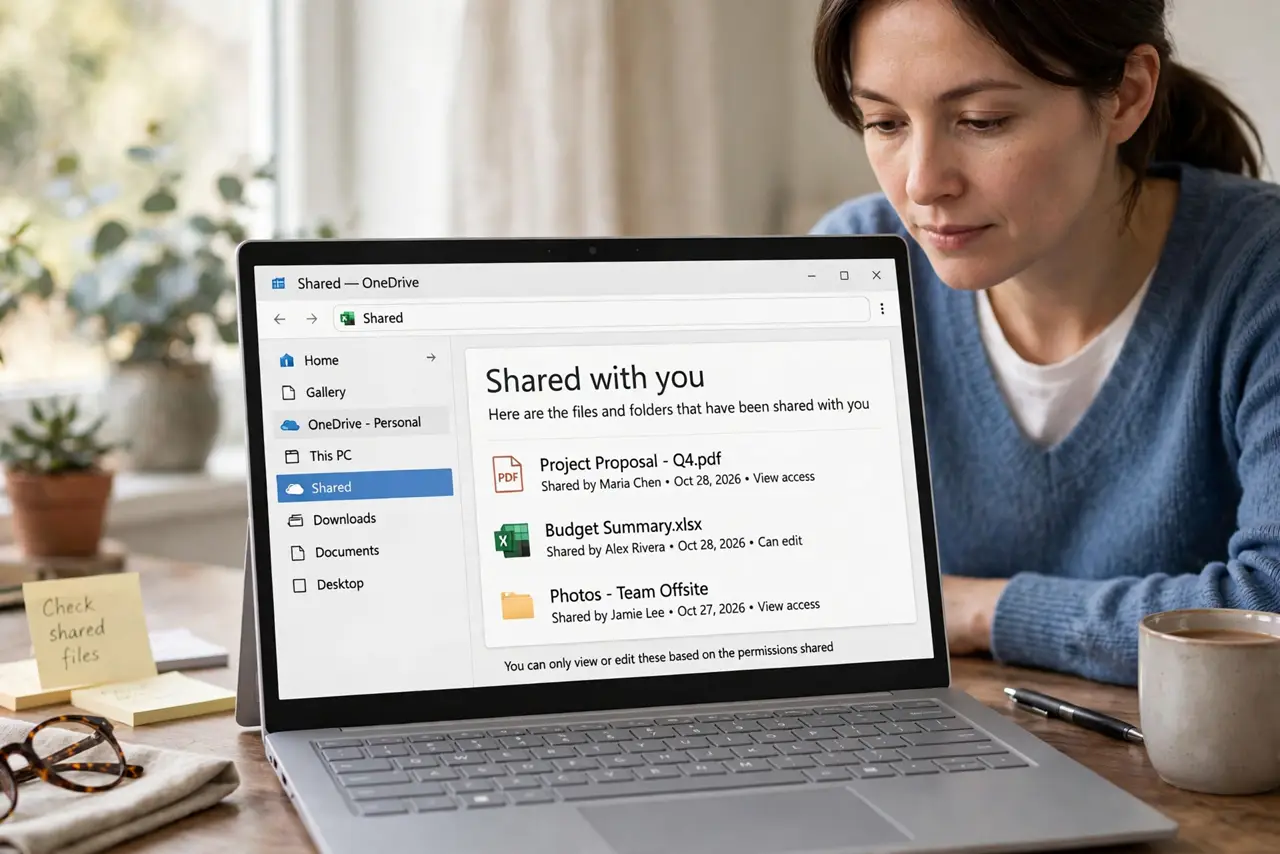
- Do not ignore the access level. A shortcut to a file shared view-only will not let you edit no matter where you put it.
Frequently asked questions
What is the difference between Add to Drive and a shortcut?
Add to Drive copies the files into your storage and quota. A shortcut just points to the owner's files without using your space.
Which should I use for a shared project folder?
A shortcut while you collaborate, so everyone sees the same files. Add to Drive only if you need your own separate copy.
Why did my shortcut stop working?
The owner moved, renamed, or deleted the original, or revoked your access. Ask them, or use your own copy if you made one.