The 3-2-1 Backup Rule
Your laptop dies, and with it go the photos, the documents, the tax records — because the 'backup' was a folder on the same laptop. The 3-2-1 rule is the simplest backup strategy that actually survives real disasters: three copies, two media types, one offsite. Memorable, cheap, and it works.
TL;DR / Quick Fix
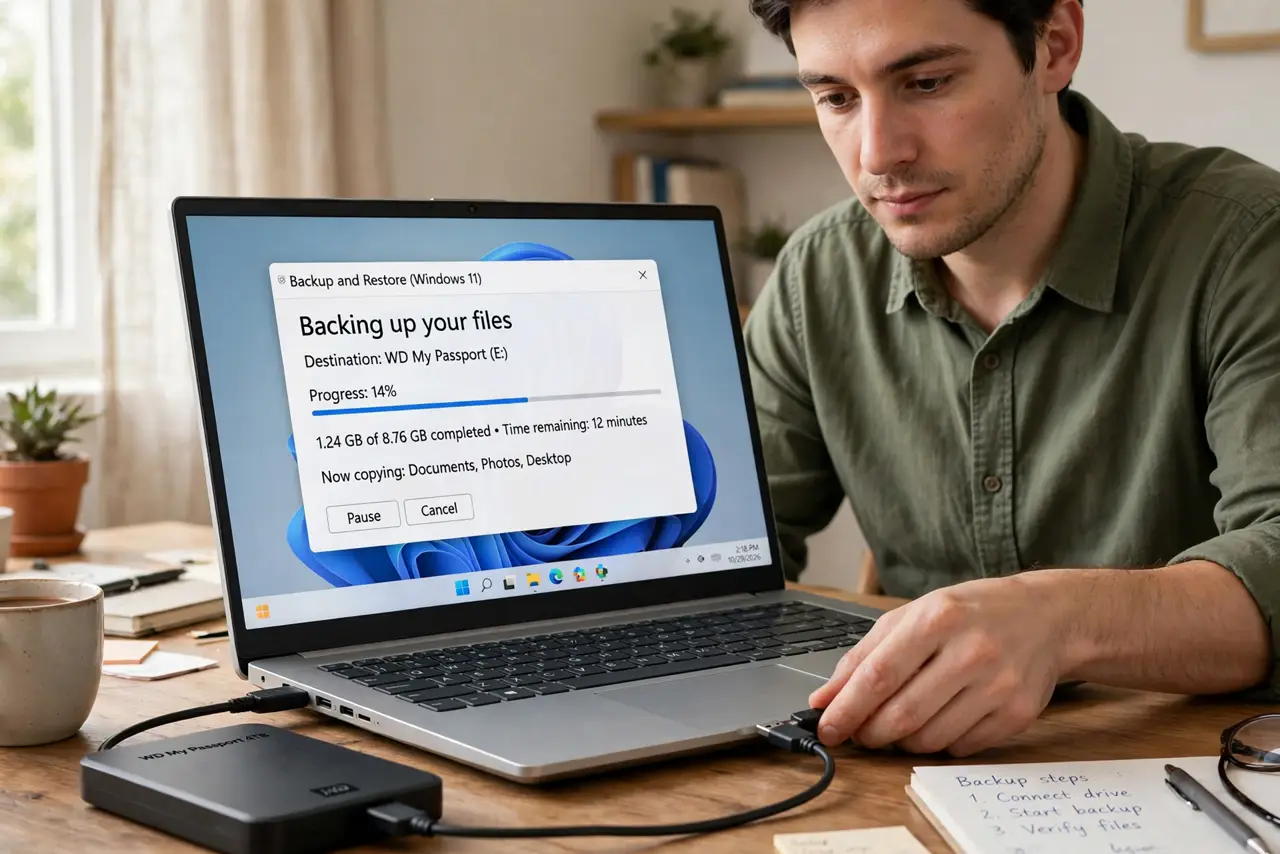
Quick fix: keep 3 copies of files, on 2 different media types, with 1 copy offsite. In practice: your computer, an external drive, and a cloud service. Automate all three so backups happen without remembering. Test restoring a file yearly — an untested backup is a hope, not a backup.
Follow these steps
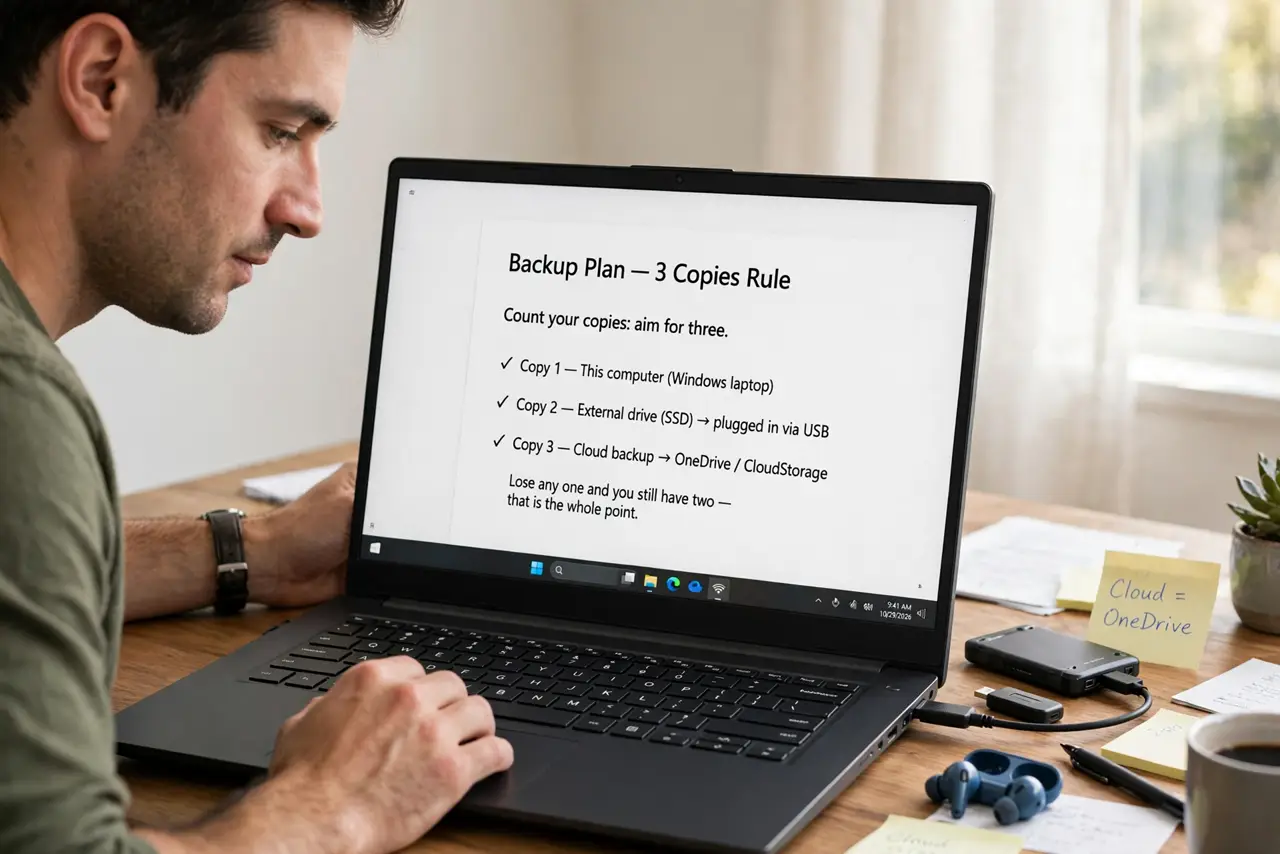
- Count your copies: aim for three. Copy one is your computer. Copy two is an external drive. Copy three is the cloud. Lose any one and you still have two — that is the whole point.
- Use two different media types. An external hard drive plus cloud storage beats two external drives. Different media fail for different reasons — a power surge kills local gear, not the cloud.
- Keep one copy offsite. Fire, flood, and theft take everything in the building. Cloud storage is the effortless offsite copy — set it and forget it.
- Automate everything. Use your OS's built-in backup plus a cloud sync service. Manual backups depend on memory, and memory fails exactly when you need it — see Time Machine setup for the Mac path.
- Back up what matters first. Photos, documents, financial records. You can reinstall apps and re-download movies — you cannot re-take your kid's first birthday.
- Test a restore yearly. Pick a random file, restore it, open it. A backup you have never tested is a rumor — verify it while nothing is on fire.
What NOT to do
- Do not count a sync service as your only backup. If you delete a file, sync deletes it everywhere — versioning helps, but it is not a true backup.
- Do not back up to the same physical drive. A partition is not a second copy — one dead drive takes both.
- Do not assume 'the cloud' means backed up. Check what your cloud service actually syncs — many skip system folders and external drives by default.
- Do not postpone the first backup. The drive fails the week before you 'get around to it' — start with the cloud copy today, it takes minutes.
Frequently asked questions
Is an external drive plus cloud enough?
Yes — that plus your computer is the full 3-2-1. It covers drive failure, theft, and house disasters.
How often should backups run?
Continuously for cloud sync, daily for local backup. The best backup is the one from an hour ago, not last year.
What about my phone?
Phones back up to their clouds automatically — check the backup actually runs and includes photos, not just settings.