Backup Codes Stored Only on Phone? Fix It
Backup codes stored only on your phone fail exactly when you need them most, because a lost, broken, or stolen phone takes both the codes and the account access. Two extra copies, made now, remove that single point of failure.
TL;DR / Quick Fix
Quick fix: Sign into each key account now, while you can. Print a copy of the codes for home storage. Store a second copy in your password manager. Delete the phone-only screenshot if that was the copy. Test one code from the printed copy. Then verify the result.
Follow these steps
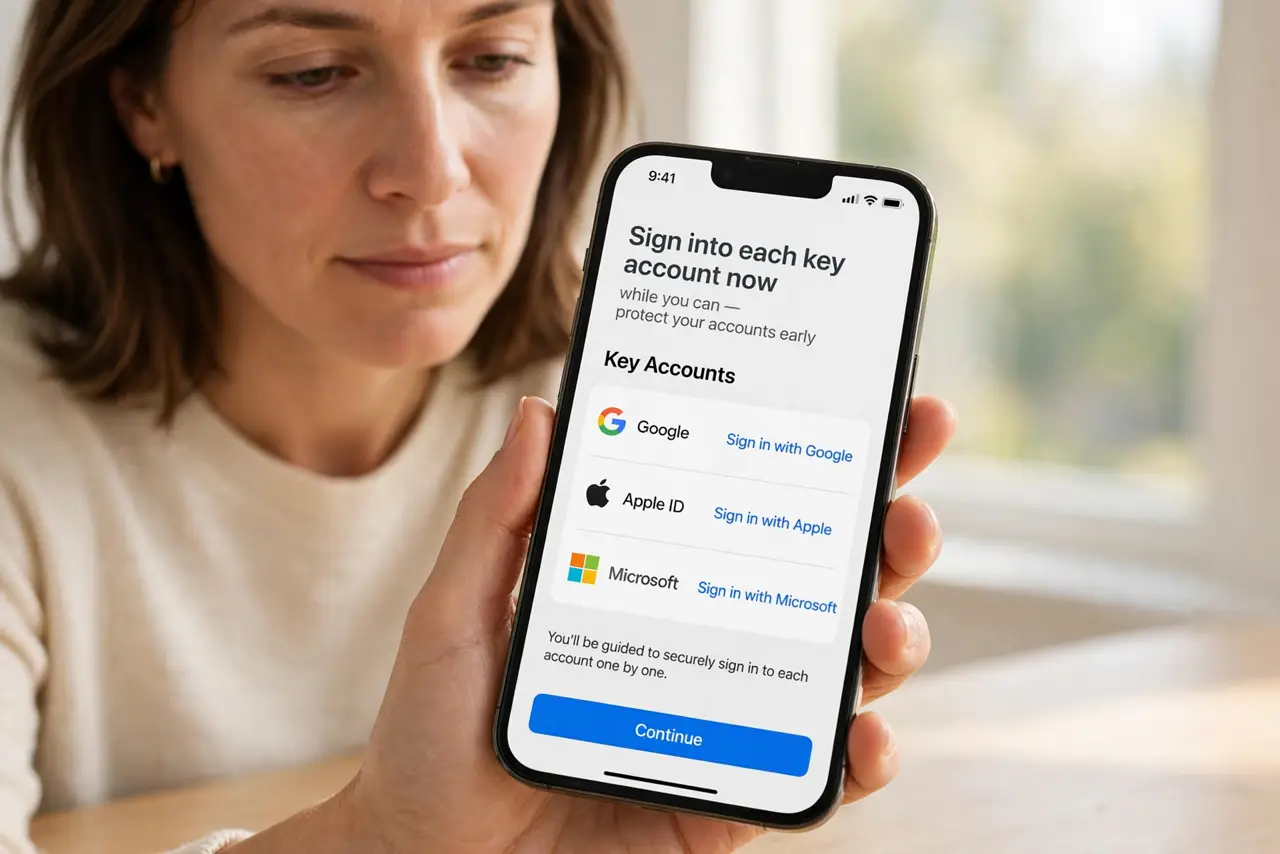
- Sign into each key account now, while you can. Open email, banking, and password manager accounts while the phone still works. Access now is what makes safe copies possible.
- Print a copy of the codes for home storage. Print the backup codes and store the sheet somewhere safe at home, away from the phone. Paper survives phone loss, theft, and dead batteries.
- Store a second copy in your password manager. Save the codes in the manager's secure notes for the matching account. The vault is encrypted and available from other devices.
- Delete the phone-only screenshot if that was the copy. If codes lived only as a phone screenshot, delete it once the printed and vault copies are confirmed. A screenshot in a photo gallery is widely synced and easily exposed.
- Test one code from the printed copy. Use one printed code to confirm the copy is accurate, and mark it used. An untested copy may carry a transcription error.
- Check the full backup-code habit for every key account. Repeat this for every account that matters, starting with email. One account with phone-only codes is one lockout waiting to happen.
What NOT to do
- Do not keep codes only as a phone screenshot. Screenshots sync to galleries and clouds you may not control.
- Do not store the printed copy with the phone. A copy that travels with the phone is lost with the phone.
- Do not photograph the printed sheet and call it a second copy. That just recreates the phone-only problem.
- Do not skip testing a printed copy. A misprinted code discovered in an emergency is no backup at all.
Frequently asked questions
Why is phone-only storage risky?
Because phone loss, theft, or breakage removes the codes at the same moment you need them.
Is a printed copy safe?
Yes, if stored safely at home. Paper cannot be remotely accessed or synced away.
Should codes go in the password manager too?
Yes, as a second copy. Printed plus vault covers both phone loss and house emergencies.