What Is Band Steering?
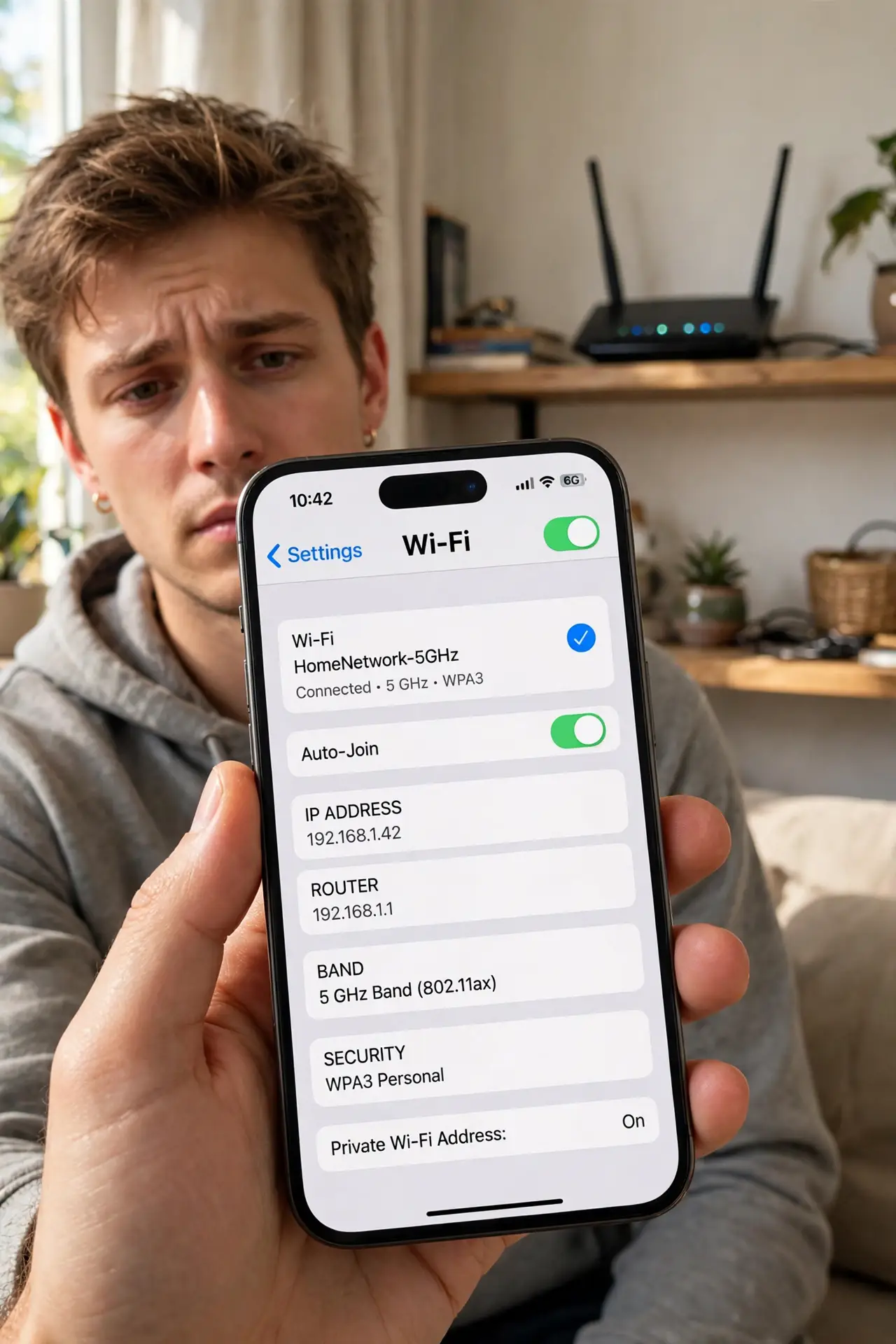
Your phone clings to the slow 2.4 GHz band while standing next to the router, or your smart plug cannot see the network at all. The invisible hand behind this is band steering — your router's attempt to herd devices onto the best band automatically. When it guesses wrong, your Wi-Fi feels broken for no visible reason.
TL;DR / Quick Fix
Quick fix: band steering is your router pushing devices to 5 GHz for speed — when it misfires, gadgets land on the wrong band and stall. If a device keeps connecting poorly, give your 2.4 GHz and 5 GHz networks different names so you control which band each device uses.
Follow these steps
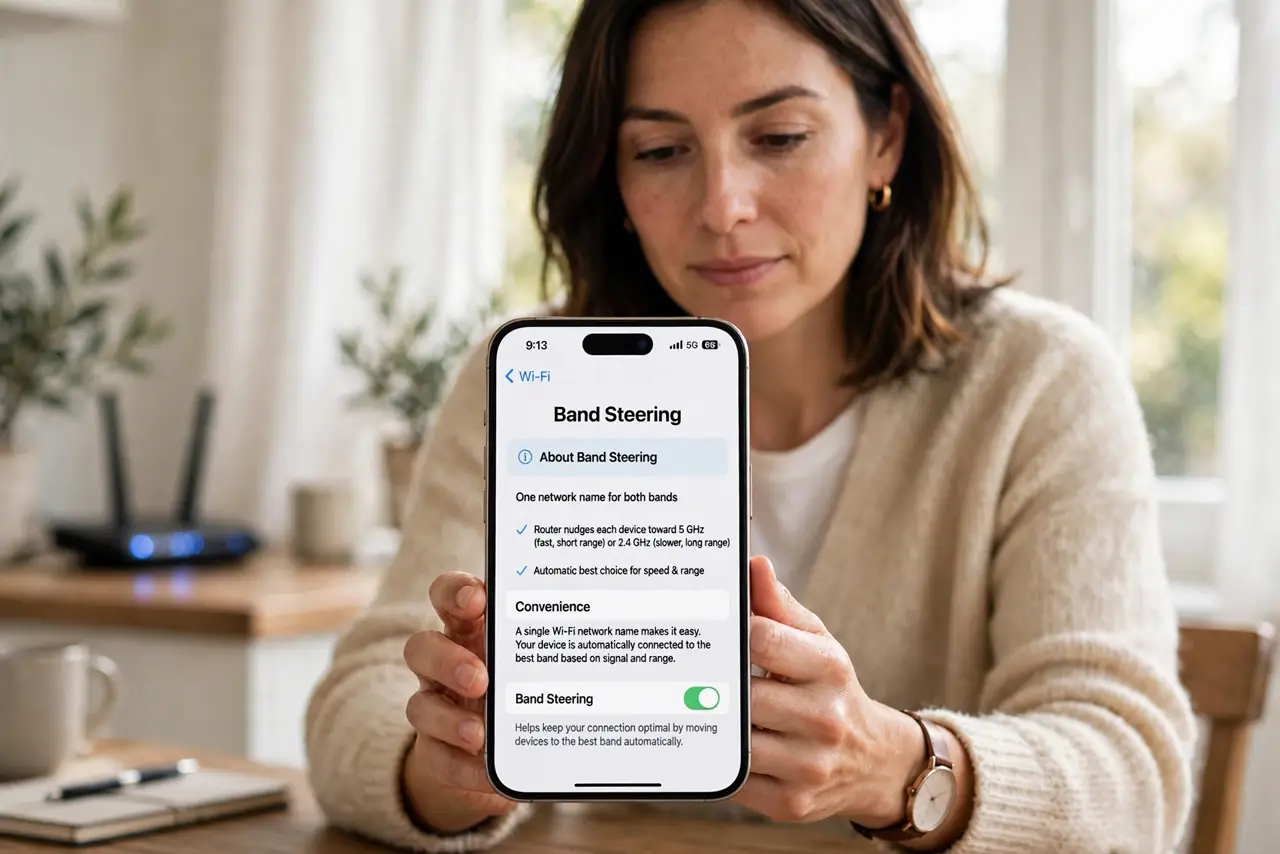
- Understand what band steering does. With one network name for both bands, the router nudges each device toward 5 GHz (fast, short range) or 2.4 GHz (slower, long range). The idea is convenience — one name, automatic best choice.
- Recognize when it misfires. Phones stuck on 2.4 GHz next to the router, or smart devices that only speak 2.4 GHz failing to join at all, are the classic symptoms. See stuck on the slow band for the full symptom list.
- Split the bands to take control. In router settings, give 2.4 GHz and 5 GHz different names (like Home and Home-5G). Now each device connects where you tell it — steering off, decisions yours.
- Put smart home gear on 2.4 GHz. Bulbs, plugs, and cameras almost all need 2.4 GHz. Connect them to the 2.4 GHz name directly and they stop fighting the steering.
- Keep phones and laptops on 5 GHz. Near the router, 5 GHz is dramatically faster. Join those devices to the 5 GHz name and leave them there.
- Re-enable steering only if it behaved. Some routers steer well. If yours did fine before a device started acting up, the device — not the steering — may be the problem.
What NOT to do
- Do not factory-reset the router over a band issue. Splitting the network names fixes steering problems without wiping everything.
- Do not assume 5 GHz is always better. Through two walls, 2.4 GHz's longer range beats 5 GHz's speed — right band, right distance.
- Do not rename bands and forget which is which. Label them clearly (Home-2G, Home-5G) or future-you will be confused.
- Do not blame the internet provider for band problems. Steering happens inside your router — your ISP never sees it.
Frequently asked questions
Should I just turn band steering off?
Splitting the network names effectively does that. It is the recommended fix when steering misbehaves.
Why won't my smart plug see my Wi-Fi?
It only speaks 2.4 GHz and the merged network confuses it. Temporarily disable 5 GHz or use a split 2.4 GHz name during setup.
Does band steering slow down my network?
When it works, no. When it parks devices on the wrong band, those devices crawl — which feels like a slow network.