Band Steering Puts Your Device on the Slow Band
Your router merges 2.4 GHz and 5 GHz under one name and keeps shoving your laptop onto the slow 2.4 GHz band. Band steering means well — but its choices are not always yours.
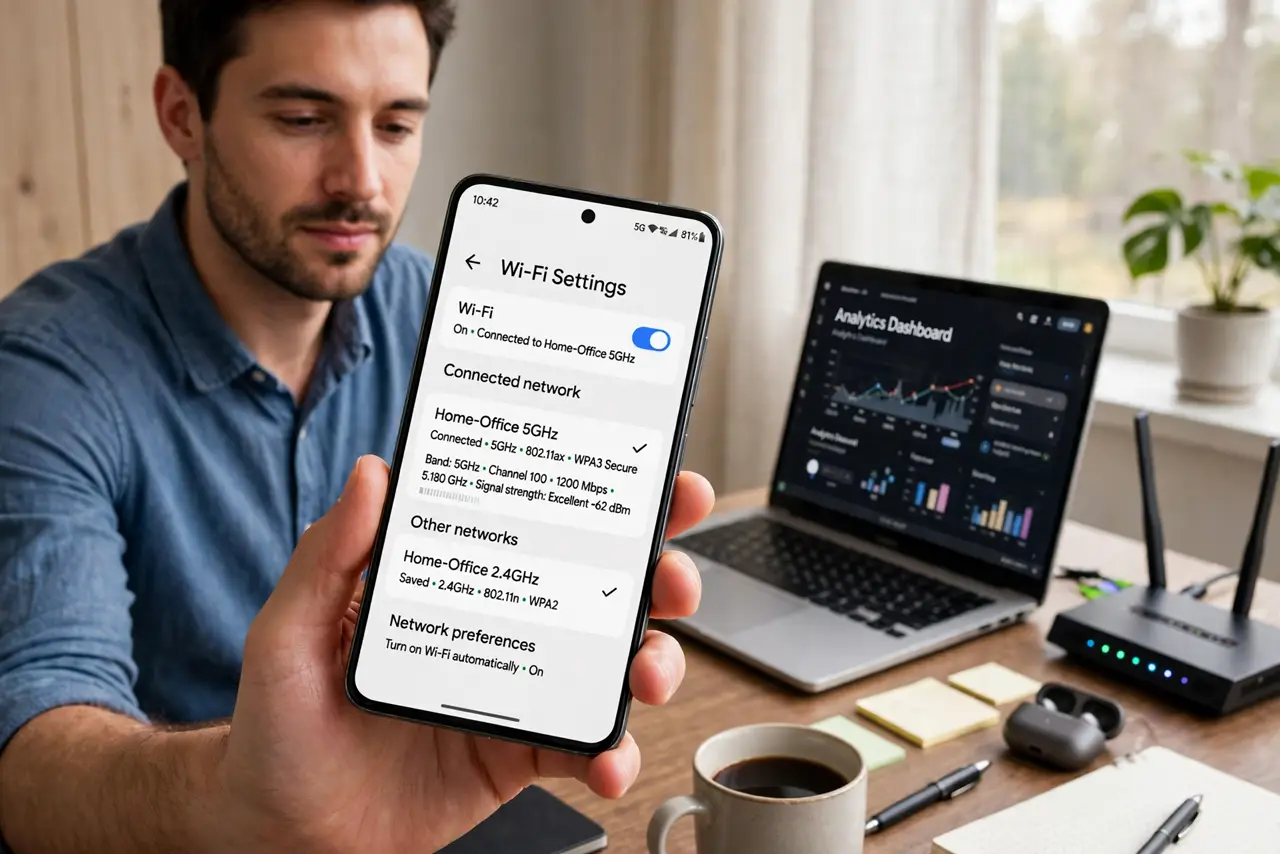
TL;DR / Quick Fix
Quick fix: move closer to the router — band steering usually moves you to 5 GHz when the signal is strong. If it still sticks to 2.4 GHz, split the bands into separate network names and join the 5 GHz one manually. Check the router's band-steering aggressiveness setting.
Follow these steps
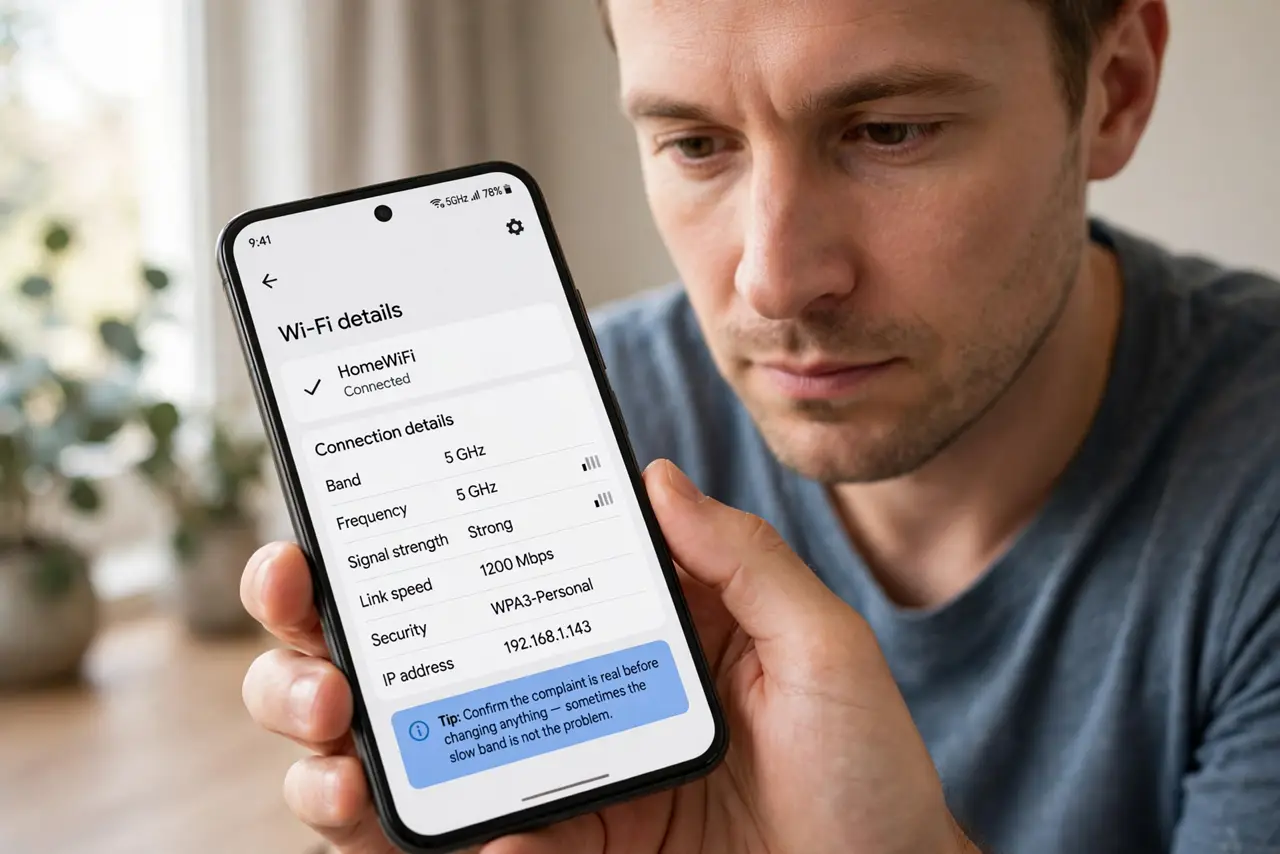
- Check which band you are actually on. On the phone's Wi-Fi details or the router's app, look at the connected band. Confirm the complaint is real before changing anything — sometimes the slow band is not the problem.
- Move closer and retest. Band steering pushes weak-signal devices to 2.4 GHz for stability. Walk nearer the router, reconnect, and see whether it promotes you to 5 GHz on its own.
- Split the bands into two names. In the router settings, give 2.4 GHz and 5 GHz separate names — see should you split for the full decision. Joining the 5 GHz name manually is the definitive override for stubborn steering.
- Tune the steering aggressiveness. Many routers offer a band-steering strength setting. Lowering it makes the router suggest rather than force, keeping you on 5 GHz longer.
- Update the device's Wi-Fi driver or OS. Old drivers misreport signal strength, triggering bad steering decisions. An update can make the router's choices match reality.
- Consider whether 2.4 GHz is actually fine. For browsing and video, 2.4 GHz is often plenty. If only speed tests bother you, the 'slow' band may be serving you perfectly well.
What NOT to do
- Do not disable 2.4 GHz entirely to force 5 GHz. Smart home gadgets need 2.4 GHz, and killing it orphans them all.
- Do not assume the slow band means a broken router. Band steering choosing stability over speed is the feature working as designed.
- Do not stand next to the router permanently. If only one room gets 5 GHz, the answer is better placement or mesh, not camping by the router.
- Do not change three router settings at once. Adjust one steering option, test for a day, and keep only what demonstrably helps.
Frequently asked questions
What is band steering?
The router's attempt to put each device on the best band automatically, using one network name for both 2.4 and 5 GHz.
Why does it pick the slow band?
It prioritizes a stable connection. At distance, 2.4 GHz holds a signal where 5 GHz would drop, so the router plays it safe.
Is splitting the bands bad?
No. Separate names are a legitimate setup — you lose automatic roaming between bands but gain full manual control.