Batch Shallow Tasks
Email arrives and you answer it instantly — forty times a day. Each reply feels productive, but the real cost is fragmentation: your attention never stays anywhere long enough to do deep work. The fix is batching: collect shallow tasks and process them in dedicated windows. It is the engine inside protecting deep work.
TL;DR / Quick Fix
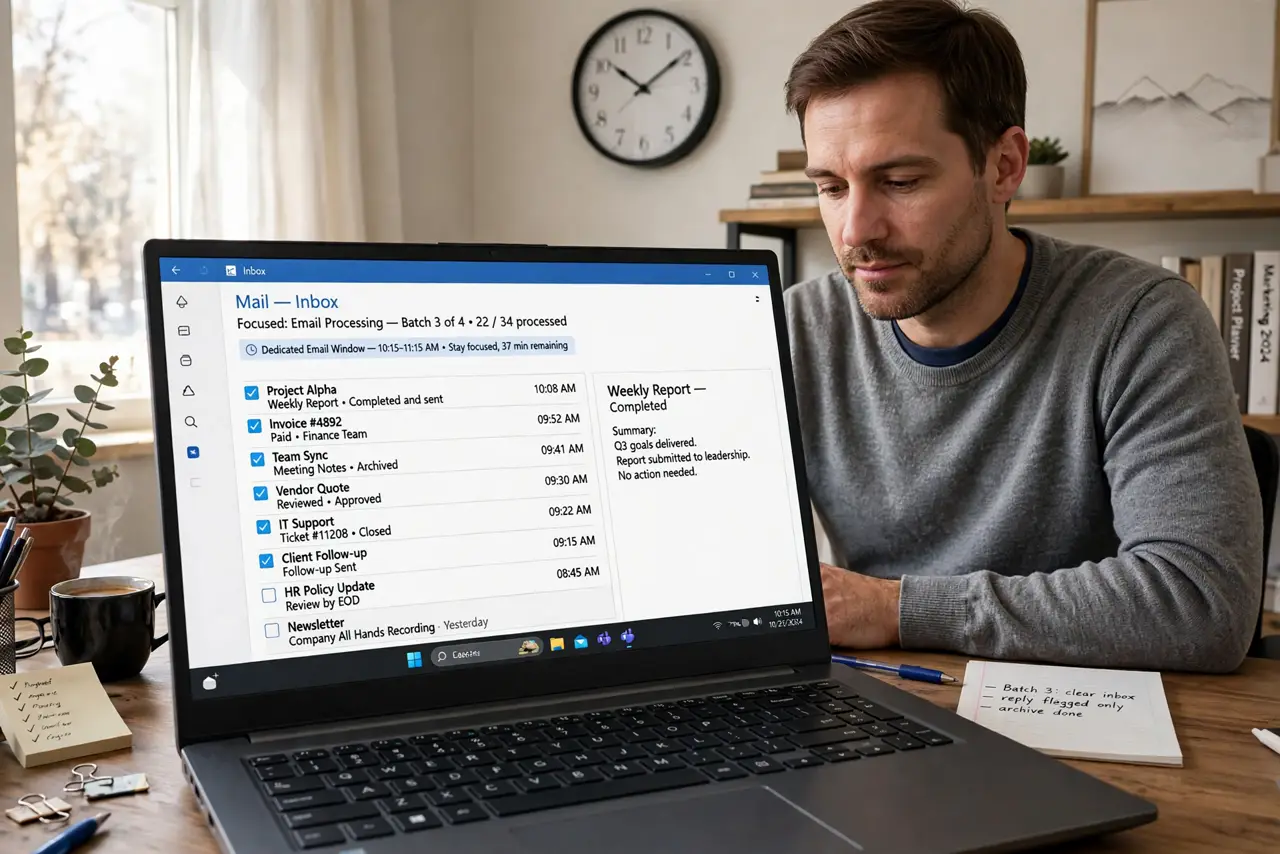
Quick fix: stop answering email the moment it arrives — collect shallow tasks in a list and handle them in two daily batches, late morning and late afternoon. Between batches, notifications stay off. Batching turns forty interruptions into two focused sessions and protects your deep work.
Follow these steps
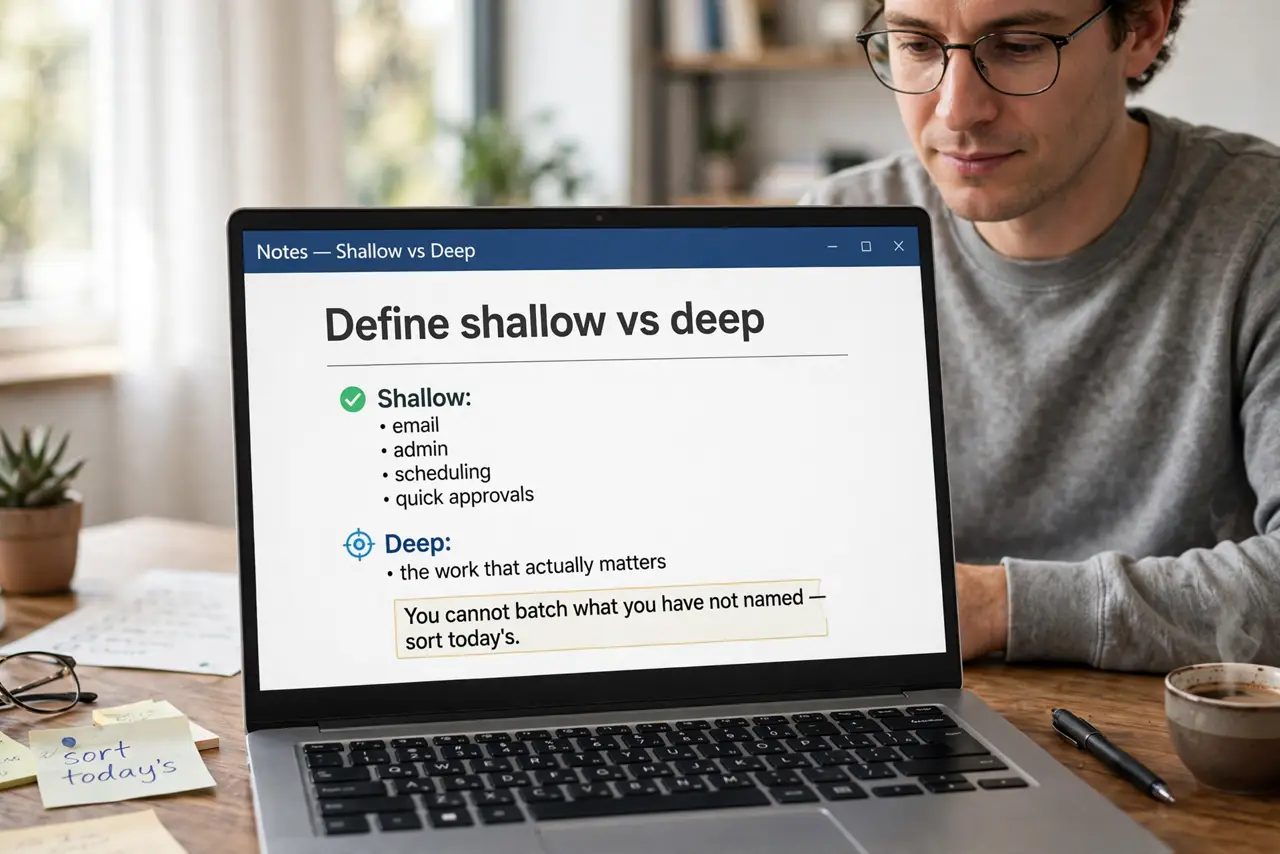
- Define shallow vs deep. Shallow: email, admin, scheduling, quick approvals. Deep: the work that actually matters. You cannot batch what you have not named — sort today's tasks into the two piles.
- Collect instead of reacting. When a shallow task appears, add it to a running list instead of doing it. The list is the inbox; the batches are the processing time.
- Set two batch windows. Late morning and late afternoon work for most people — after the first deep block, before the day ends. Two windows, 30–45 minutes each.
- Process ruthlessly in the window. During the batch: reply, file, delegate, delete. Touch each item once. The batch ends when the timer ends, not when the list is empty.
- Silence notifications between batches. Email and chat stay closed and silent outside the windows. If it is truly urgent, people call — they almost never do.
- Measure the reclaimed time. After a week, compare: the same shallow work now fits in ~90 minutes instead of bleeding across eight hours. The difference is your new deep-work time.
What NOT to do
- Do not batch to zero windows. “I will do email when I feel like it” means never — or constantly. Two windows, scheduled.
- Do not let batches sprawl. A batch without a timer becomes the whole afternoon — set an alarm and stop.
- Do not batch true emergencies. If the server is down, act. Batching is for the routine, not the crisis.
- Do not check “just in case” between batches. Peeking resets the fragmentation you just cured — trust the system.
Frequently asked questions
How many batches per day?
Two for most people; three if your role is communication-heavy. One is too few — the list becomes intimidating.
What about instant messaging?
Same treatment: check it in the batch windows. Set your status so people know when to expect replies.
Will people get angry at delayed replies?
Rarely — most “urgent” messages survive a few hours fine. Tell people the rhythm once, and expectations adjust.