What Is Beamforming?
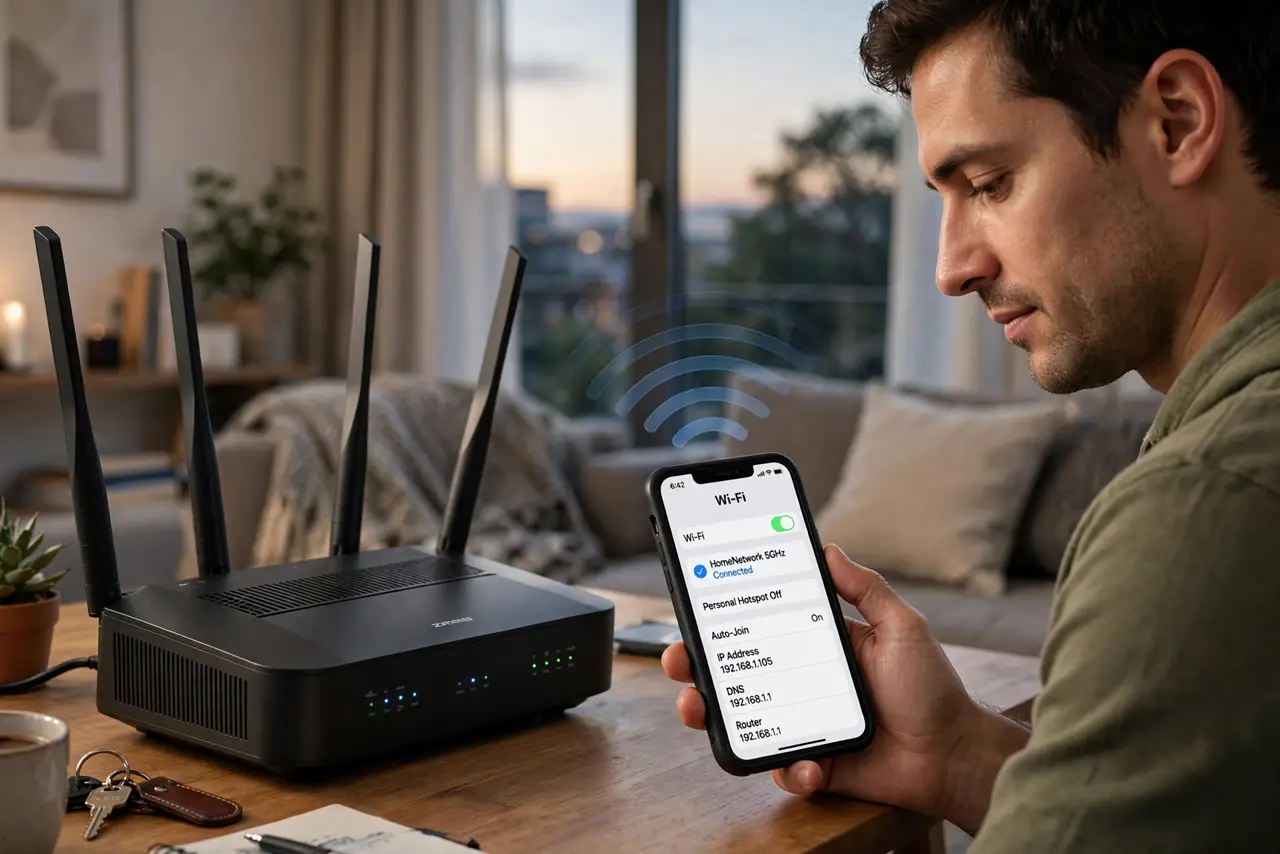
Your router's box brags about beamforming like it is a superpower, with zero explanation of what it does. The idea is simple: instead of broadcasting Wi-Fi equally in every direction — including at walls, the ceiling, and your neighbor's apartment — the router focuses the signal toward your connected devices. Same radio power, aimed where it matters. It is real technology, not marketing fluff — but it is also not magic.
TL;DR / Quick Fix
Quick fix: beamforming aims your router's Wi-Fi at your devices instead of broadcasting equally everywhere — better range and speed where you are. It is automatic on modern routers, and both router and device must support it. With an old router, upgrading matters more than any setting.
Follow these steps
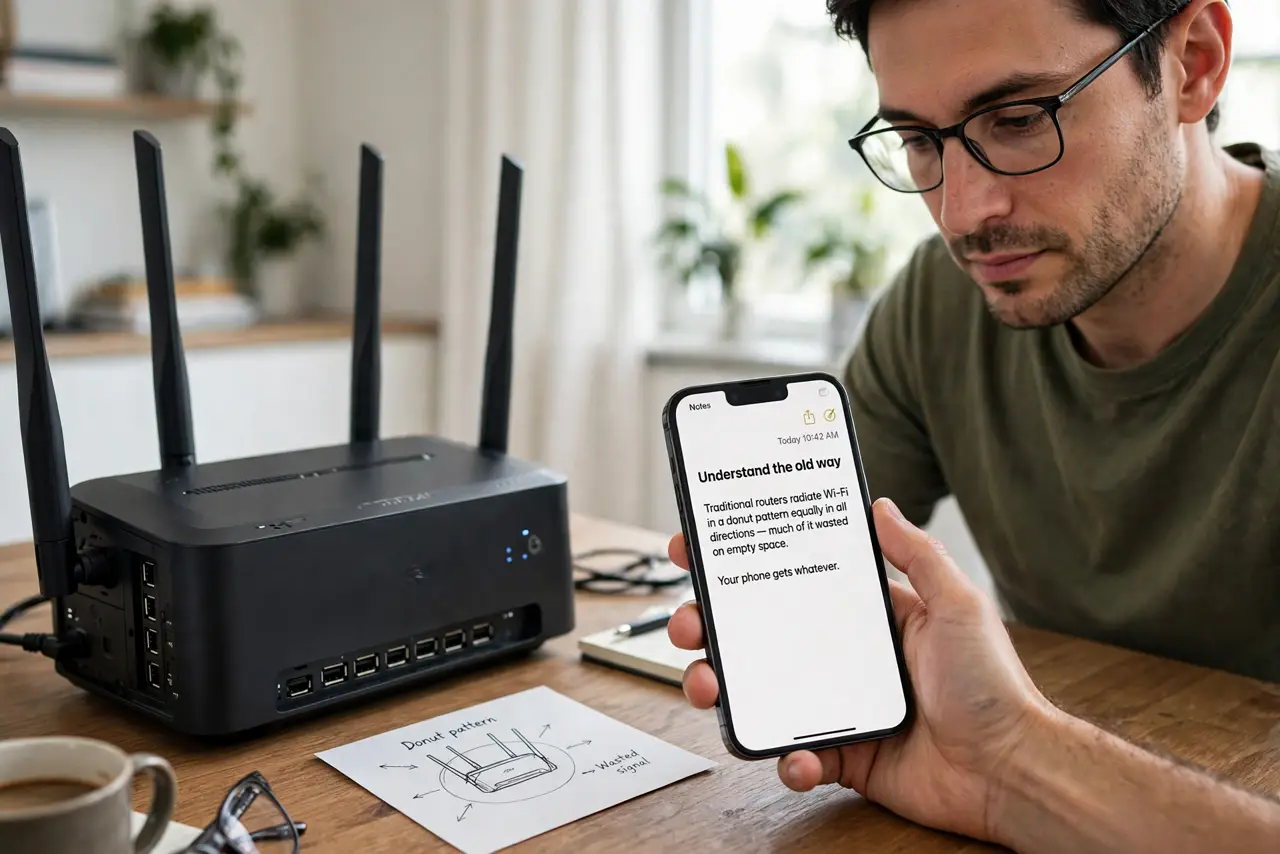
- Understand the old way. Traditional routers radiate Wi-Fi in a donut pattern equally in all directions — much of it wasted on empty space. Your phone gets whatever fraction happens to reach it. It worked, but it was dumb.
- Learn what beamforming changes. With beamforming, the router's multiple antennas coordinate to steer the signal toward each connected device — constructive interference at your phone, less elsewhere. Your device gets a stronger, cleaner signal without the router using more power.
- Know it is automatic. There is nothing to enable — on modern routers (802.11ac and newer), beamforming just happens when both router and device support it. If your gear is from the last several years, you are already using it.
- Understand the limits. Beamforming improves the signal that exists; it cannot create coverage where there is none. A device two floors away through concrete still struggles — aiming helps, but physics wins. For dead zones, you need better placement or more access points, not better aiming.
- Do not buy for the buzzword. Beamforming is standard on any decent modern router — it is not a premium feature worth paying extra for. When comparing routers, look at bands, ports, and coverage; beamforming is assumed, like brakes on a car.
- Tune what actually matters. Router placement, band steering settings, and sensible transmit power move the needle far more than any beamforming toggle. Aim the router well first; let beamforming handle the fine aiming.
What NOT to do
- Do not expect beamforming to fix a dead zone. It strengthens existing coverage; it does not extend range through concrete or across a mansion.
- Do not pay extra for beamforming as a feature. It is table stakes on modern routers — a router advertising it as premium is selling you the ordinary.
- Do not confuse it with a signal booster. Boosters amplify everything including noise; beamforming aims intelligently. Different technologies, different results.
- Do not disable it hunting for speed. There is no scenario where turning off beamforming helps — leave the automatic alone.
Frequently asked questions
Does my phone need to support it?
Yes, both ends participate — but any phone from roughly the last eight years does. Ancient devices just get the unfocused signal, no harm done.
Is beamforming the same as MU-MIMO?
Related but different: beamforming aims at one device precisely; MU-MIMO talks to several devices simultaneously. Modern routers do both.
Will it help my smart home gadgets?
Modestly — stationary gadgets get a steady aimed signal. But for far-flung sensors, a closer access point beats any aiming trick.