Add Bias Lighting
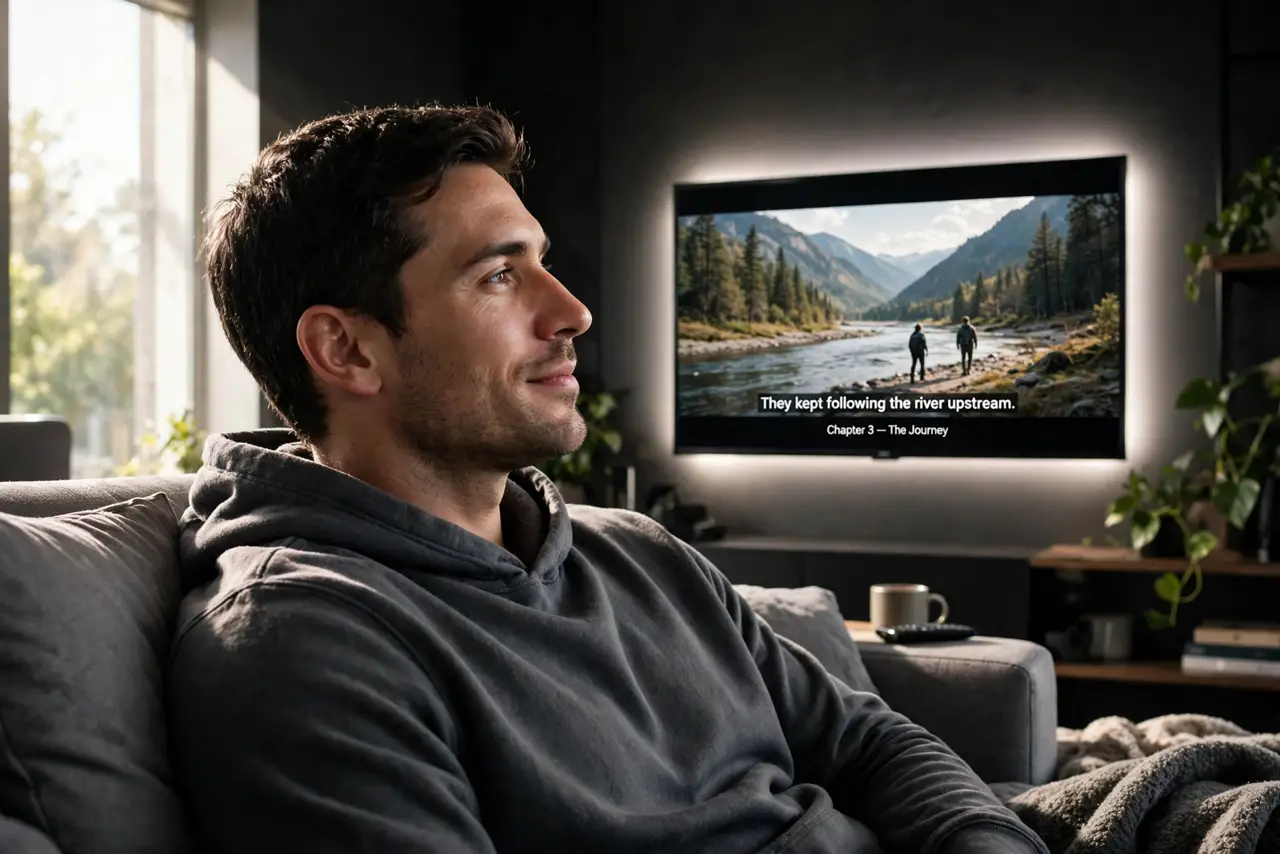
Watching TV in a dark room means your eyes constantly adjust between the bright screen and the black walls — hello, eye strain and headaches. Bias lighting is a soft glow behind the TV that lifts the room just enough to kill the contrast. A fifteen-dollar LED strip, ten minutes, and movie nights get dramatically more comfortable.
TL;DR / Quick Fix
Quick fix: stick an LED light strip to the back of your TV so it glows softly against the wall behind it. Use neutral white around 6500K, dim enough to be a halo, not a lamp. Your eyes stop fighting the bright-dark contrast, and blacks even look blacker by comparison.
Follow these steps
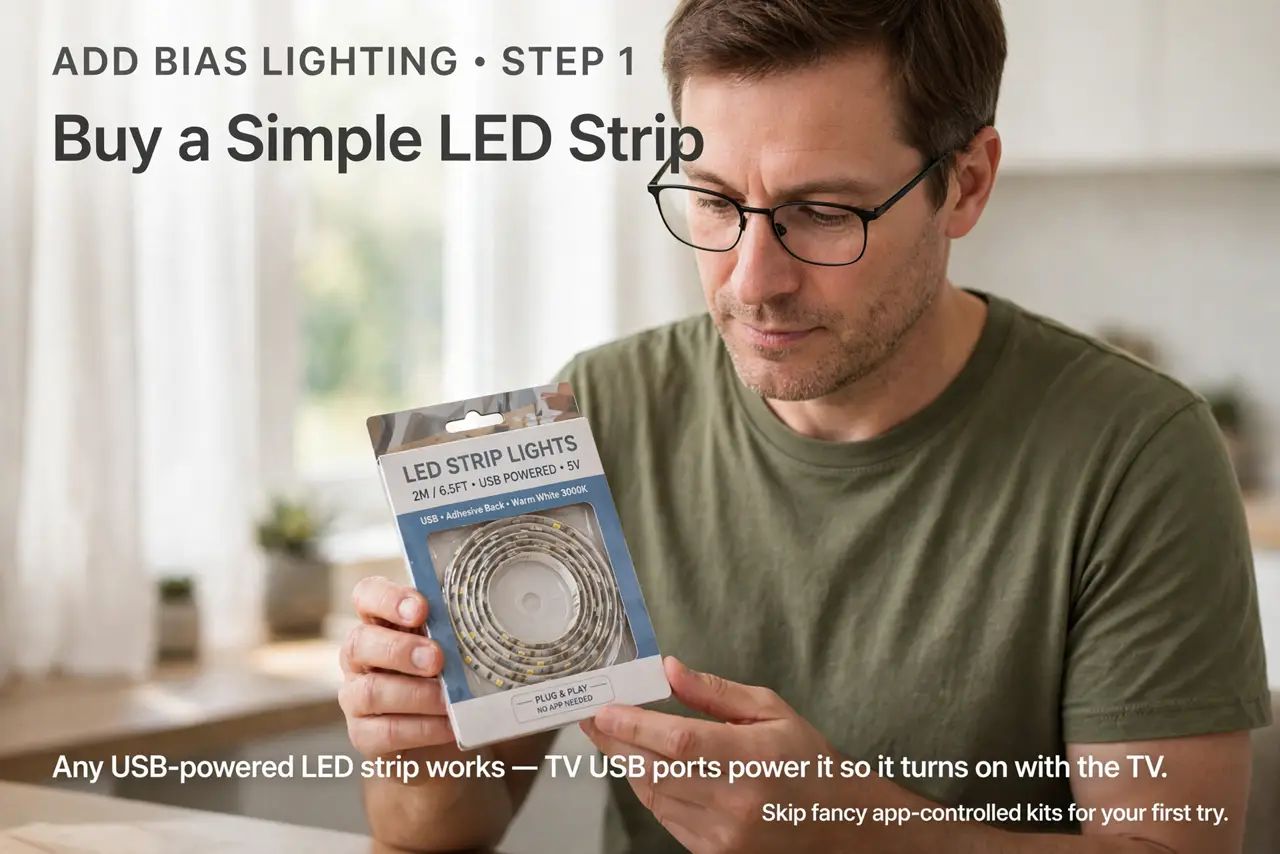
- Buy a simple LED strip. Any USB-powered LED strip works — TV USB ports power it so it turns on with the TV. The add bias lighting walkthrough covers the basic install; skip the fancy app-controlled kits for a first try.
- Stick it to the TVs back edge. Run the strip around the rear perimeter so light washes the wall, never the screen. The glow should be visible only as a halo around the TV.
- Choose neutral white. Around 6500K — daylight white. Colored modes are fun for parties but tint your perception of the picture; neutral is the eye-comfort choice.
- Dim it low. A subtle halo, not a room light. If you notice the strip instead of the movie, it is too bright — dim until it disappears into the experience.
- Power it from the TV USB. USB power means the glow follows the TV automatically — on with the TV, off with it. No separate remote, no forgotten lights.
- Extend it to the desk. The same trick soothes monitor eye strain. A small strip behind your monitor — the lamp versus bar debate covers the broader desk-lighting question — works the same magic.
What NOT to do
- Do not use rainbow party modes for movie watching. Colored light tints your color perception — neutral white only for serious viewing.
- Do not make it bright. Bias lighting is a whisper, not a shout — brightness defeats the purpose.
- Do not stick the strip where it shines on the screen. Rear perimeter only; any direct light on the panel washes the picture.
- Do not expect it to fix a bad picture. It eases eye strain beautifully; it does not fix calibration or a dim panel.
Frequently asked questions
Does bias lighting really reduce eye strain?
Yes — it narrows the brightness gap your pupils constantly adjust across. The effect is immediate and obvious.
What color temperature is best?
6500K neutral white for accuracy. Warmer is cozier but tints the picture slightly.
Can I use it behind a monitor?
Absolutely — the same principle applies. Many desk workers love it.