1080p vs 1440p vs 4K?
Monitor shopping drowns you in numbers — 1080p, 1440p, 4K — each claiming to be the obvious choice. More pixels mean sharper text and roomier desktops, but also higher prices and hungrier graphics cards. The right resolution is not the biggest one; it is the one that matches your screen size, your eyes, and your GPU.
TL;DR / Quick Fix
Quick fix: 1080p suits screens up to 24 inches and modest GPUs; 1440p is the sweet spot for 27-inch monitors; 4K shines at 27 inches and above for creators but needs a strong graphics card. Bigger is not better if your GPU cannot drive it.
Follow these steps
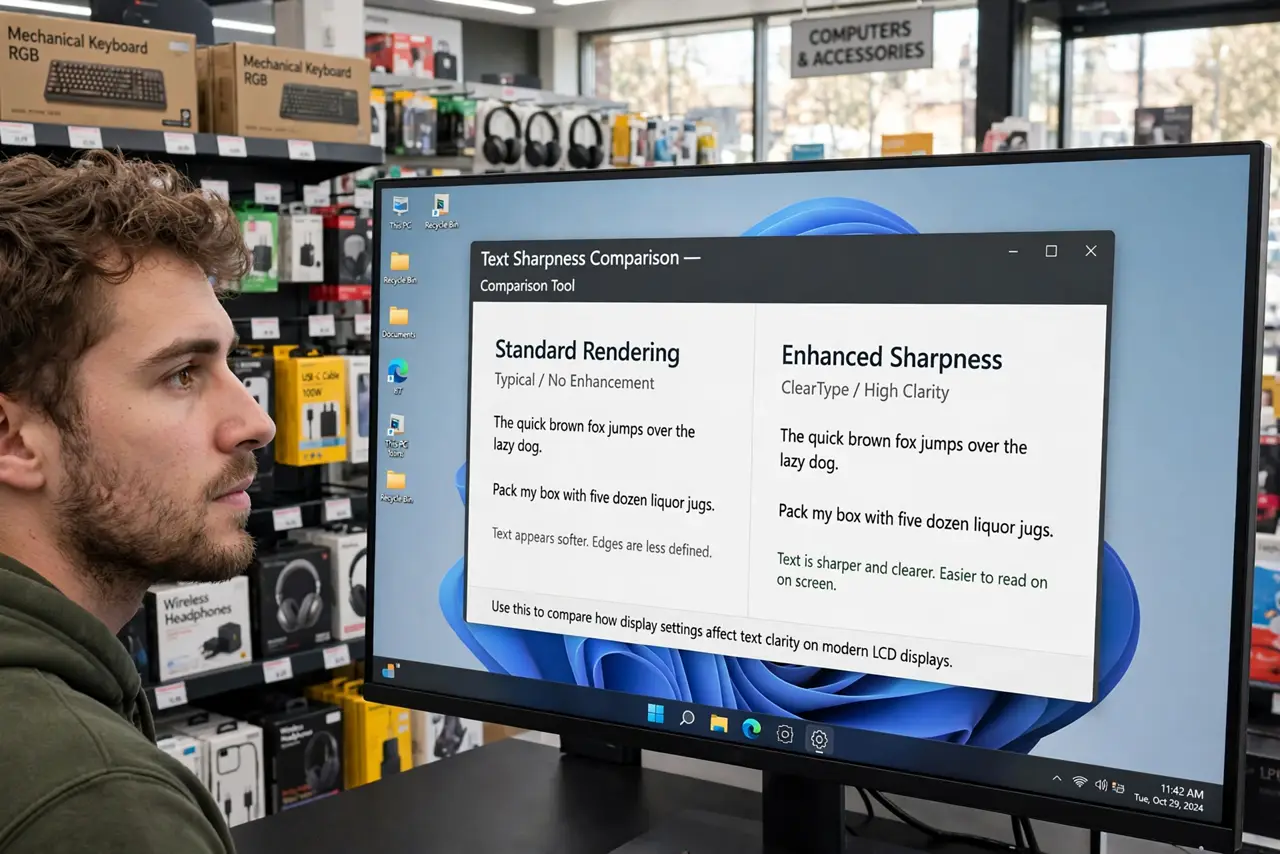
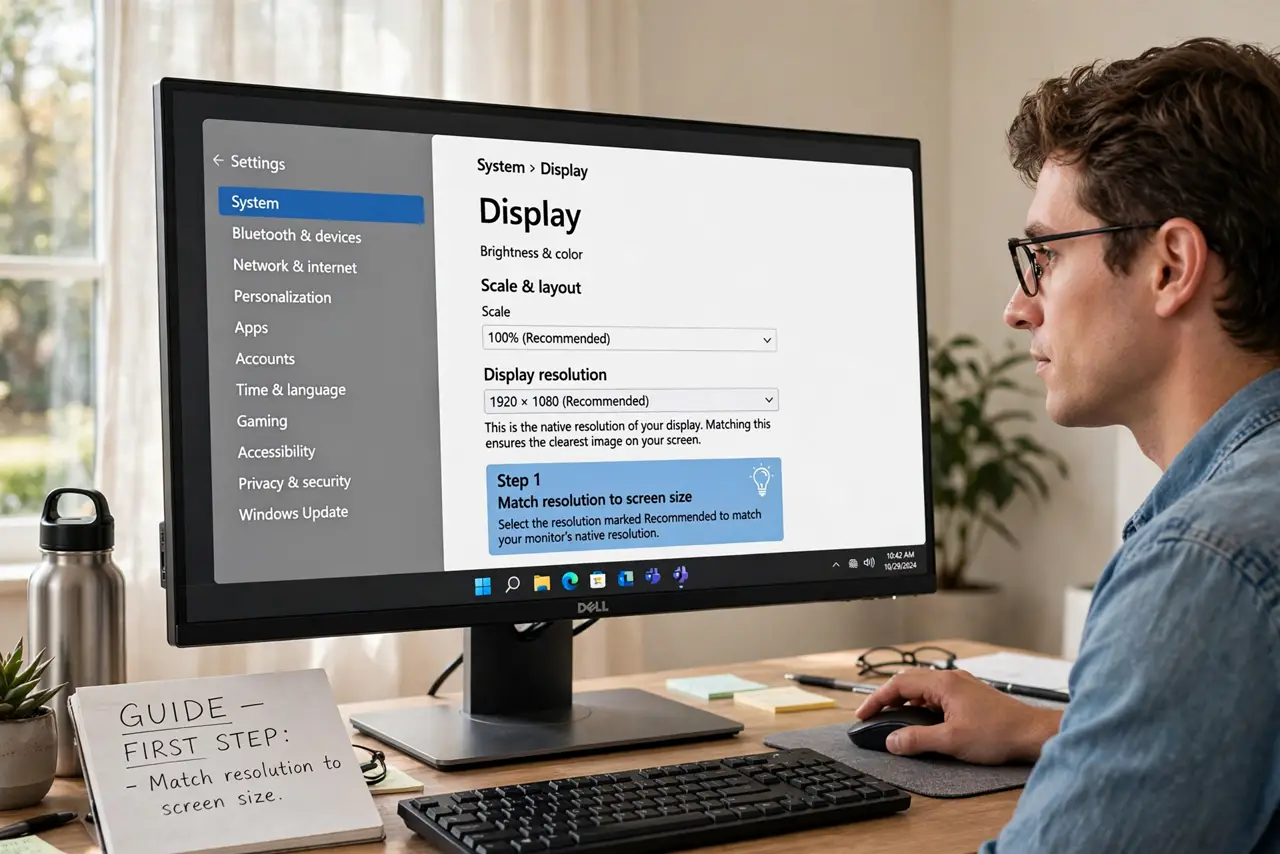
- Match resolution to screen size. 1080p looks crisp at 24 inches but chunky at 32. Pixel density — pixels per inch — is the real metric; resolution alone without size is meaningless.
- Treat 1440p as the sweet spot. On a 27-inch monitor, 1440p gives visibly sharper text than 1080p without 4K's price and GPU appetite. For most desk setups, it is the rational maximum.
- Reserve 4K for creators and large screens. Photo and video editors benefit from 4K's detail; everyone else pays more for pixels their eyes barely resolve at normal viewing distance.
- Check your GPU can drive it. 4K gaming needs a serious graphics card — see the used GPU checklist if buying one. A 4K monitor on a weak GPU means low settings or a slideshow.
- Consider scaling behavior. Higher resolutions need display scaling to keep text readable — 125% or 150%. Some older apps scale badly, leaving blurry text that defeats the purpose.
- Do not forget refresh rate. A 1440p 144Hz monitor often feels better than 4K 60Hz for everyday use — smoothness versus sharpness is a real trade-off, especially for gaming.
What NOT to do
- Do not buy 4K for competitive gaming on a mid-range GPU. The frame rate collapse hurts more than the extra pixels help.
- Do not assume higher resolution always looks better. A cheap 4K panel with bad colors loses to a good 1440p panel every time — panel quality beats pixel count.
- Do not ignore the cable. Older HDMI versions cannot carry 4K at high refresh rates — check that your HDMI cable supports your monitor's full spec.
- Do not sit too far to appreciate it. Beyond a certain distance, the eye cannot resolve 4K over 1440p — measure your viewing distance before paying the premium.
Frequently asked questions
Is 1440p noticeably better than 1080p?
Yes, clearly — on 27-inch screens the text sharpness jump is obvious to everyone. It is the most universally appreciated upgrade in monitors.
Do I need 4K for office work?
No. Spreadsheets and documents gain little; the money serves you better in panel quality, ergonomics, or a second monitor.
What about ultrawide monitors?
Ultrawides trade vertical pixels for width — great for multitasking timelines, worse for reading long documents. Compare by your actual window layouts.