Change the Boot Order
You plug in a USB installer and the PC cheerfully boots straight into Windows, ignoring it. Or a new drive sits idle while the old one keeps starting. The firmware boots devices in a fixed priority list — the boot order — and your device is not first. Changing it takes a minute once you know which key opens the setup screen.
TL;DR / Quick Fix
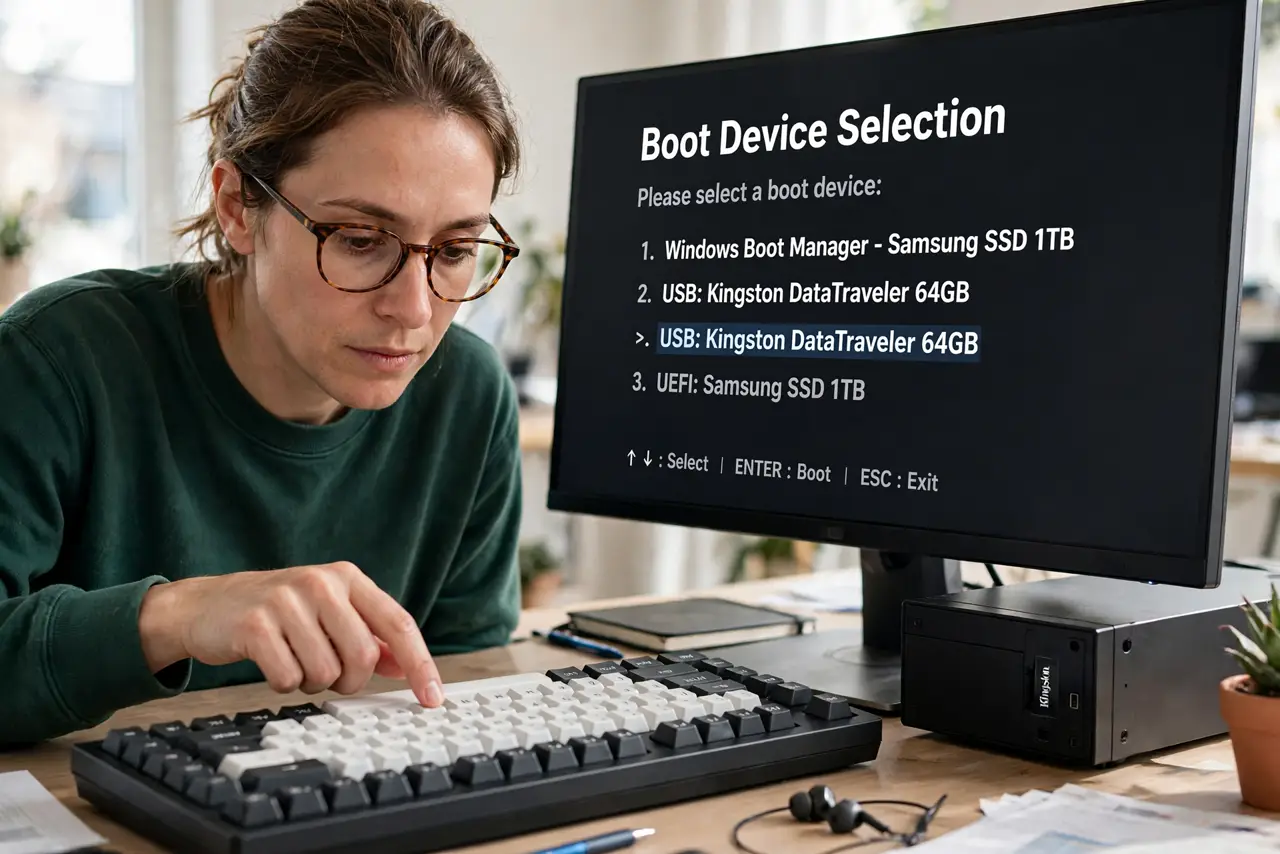
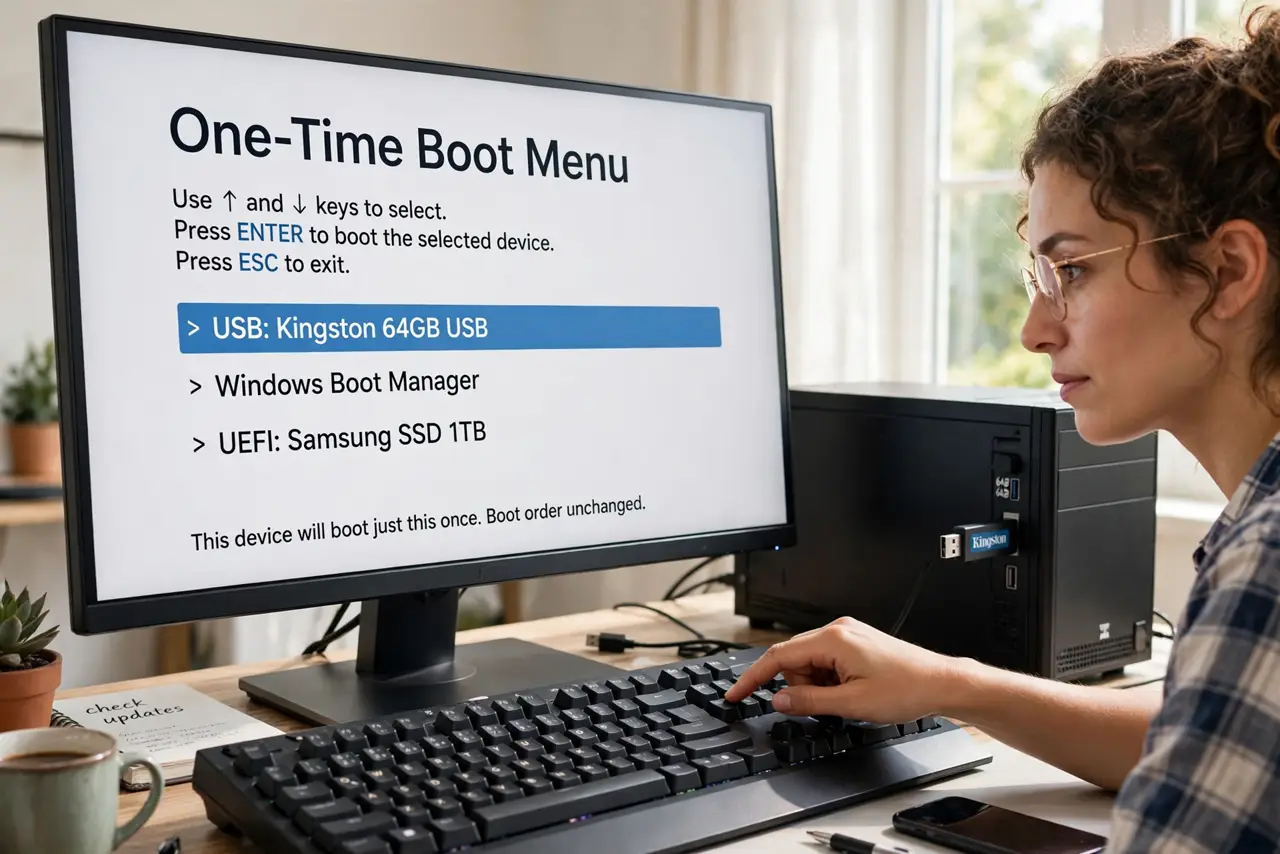
Quick fix: restart and tap the boot key — often F12, F8, or Esc — then pick your device from the one-time boot menu. For a permanent change, open setup with Del or F2, go to the Boot tab, and move your drive to the top. Save and exit.
Follow these steps
- Use the one-time boot menu first. Tap F12, F8, or Esc during startup — the key varies by maker — and pick the device just this once. This changes nothing permanently and is the fastest way to boot a USB installer.
- Enter full setup for a permanent change. Del or F2 opens the firmware setup. Find the Boot tab and the priority list, where every detected device is ranked.
- Move your drive to the top. Select the drive and use the +/− or F5/F6 keys to promote it to first place. Your PC now tries it before anything else on every start.
- Understand UEFI vs Legacy entries. The same drive can appear twice — once per mode. Pick the entry matching your install; a mode mismatch is why some drives refuse to boot.
- Save properly on exit. Choose Save & Exit, not just Exit. Changes discarded on exit are the classic reason the 'fix' seemingly did nothing.
- Check that the device is detected at all. If the drive never appears in the list, the problem is detection, not order — see the SSD missing in BIOS guide.
What NOT to do
- Do not disable every entry except one. If that device fails, the PC cannot fall back to anything.
- Do not change random settings while you are in setup. Boot order lives on one tab — touch nothing else.
- Do not leave a USB installer as the permanent first device. The PC will try to boot stray USB sticks forever.
- Do not confuse the boot order with the boot mode. Order is which device; mode is UEFI vs Legacy — both must be right.
Frequently asked questions
Which key opens the boot menu?
Common ones: F12, F8, Esc for the one-time menu; Del or F2 for full setup. Makers differ, so watch the first splash screen — it usually names the key for a second.
Why does the PC ignore my USB stick?
Either the stick is not bootable, or it sits below the hard drive in priority. Try the one-time boot menu before changing the permanent order.
Can the wrong boot order damage anything?
No — worst case, the PC boots the wrong device or shows 'no bootable device.' It is a priority list, not a destructive setting.