Bluetooth Stutters When Wi-Fi Is Busy? Fix It
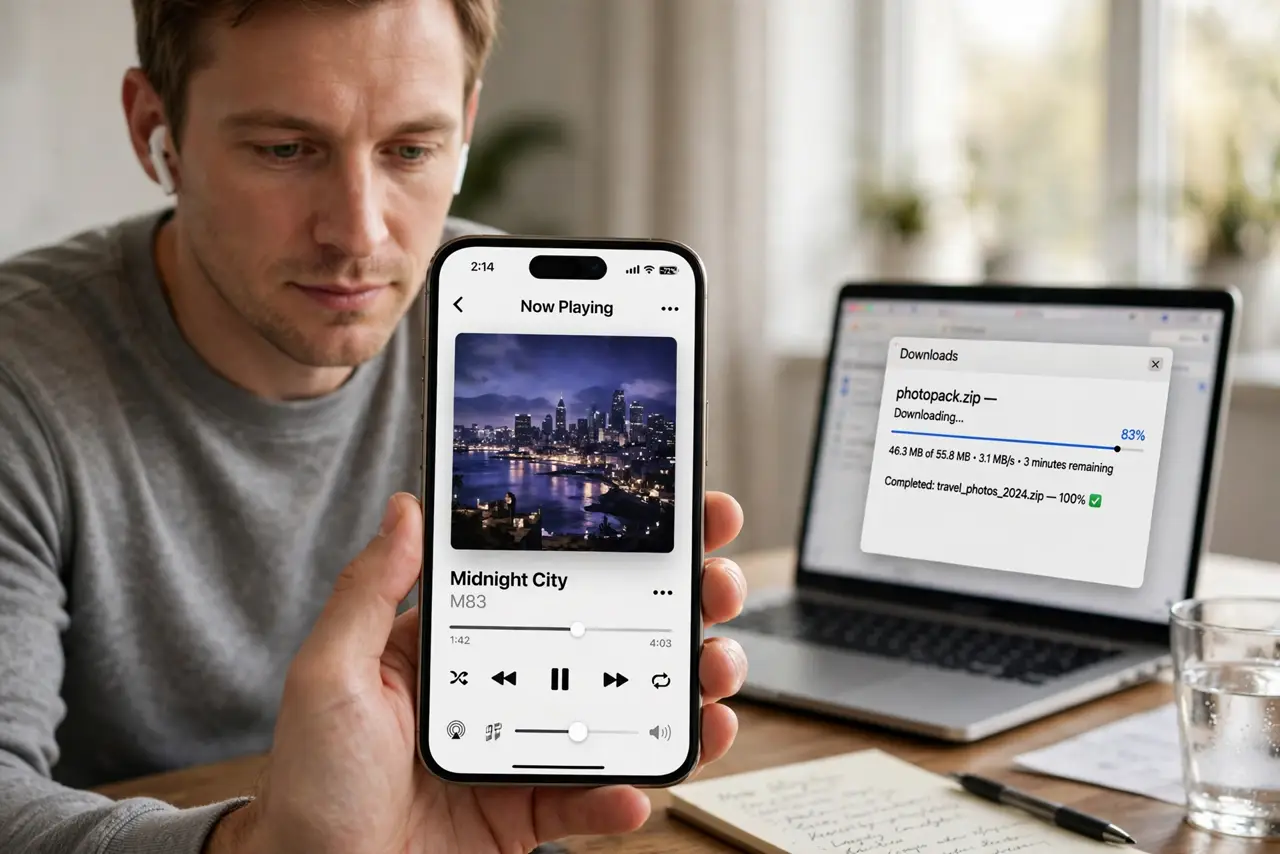
Your earbuds cut out exactly when the Wi-Fi gets busy — big downloads, video calls, crowded rooms. Bluetooth and 2.4 GHz Wi-Fi share the same airspace, and heavy Wi-Fi traffic drowns the little Bluetooth signal. A few placement and band choices calm it down.
TL;DR / Quick Fix
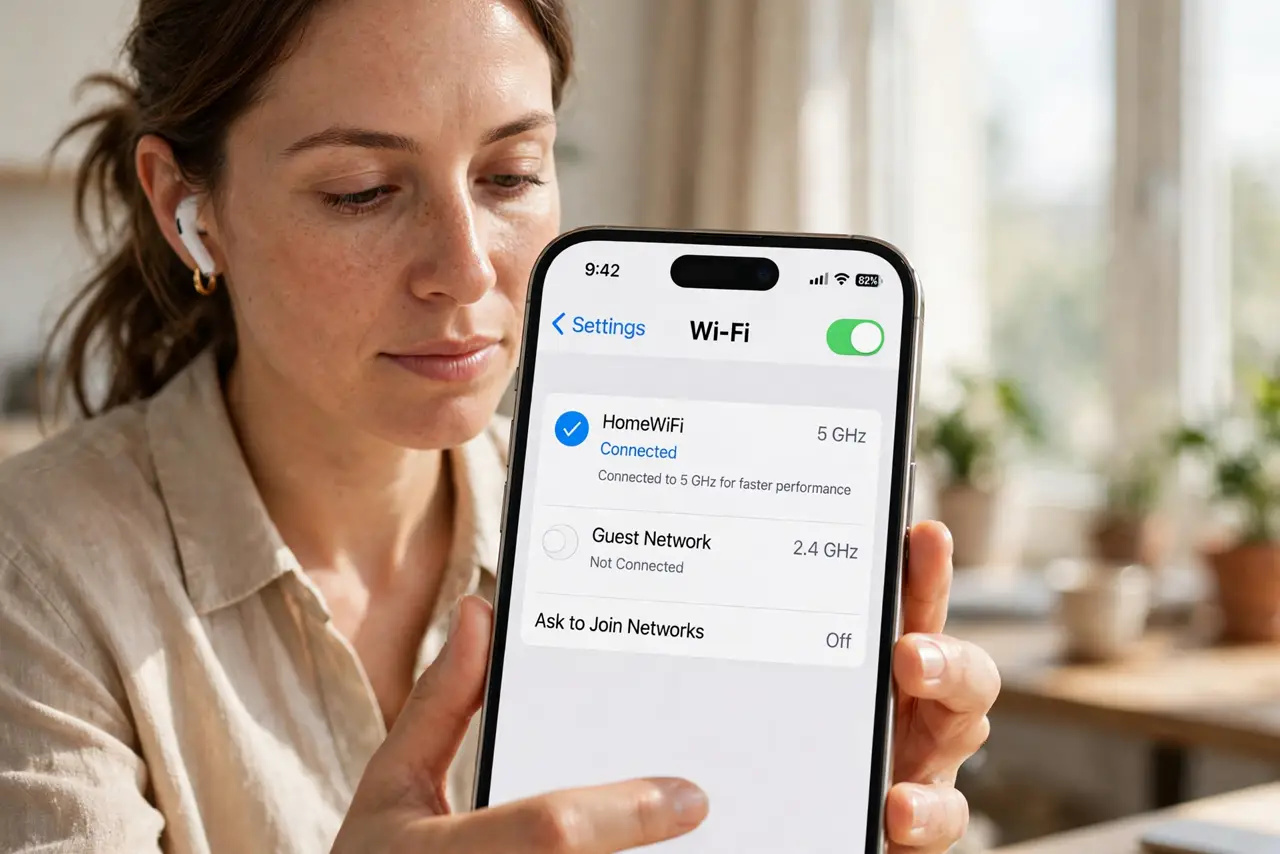
Quick fix: move your phone and laptop to the 5 GHz Wi-Fi band so the crowded 2.4 GHz airspace clears for Bluetooth. Keep the phone close to the earbuds, pause heavy downloads during calls, and check the [[headphone interference guide|wifi-bluetooth-interference-headphones-drop]] for the full picture.
Follow these steps
- Move Wi-Fi traffic to 5 GHz. The single biggest fix: get your phone and computer onto the 5 GHz band. Bluetooth then owns the 2.4 GHz airspace with far less competition.
- Keep the phone near the earbuds. Bluetooth is short-range and weak. A phone in a back pocket, behind your body, has to shout through you to reach the buds.
- Pause heavy downloads during calls. Big 2.4 GHz downloads are the worst offender. Pause them while on Bluetooth calls or listening closely.
- Check for a second Bluetooth aggressor. Smartwatches, fitness bands, and nearby speakers all chatter on 2.4 GHz. Temporarily disconnect extras to find the noisiest one.
- Update earbud and phone firmware. Manufacturers tune Bluetooth coexistence in updates. Check both the earbud app and the phone for pending updates.
- Try a different earbud codec if offered. Some phones let you switch Bluetooth audio codecs in developer settings. A simpler codec can survive noisy airspace better.
What NOT to do
- Do not crank the phone's Wi-Fi to 'prefer 2.4 GHz'. Some phones cling to 2.4 for range — force 5 GHz when you are near the router.
- Do not microwave lunch mid-call. The microwave is the king of 2.4 GHz noise, and it murders Bluetooth along with Wi-Fi.
- Do not assume the earbuds are defective. If stuttering tracks Wi-Fi load exactly, the airspace — not the hardware — is guilty.
- Do not stack the phone on the laptop. Two radios transmitting inches apart interfere more than the same radios a meter apart.
Frequently asked questions
Why do my earbuds stutter only at home?
Your home Wi-Fi is probably on 2.4 GHz and busy. At the office or outside, the airspace is different and Bluetooth breathes easier.
Does 5 GHz Wi-Fi really help Bluetooth?
Yes — it moves the loud Wi-Fi conversation to a room Bluetooth never enters, leaving 2.4 GHz quiet.
Can a USB 3 hub cause Bluetooth stutter?
Surprisingly, yes. USB 3 ports leak 2.4 GHz noise; moving a Bluetooth dongle away from USB 3 ports helps.