Bluetooth Audio Stutters Only on Calls
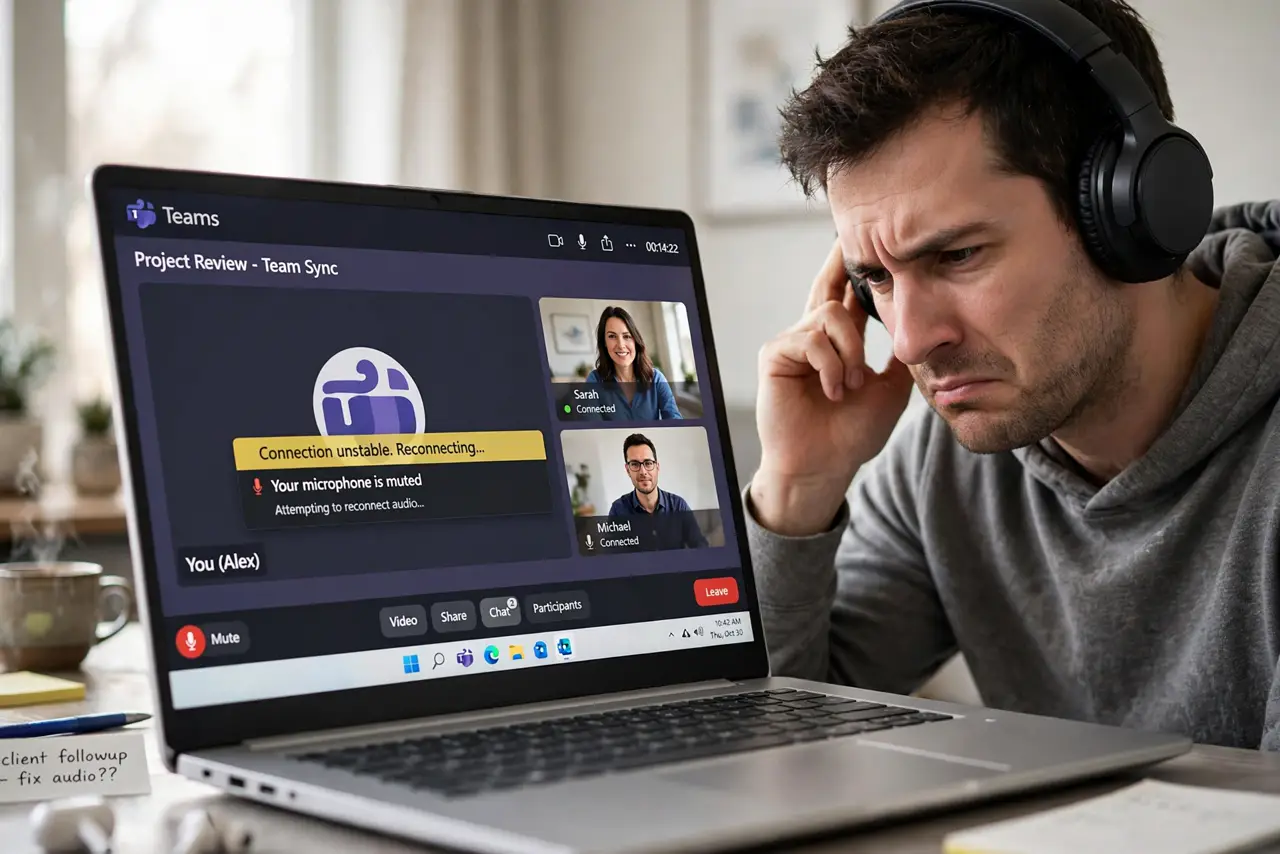
Music over Bluetooth sounds perfect, but the moment a call starts, the audio stutters and cuts out. Calls switch your headset to a low-quality two-way mode, and Windows sometimes picks the wrong device profile for the call. This guide fixes the call profile without touching your music setup.
TL;DR / Quick Fix
Quick fix: in the call app's audio settings, set both speaker and microphone to the headset's Hands-Free device — mixing profiles causes the stutter. Turn off audio enhancements for the call device, and keep the headset close to the PC.
Follow these steps
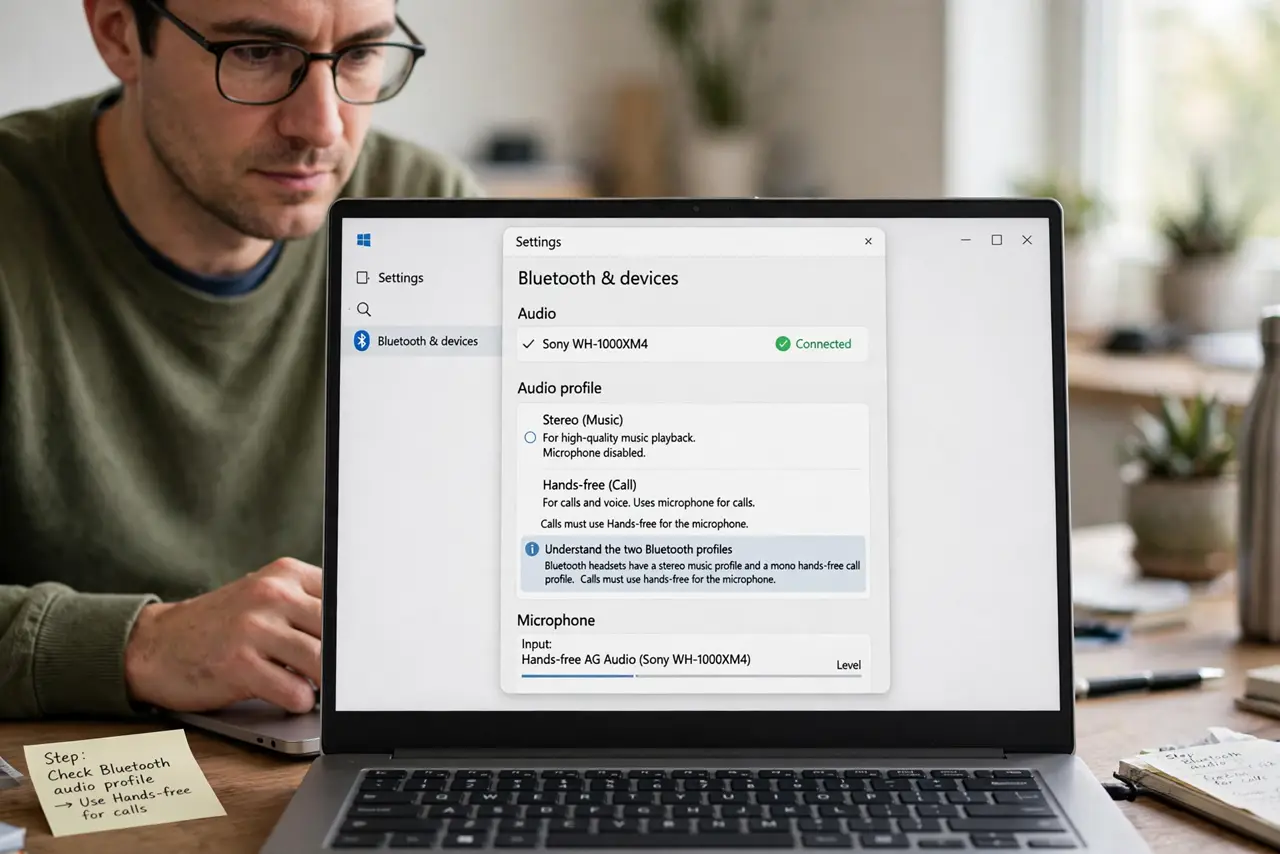
- Understand the two Bluetooth profiles. Bluetooth headsets have a stereo music profile and a mono hands-free call profile. Calls must use hands-free for the microphone; mixing profiles causes the stutter.
- Set the call app's devices explicitly. In the calling app's audio settings, choose the headset's Hands-Free AG Audio for speaker and microphone. Leaving it on 'default' lets Windows guess — often wrong.
- Match input and output to one device. In Settings > System > Sound, make sure the input and output both point to the headset's hands-free entries. Split devices — mic from one, audio from another — stutter badly.
- Turn off audio enhancements. In the hands-free device's properties, disable all enhancements and spatial sound. Processing meant for music chokes the narrow call channel.
- Reduce Bluetooth interference. Move the headset's USB dongle or the laptop away from Wi-Fi routers and USB 3 drives. During calls, keep the headset within a few meters with line of sight.
- Update the Bluetooth driver. In Device Manager, update the Bluetooth adapter driver. An old driver can handle music fine while fumbling the two-way call profile.
What NOT to do
- Do not expect music quality on calls. The hands-free profile is mono and narrow by design — clear calls, not hi-fi, is the goal.
- Do not use the stereo profile's microphone. The stereo music profile has no mic channel, so calls on it fail or stutter.
- Do not buy a new headset first. Profile mismatch causes this exact symptom on perfectly good headsets.
- Do not enable 'exclusive mode' for the call device. Exclusive mode lets one app hog the device and starve the call audio.
Frequently asked questions
Why is Bluetooth fine for music but bad on calls?
Music uses the high-quality one-way profile; calls switch to the two-way hands-free profile, which is narrower and pickier about settings.
Can I use the headset mic with stereo sound?
No. Bluetooth cannot do high-quality stereo and the microphone at the same time — the mic forces the hands-free profile.
Will a USB dongle fix call stutter?
Often yes. A dedicated dongle gives a more stable connection than a laptop's built-in Bluetooth for the demanding call profile.