Mount Your Mic
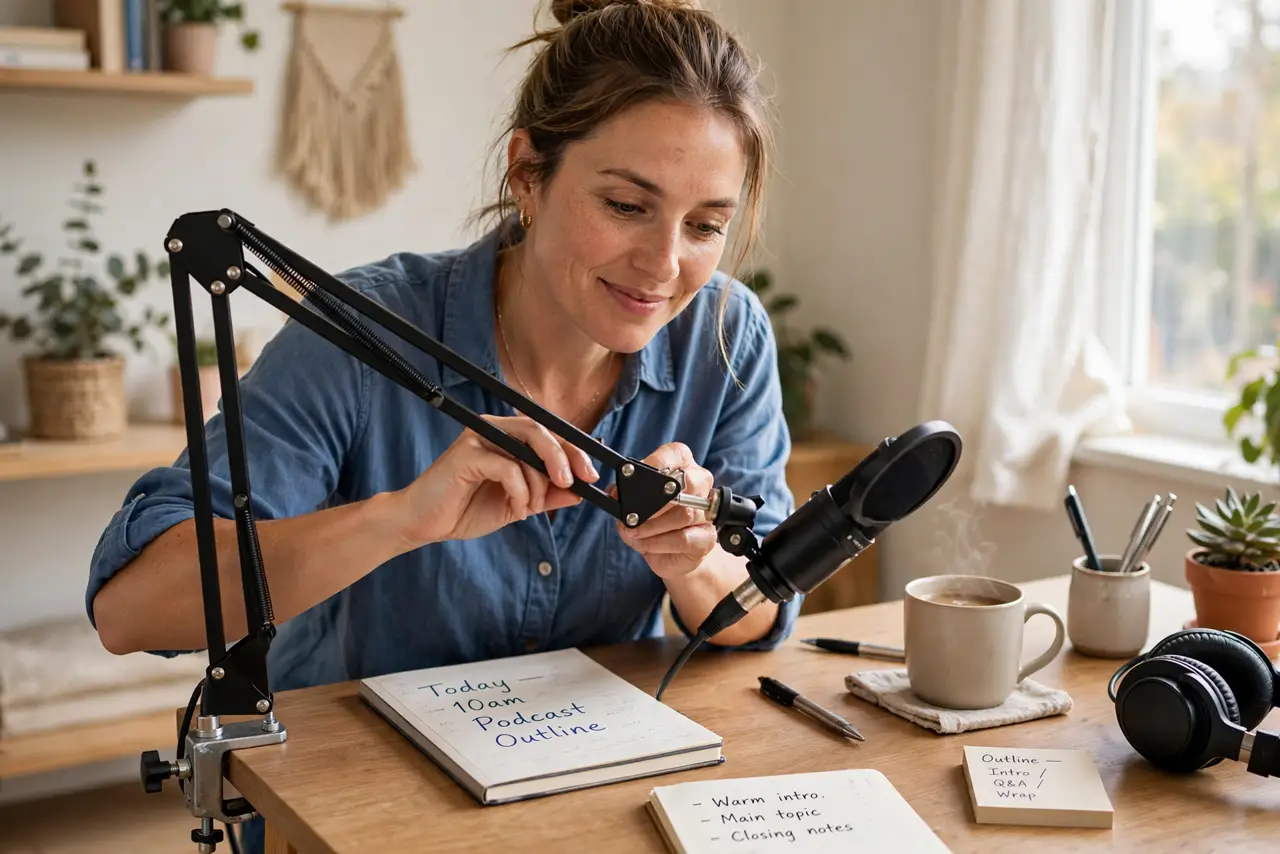
Your mic hogs the desk on its little stand, picking up every keyboard clack and coffee placement. A boom arm clamps to the desk edge, floats the mic right where your mouth is, and frees the whole surface. Better sound, more space, fewer bumps — the cheapest studio upgrade there is. Pair with your USB or XLR mic and a pop filter.
TL;DR / Quick Fix
Quick fix: a desk boom arm gets the mic off your desk and close to your mouth — better sound, more space, fewer bumps picked up. Clamp it to the desk edge, route the cable along the arm, and position the mic a fist away. Your audio sounds more professional.
Follow these steps
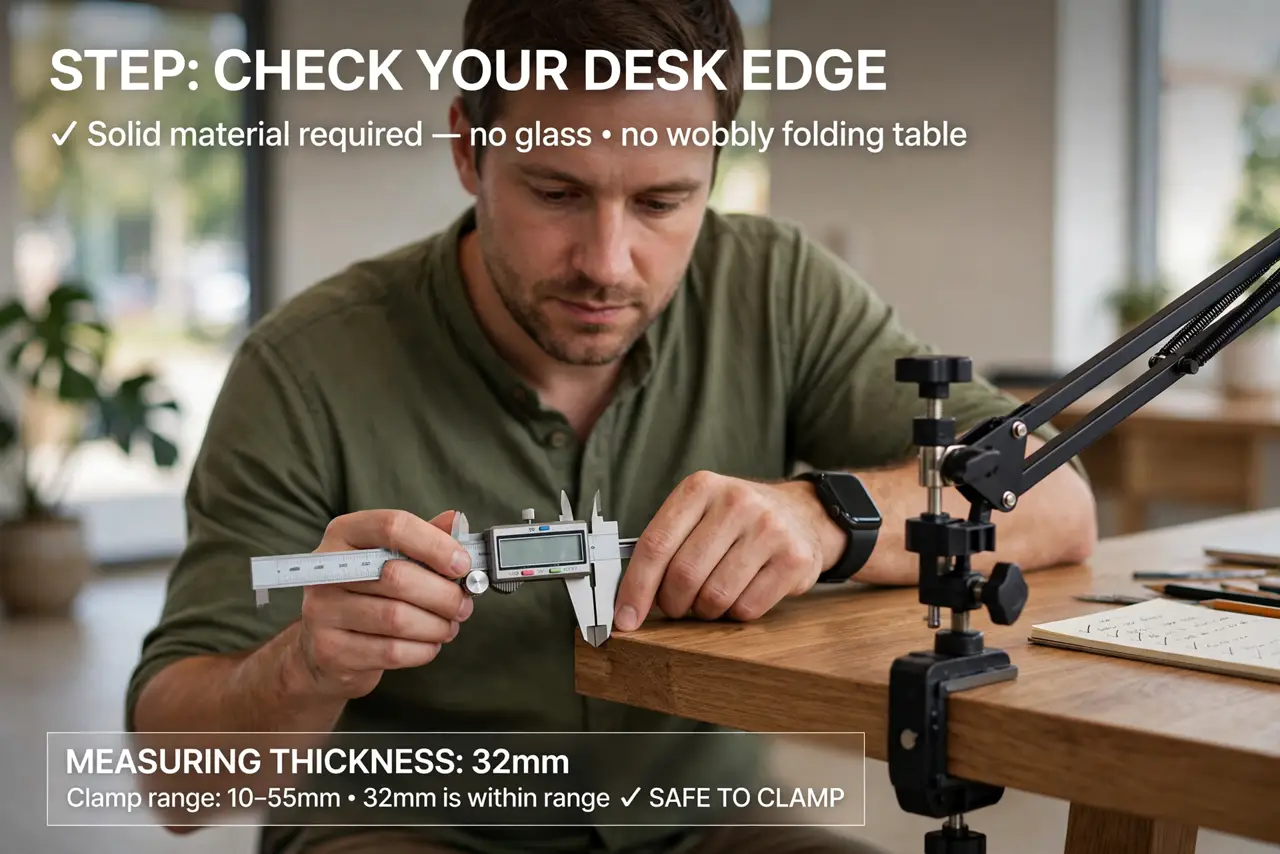
- Check your desk edge. Boom arms clamp to the desk's edge — you need a lip of solid material, not glass or a wobbly folding table. Measure the thickness against the clamp's range.
- Clamp it firmly. Tighten the clamp well; a drooping arm mid-recording is infuriating. The arm should hold position when you let go.
- Mount the mic. Attach your mic with its mount or shock mount. The shock mount earns its keep by isolating desk vibrations.
- Route the cable. Run the mic cable along the arm with clips or ties. A dangling cable snags everything and looks amateur.
- Position for your mouth. Swing the arm so the mic sits a fist's width from your mouth, slightly off-axis. Close miking is the whole point of the arm.
- Set and forget. Once positioned, leave it. The arm's gift is a mic that is always exactly where it should be.
What NOT to do
- Do not clamp to glass desks. Most clamps can crack glass — use a weighted base or a different desk.
- Do not overtighten on cheap desks. Particle board crushes under enthusiastic clamping — snug, not heroic.
- Do not let the arm droop. If it will not hold position, the springs need adjusting or the arm is overloaded.
- Do not forget cable slack. The arm moves; the cable needs enough slack to move with it without yanking.
Frequently asked questions
Will it fit my mic?
Most arms include standard threads and adapters. Check your mic's mount size against the arm's specs.
Is a boom arm worth it for calls?
Yes — closer mic means clearer voice and less room noise, which every call participant appreciates.
Can I mount it elsewhere?
Wall and ceiling mounts exist, but the desk clamp is the simple, reversible choice for most.