What Is Bridge Mode?
You bought a great router, but the provider's gateway box is still doing routing too — two routers, two networks, double NAT, and a trail of weird issues: game voice chat breaks, port forwarding fails, smart devices split across networks. Bridge mode turns the provider box into a dumb modem, leaving your router as the one true network. One network, problems gone.
TL;DR / Quick Fix
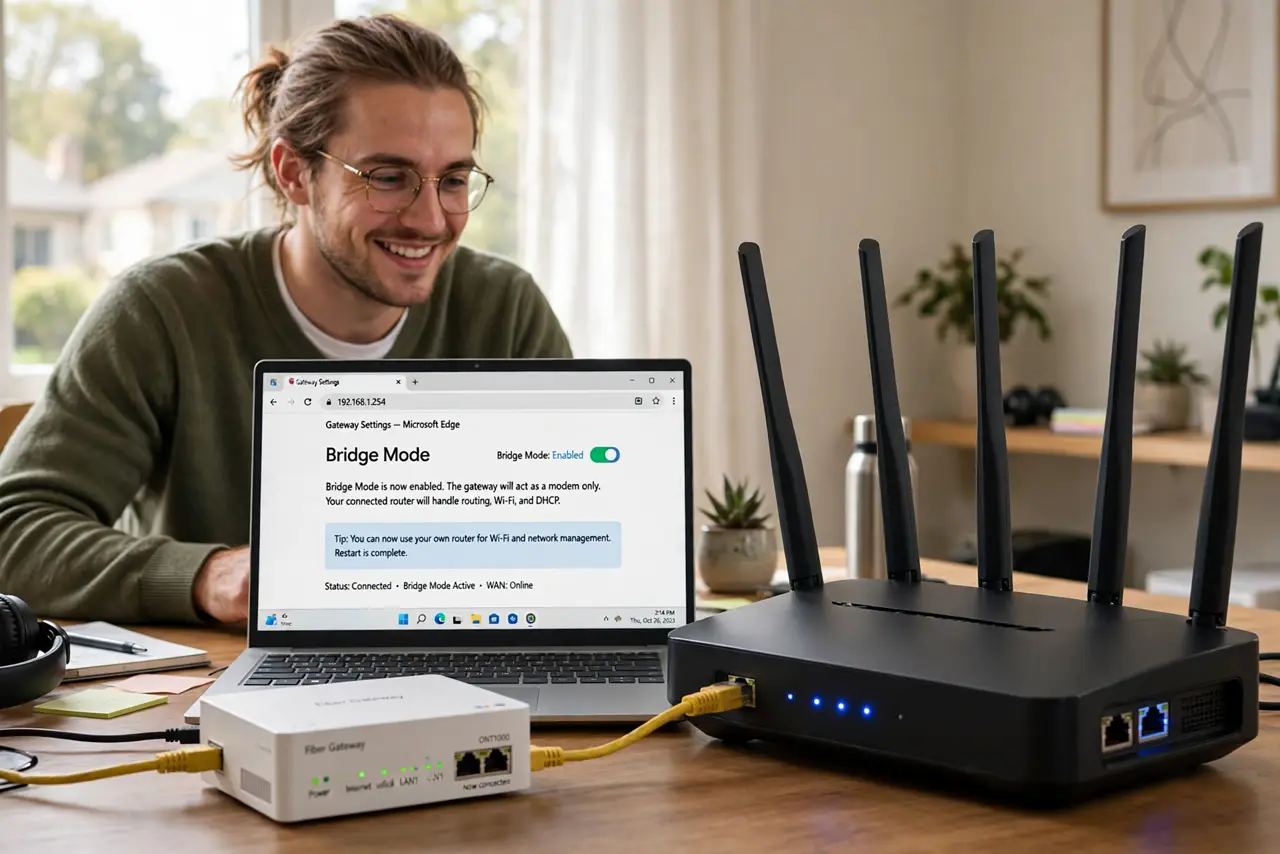
Quick fix: log in to your provider gateway's settings, find bridge mode (often under Gateway or Connection settings), and enable it. Connect your own router's WAN port to the gateway. Your router now runs the whole network — one NAT, one Wi-Fi, no conflicts.
Follow these steps
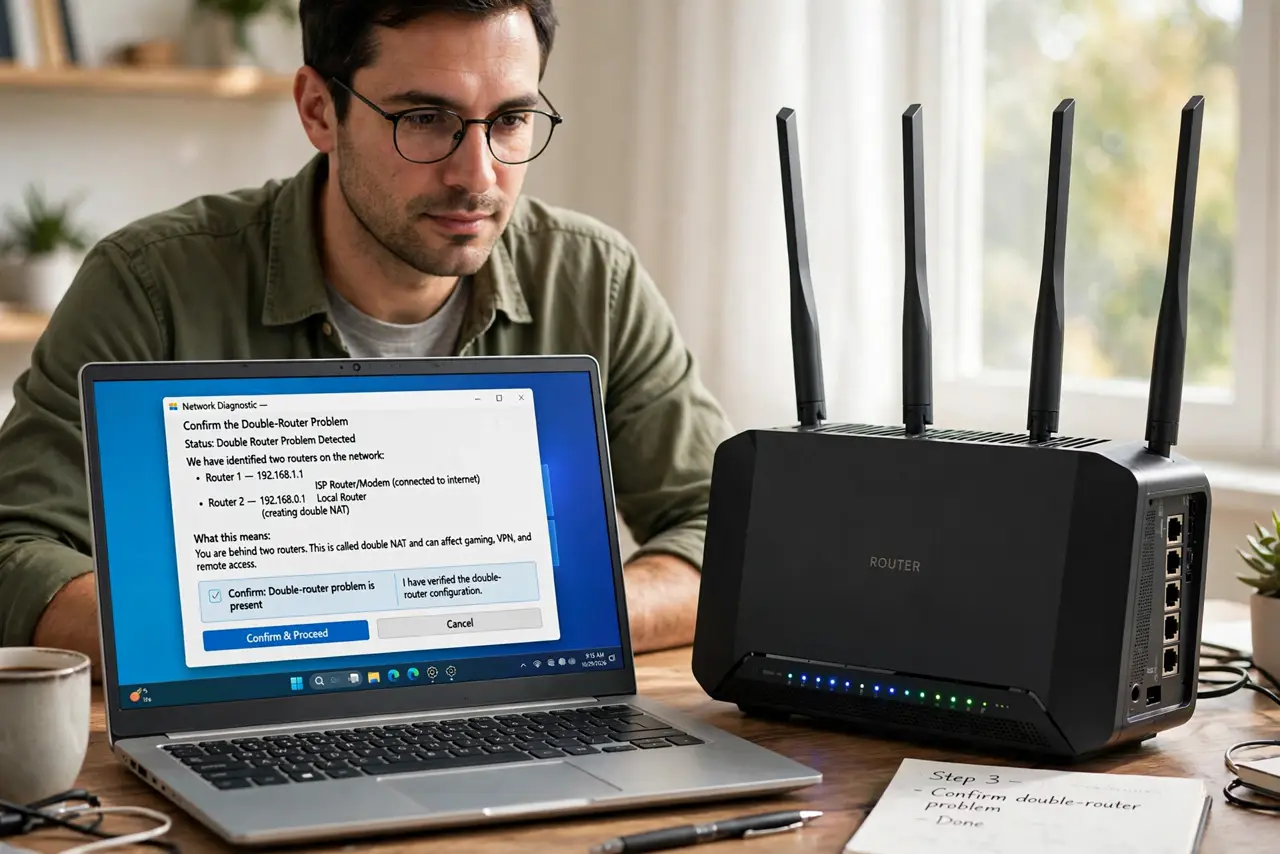
- Confirm the double-router problem. Two Wi-Fi networks in the house, devices that cannot see each other, game chat or port forwarding broken — the classic double-NAT signature. If your setup matches, bridge mode is the fix.
- Log in to the gateway. Open the provider box's settings with the admin credentials — on the sticker if unchanged. Look for Gateway, Connection, or WAN settings; bridge mode hides in the advanced sections.
- Enable bridge mode. Toggle bridge mode on. The gateway stops routing, handing one public address straight to whatever plugs into it. Its Wi-Fi usually turns off too — that is expected.
- Connect your router. Plug your router's WAN or internet port into the gateway's first LAN port. Power-cycle the gateway, then the router — order matters for the address handoff.
- Verify one network. Check that your devices get addresses from your router's range and that the old gateway Wi-Fi is gone. Run the previously-broken thing — game chat, port forward — and confirm it works.
- Know how to undo. To revert, factory-reset the gateway or toggle bridge mode off in its settings (you may need a wired connection to reach it). Nothing is permanent.
What NOT to do
- Do not enable bridge mode with nothing behind it. The gateway in bridge mode gives one address to one device — with no router connected, only one wired device gets online.
- Do not forget the power-cycle order. Gateway first, then router — the address handoff fails if the router boots before the gateway is ready.
- Do not leave the gateway Wi-Fi on. Bridge mode usually kills it, but verify — a lingering second network recreates the confusion.
- Do not confuse bridge mode with bridge access points. Same word, different feature — here it means the gateway stops routing, full stop.
Frequently asked questions
Will I lose my provider's phone service?
Usually not — voice often runs separately. But confirm with your provider before toggling; some gateways bundle voice with routing.
Can I still reach the gateway's settings?
Yes, usually at its default address over a wired connection — though some gateways hide it in bridge mode. Note the address before enabling.
Is double NAT really that bad?
For browsing, invisible. For gaming, video calls, VPNs, and smart-home discovery, it causes exactly the weird failures bridge mode fixes.