Modem vs Router?
Your internet provider gave you a box, the store sells another box, and everyone uses the words modem and router like they are the same thing. They are not: the modem talks to your provider, the router talks to your devices. Knowing which is which decides what to reboot, what to replace, and what to stop paying rent on.
TL;DR / Quick Fix
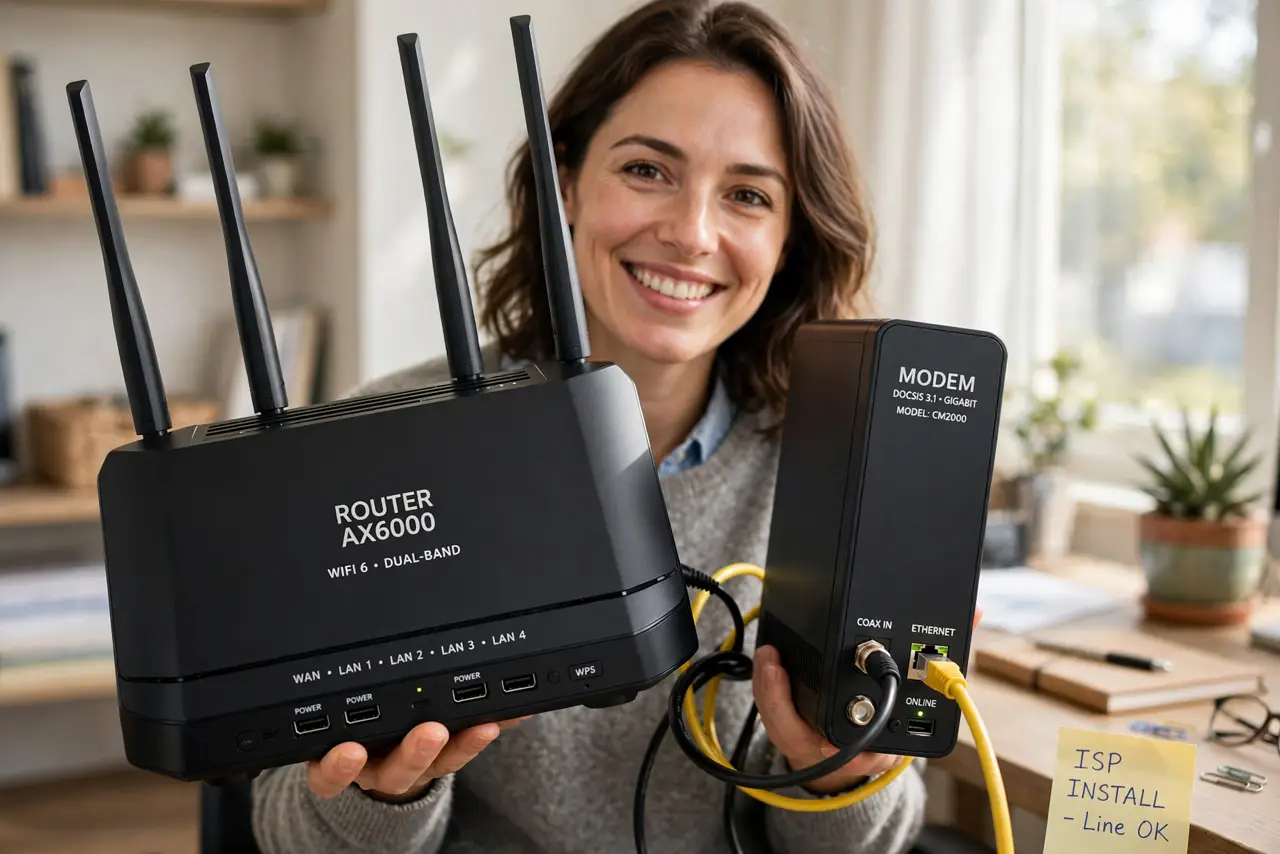
Quick fix: the modem connects to the wall outlet and brings the internet in; the router spreads it to your devices over Wi-Fi. If Wi-Fi is the problem, reboot the router. If nothing gets online at all, check the modem's lights. Many provider boxes combine both — a gateway.
Follow these steps
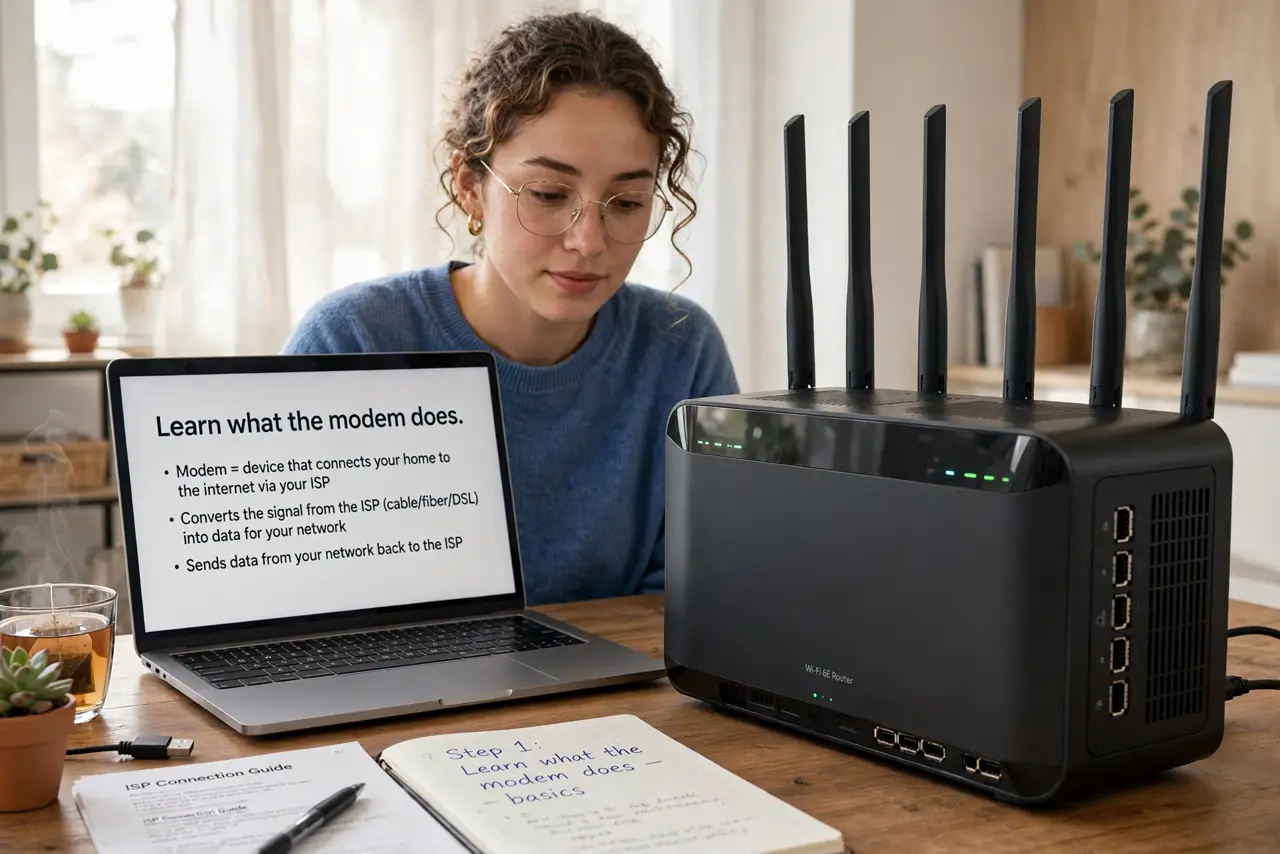
- Learn what the modem does. The modem translates your provider's signal — cable, fiber, DSL — into internet your home can use. One cable in from the wall, one ethernet out. It handles exactly one job: the connection itself.
- Learn what the router does. The router takes that one connection and shares it — assigning addresses, broadcasting Wi-Fi, managing traffic. Every device in your home talks to the router; only the router talks to the modem.
- Identify your box. One box with a coax or fiber input and Wi-Fi antennas? That is a gateway — modem and router combined, usually rented from the provider. Two separate boxes? Then you have a standalone modem and your own router.
- Know what to reboot. Wi-Fi slow but the modem's lights look normal? Reboot the router. Nothing online at all and the modem shows warnings? That is the modem or the provider's line — reboot the modem, then call the provider.
- Stop renting what you can own. Provider modem rentals add up monthly — buying your own approved modem often pays for itself in a year. Routers you should own anyway for better Wi-Fi; gateways are the rental trap.
- Replace the right one. Upgrading Wi-Fi speed or coverage means replacing the router. Fixing dropouts on the line itself means the modem or the provider. Spending on the wrong box fixes nothing.
What NOT to do
- Do not reboot both blindly every time. Diagnose first — router for Wi-Fi issues, modem for total outages. Random rebooting hides patterns.
- Do not buy a fancy router to fix a bad line. If the modem's signal is poor, no router on earth helps — that is a provider problem.
- Do not keep paying modem rent forever. Check your bill — the rental fee is often buried there, and owning pays back fast.
- Do not confuse the gateway's roles. A combo box means one reboot restarts both — handy, but also why 'turn it off and on' fixes so much.
Frequently asked questions
Do I need both?
Yes, functionally — but they can live in one gateway box. Separate units give you upgrade freedom; combos give you simplicity.
Why does the provider care which modem I use?
Cable modems must be certified for their network. Check the provider's approved list before buying your own — unapproved modems do not get activated.
Can I use my own router with their gateway?
Yes — put the gateway in bridge mode so it acts as just a modem, and let your router handle Wi-Fi. Best of both worlds.