Cookies Block the Remember Me Checkbox
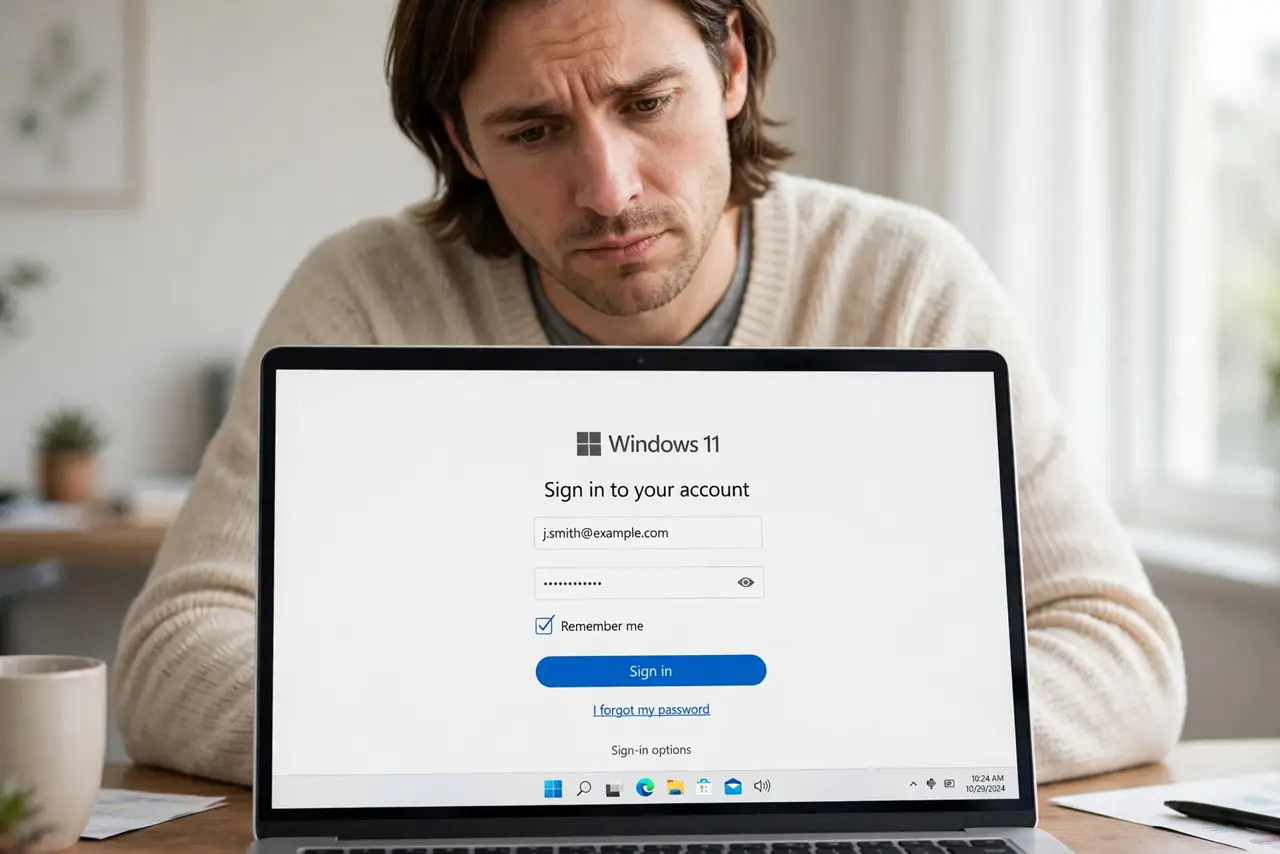
You tick Remember Me, close the browser, and the site forgets you anyway. The checkbox is only a request — if the browser blocks or deletes the site's cookies, the memory never sticks.
TL;DR / Quick Fix
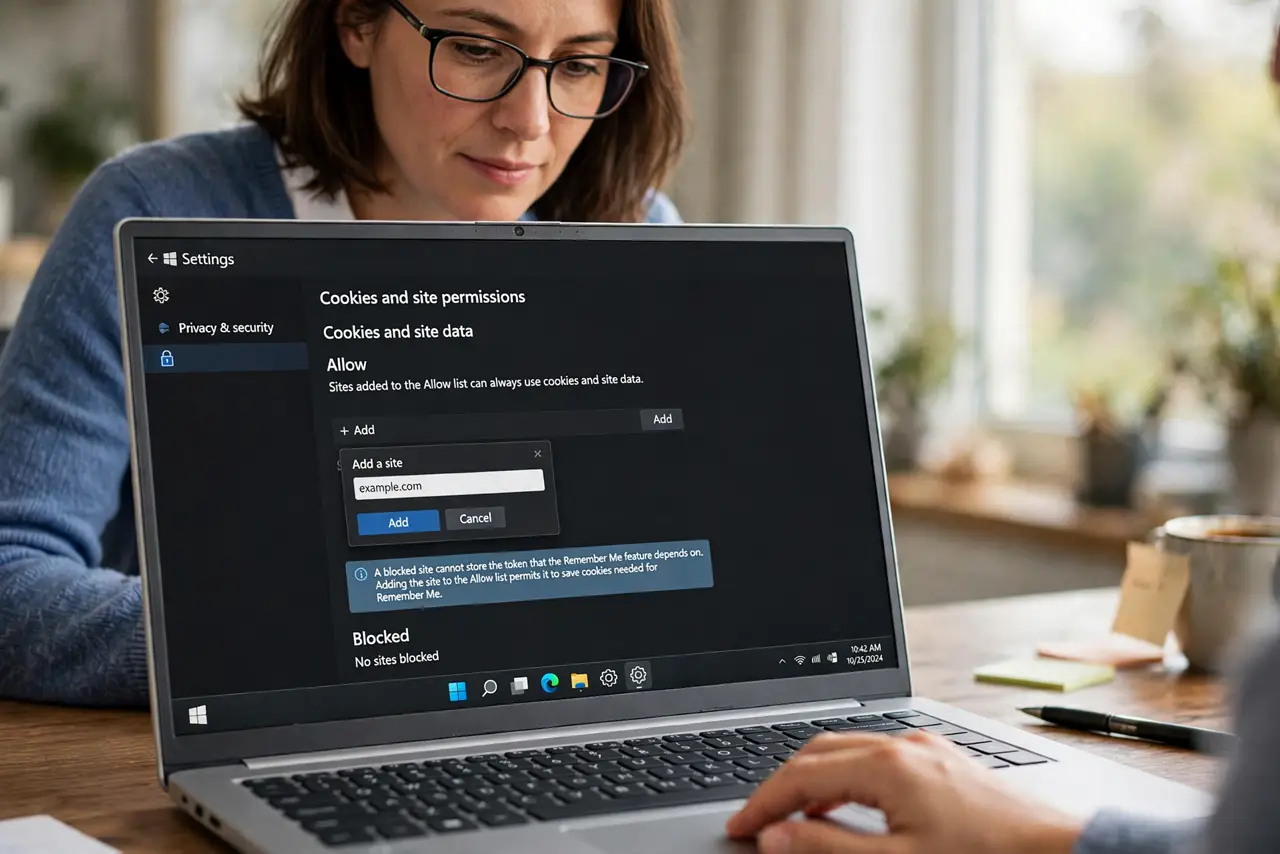
Quick fix: allow cookies for that site in the browser's cookie settings, and check the browser is not clearing cookies on exit. Add the site to the allowed list, tick Remember Me once more, and restart the browser to test.
Follow these steps
- Allow cookies for that site. Open cookie settings and add the site to the allowed or exceptions list. A blocked site cannot store the token that Remember Me depends on.
- Check clear-on-exit settings. If the browser deletes cookies when it closes, Remember Me dies with them. Disable the clearing or exempt the site, then test with a restart.
- Check for settings that reset. An update or a cleaner app can flip cookie permissions back — check for settings that reset. If Remember Me worked last month, verify the permission survived.
- Look for a blocking extension. Privacy extensions can block the site's cookies despite your checkbox. Pause the extension for that site and test the login again.
- Tick Remember Me after fixing, not before. The checkbox only works when the cookie can actually be stored. Fix the permission first, then tick it and log in once more.
- Test with a full browser restart. Log in with Remember Me, close the browser completely, and reopen it. Staying logged in through a real restart proves the fix.
What NOT to do
- Do not tick Remember Me on a public computer. There it remembers you for the next stranger, so leave it off and log out instead.
- Do not allow all third-party cookies to fix one site. Exempt the single site, and keep the broader blocking that protects you elsewhere.
- Do not blame the website's checkbox. The site is asking correctly; the browser is refusing the cookie, so the fix is always browser-side.
- Do not keep logging in daily out of habit. One permission fix ends the ritual for every site that offers Remember Me.
Frequently asked questions
Why does Remember Me never work?
Because the browser blocks or deletes the site's cookies, so the login token the checkbox creates cannot survive.
Is allowing cookies for one site safe?
Yes. A per-site exception is precise, unlike disabling cookie protection for the whole web.
Why did it work last month?
An update, a new extension, or a cleaner app likely changed the cookie setting. Re-check the permission and the exception list.