Download Stuck at 99%? Finish It Safely
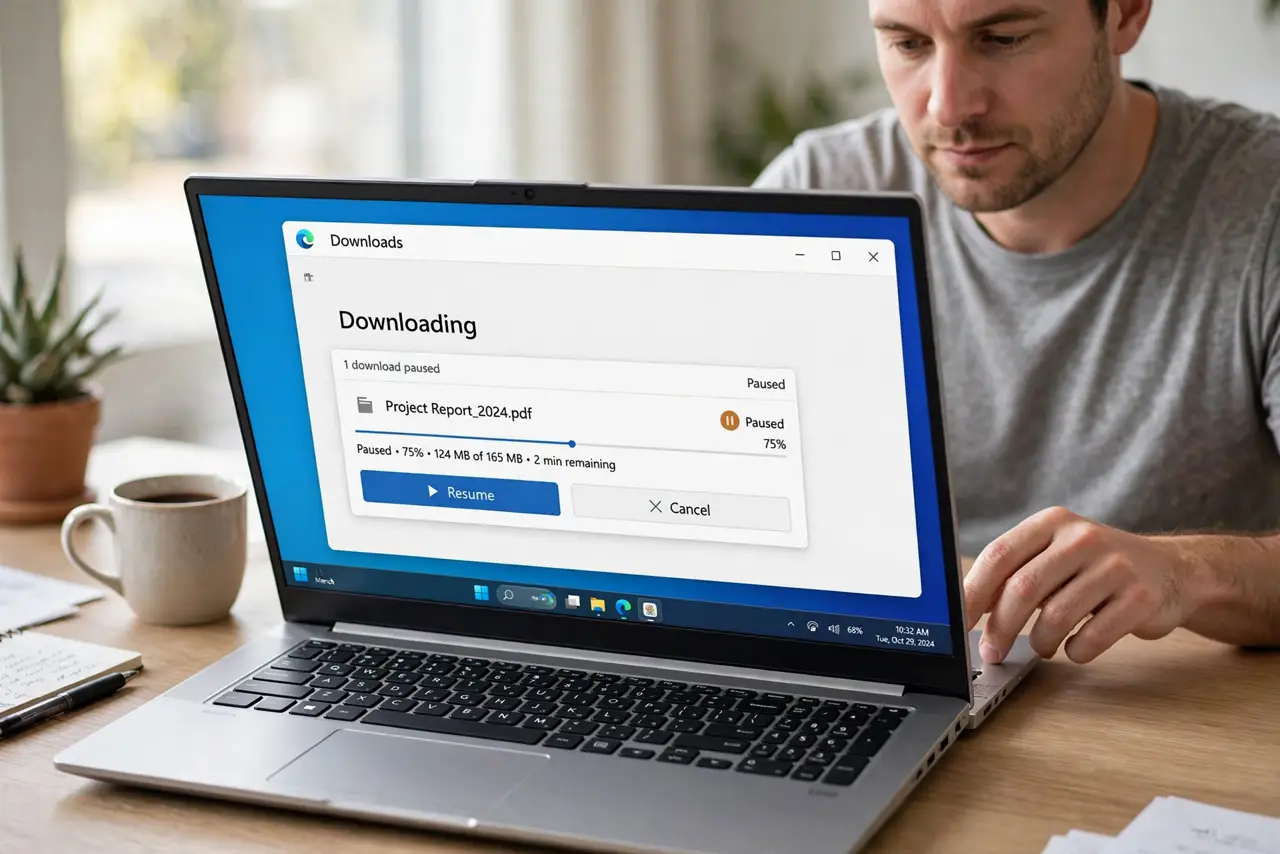
A download stuck at 99 percent is usually a stalled final check, not a failed file. Pause and resume first, because that often restarts the last piece without losing the whole download.
TL;DR / Quick Fix
Quick fix: pause and resume the download, check you have free disk space, and turn off any download-blocking extension for the retry. If it still stalls, download again from the official source on a stable connection. Last, check the finished file before opening it to confirm it.
Follow these steps
- Pause the download, then resume it. Open the downloads list, pause the stuck download, wait a few seconds, and resume it. The final piece often restarts cleanly after a pause.
- Check free disk space. Confirm the drive has more free space than the file needs, with room to spare. A full drive can freeze a download right at the end, when the file is being finished.
- Check the connection and stay on the page. Keep the browser open and the connection steady while the download finishes. Switching networks or closing the laptop lid mid-download can stall the last piece.
- Disable download-blocking extensions for the retry. Turn off extensions that scan or manage downloads, then retry. If the download completes, that extension was interrupting the final step.
- Retry from the official source. Cancel the stuck download and start again from the official download page. A fresh download from the real source avoids a damaged partial file.
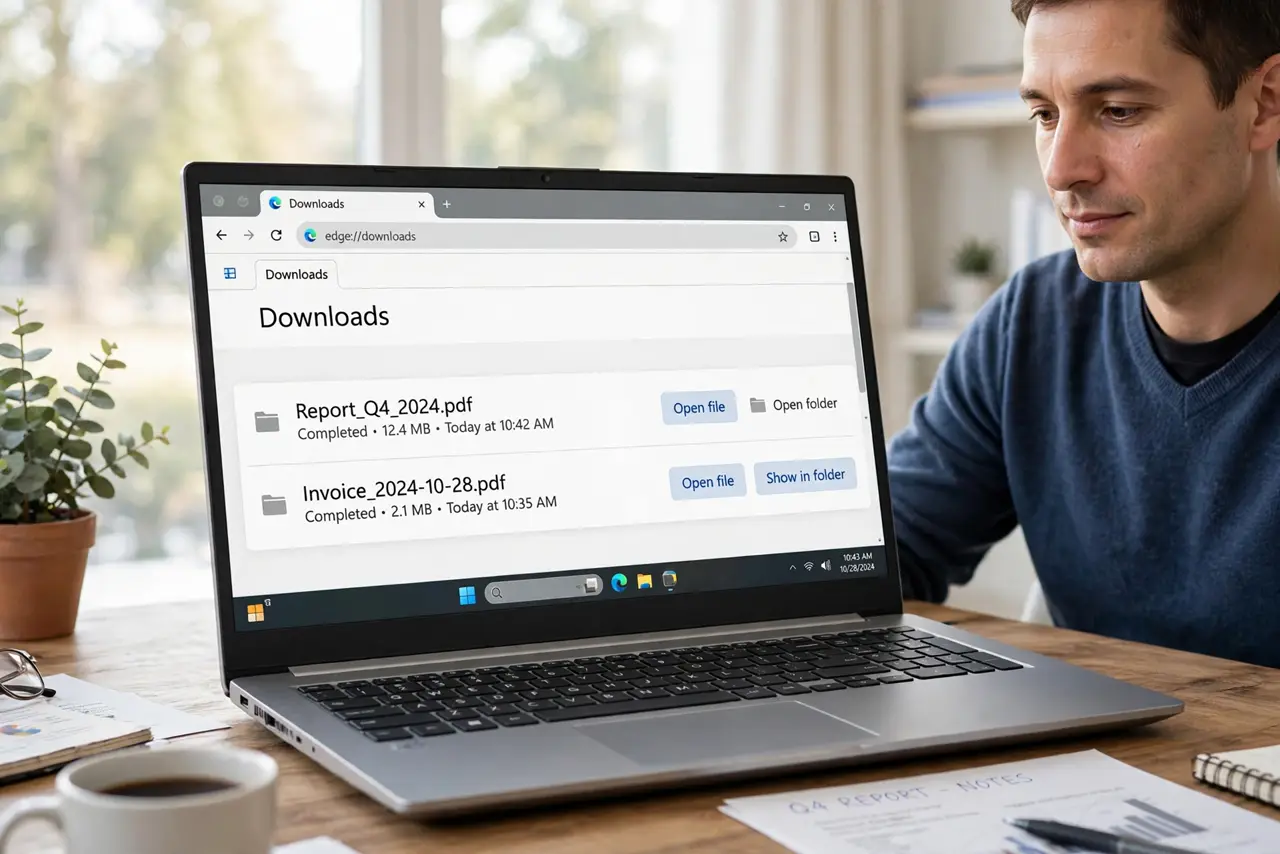
- Check the finished file before opening it. Once it completes, check the file size looks plausible and open it from your downloads folder. If it still will not open, the download itself may be incomplete.
What NOT to do
- Do not open a partial file from an unknown source. An unfinished file can behave unpredictably, so finish it or replace it first.
- Do not download the same file from a mirror site you do not trust. Stick to the official source, even if it is slower.
- Do not fill the drive to the last megabyte. Leave free space, because downloads and updates both need room to finish.
- Do not keep resuming a download that stalls at the same point for hours. Cancel it and start fresh instead of wasting the day.
Frequently asked questions
Why does a download stall at 99 percent?
The last piece may need a final check or a bit more disk space, and a brief connection drop can freeze that step.
Does pausing lose my progress?
Usually not. Pausing keeps what is already downloaded, and resuming continues from that point.
Is a file at 99 percent usable?
Treat it as unfinished until the browser marks it complete, because the missing piece may be essential.