'Not Private' Warning on Public Wi-Fi? Fix It
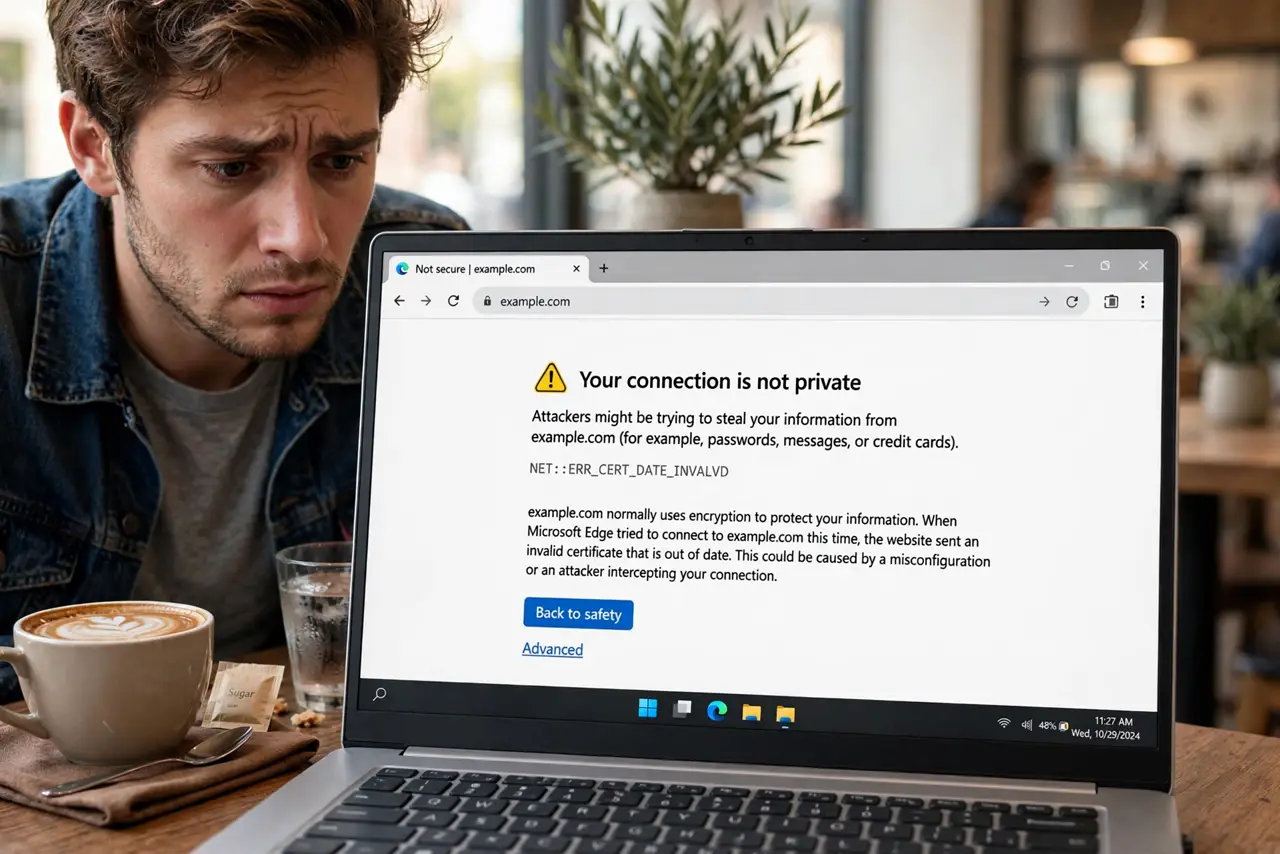
On public Wi-Fi your browser suddenly warns Your connection is not private — on sites that were fine at home. Before you panic about hackers, know the boring truth: captive portals cause most of these warnings. Here is how to tell danger from portal.
TL;DR / Quick Fix
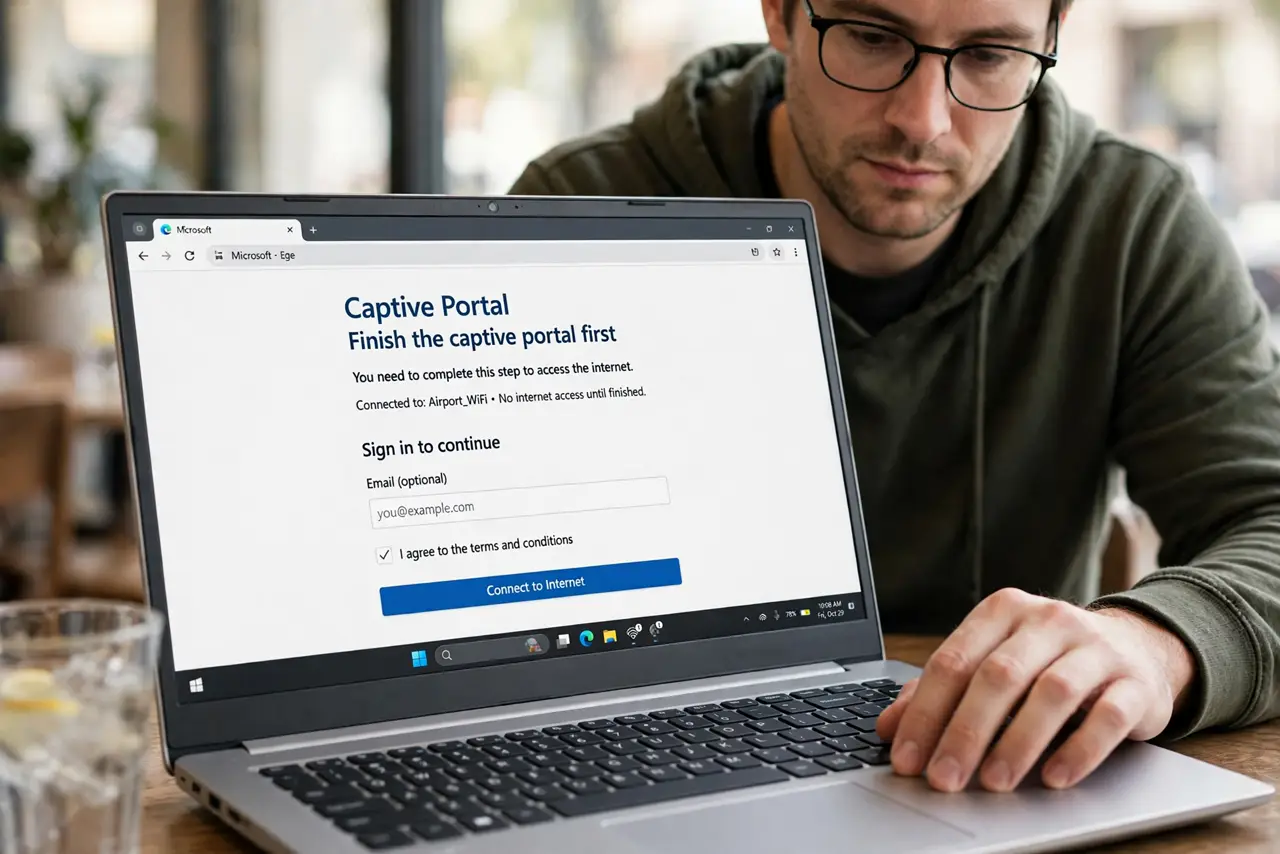
Quick fix: on public Wi-Fi this usually means the captive portal is intercepting the connection — finish the portal login, then reload. If the warning persists on a major site afterward, do not proceed; switch to mobile data. Never click through on banking or email.
Follow these steps
- Finish the captive portal first. Join the network, complete the portal login, then reload the site. Most warnings vanish here.
- Reload, don't click through. After portal login, reload the page fresh. The warning was about the interception, not the site.
- Check the site name carefully. If the warning persists, read the certificate details. A near-miss domain means a real attack — leave immediately.
- Try the site on mobile data. If it loads fine on data but warns on the hotspot, the hotspot is interfering. Trust data.
- Check your date and time. A wrong device clock breaks certificate validation everywhere. Enable automatic time and retest.
- Use a VPN after login. Once past the portal, a VPN encrypts everything — portals and snoopers alike see only the tunnel.
What NOT to do
- Do not click proceed anyway on banking or email. A real interception there can harvest credentials.
- Do not assume every warning is an attack. On public Wi-Fi, the portal is the usual suspect — verify before panicking.
- Do not ignore a persistent warning on a major site. After portal login, a warning on a big site or your bank is a red alert.
- Do not fix it by switching to HTTP. Dropping encryption to dodge a warning is exactly backwards.
Frequently asked questions
Why only on public Wi-Fi?
Because captive portals intercept connections to show the login page, and interception looks exactly like an attack to the browser.
Is the hotel spying on me?
The portal sees metadata, and without HTTPS or VPN, more. Treat all public Wi-Fi as observed — VPN after login.
The warning appears at home too — what now?
Then it is not a portal. Check your clock, then your security software — some antivirus proxies break certificates.