VPN Won't Connect on Public Wi-Fi? Fix It
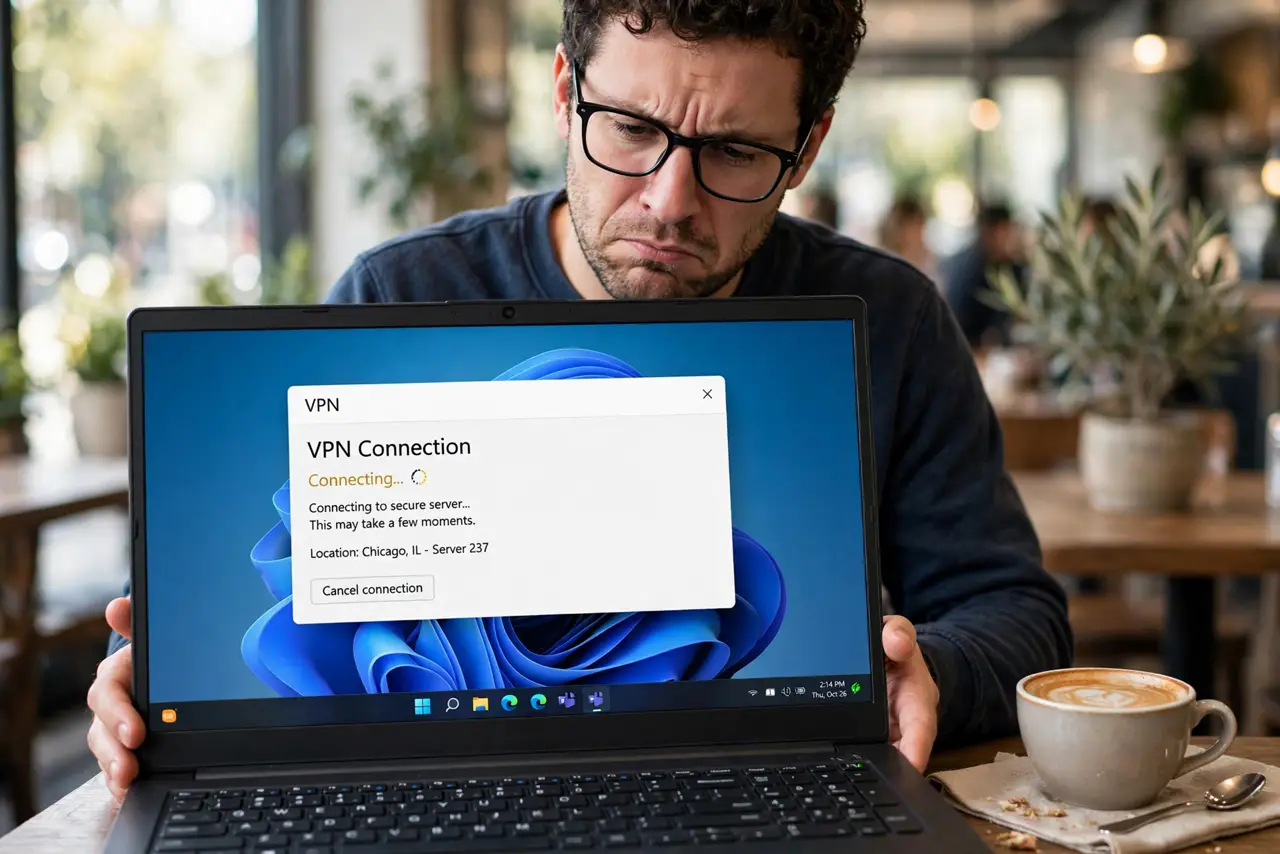
Coffee shop Wi-Fi, VPN app spinning forever, never connecting. Public hotspots often block the ports and protocols VPNs need — sometimes deliberately, sometimes through clumsy captive portals. Here is how to get the tunnel up without begging the barista.
TL;DR / Quick Fix
Quick fix: finish the hotspot's login page first with the VPN off — captive portals block tunnels until you authenticate. Then try another protocol like WireGuard or stealth mode, since hotspots often block default VPN ports. If it still fails, use mobile data for sensitive tasks.
Follow these steps
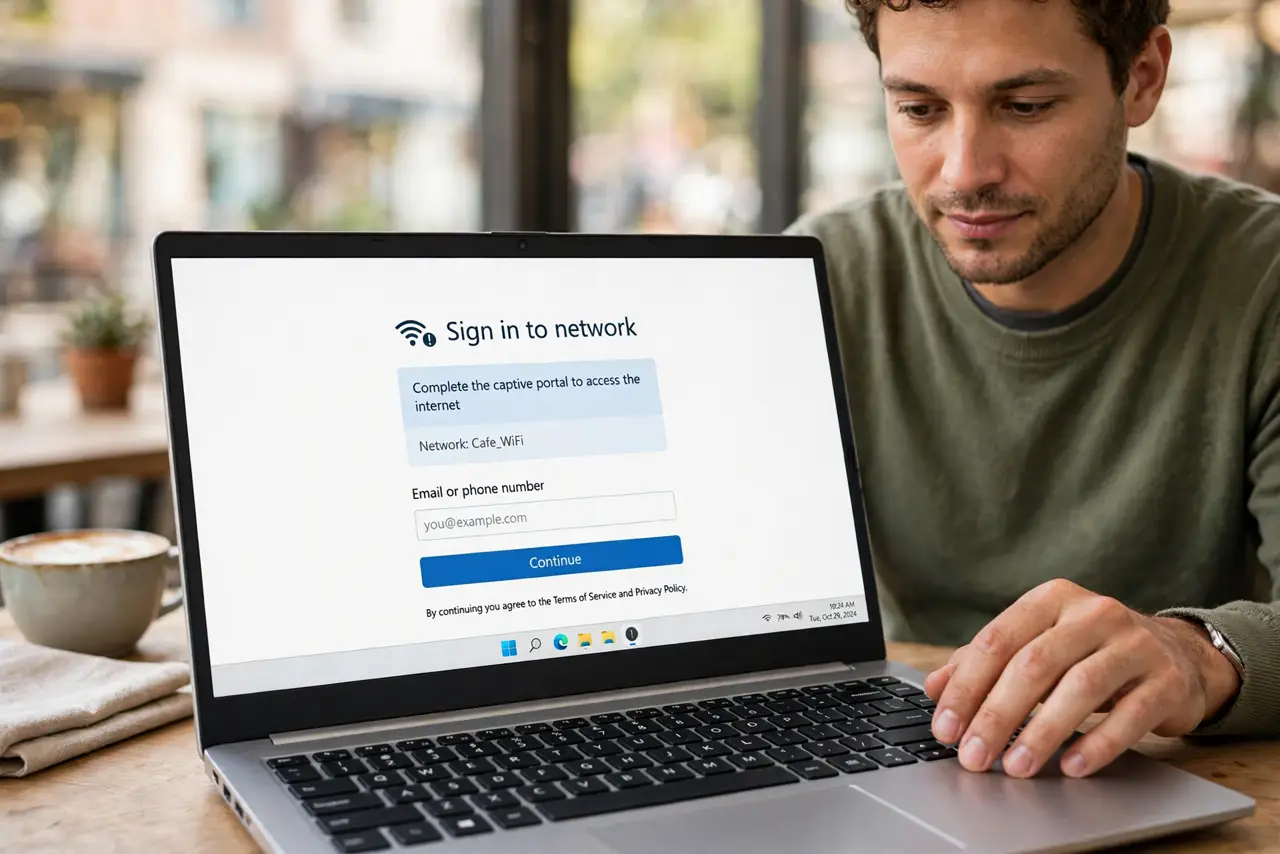
- Complete the captive portal first. With the VPN off, open a browser and finish the hotspot's login page. Tunnels cannot pass a portal you have not cleared.
- Then connect the VPN. Once the portal shows success and pages load, start the VPN. Order matters — portal first, tunnel second.
- Switch protocols. If the default protocol stalls, try WireGuard, then any stealth or obfuscated mode. Hotspots usually block specific ports, not all VPN traffic.
- Try a different server. Some servers' IPs are blocklisted by hotspot filters. A nearby alternative often sails through.
- Restart the Wi-Fi connection. Forget and rejoin the hotspot to clear a half-authenticated state, then redo portal-plus-VPN in order.
- Fall back to mobile data. For banking or sensitive work, a blocked VPN on public Wi-Fi is a sign to use mobile data instead of fighting the filter.
What NOT to do
- Do not skip the portal and hammer connect. The VPN cannot tunnel through an unauthenticated portal — finish login first.
- Do not do banking on the open hotspot without the VPN. If the tunnel will not rise, switch networks rather than going unprotected.
- Do not assume the VPN app is broken. Test it on your home Wi-Fi — if it works there, the hotspot is the blocker.
- Do not install a free VPN from the hotspot's ads. Desperation plus free VPNs equals malware — use your trusted provider or data.
Frequently asked questions
Why do hotels and cafes block VPNs?
Rarely malice — usually clumsy filters, bandwidth management, or portals that break non-browser traffic. Some restrictive regions block deliberately.
Is stealth mode slower?
Slightly — obfuscation adds overhead. Use it only where the normal protocol is blocked.
Can the hotspot see my traffic if the VPN connects?
No — once the tunnel is up, the hotspot sees only encrypted traffic to one server. That is the whole point.