Pop-Up Blocker Blocking Your Bank Site? Fix It
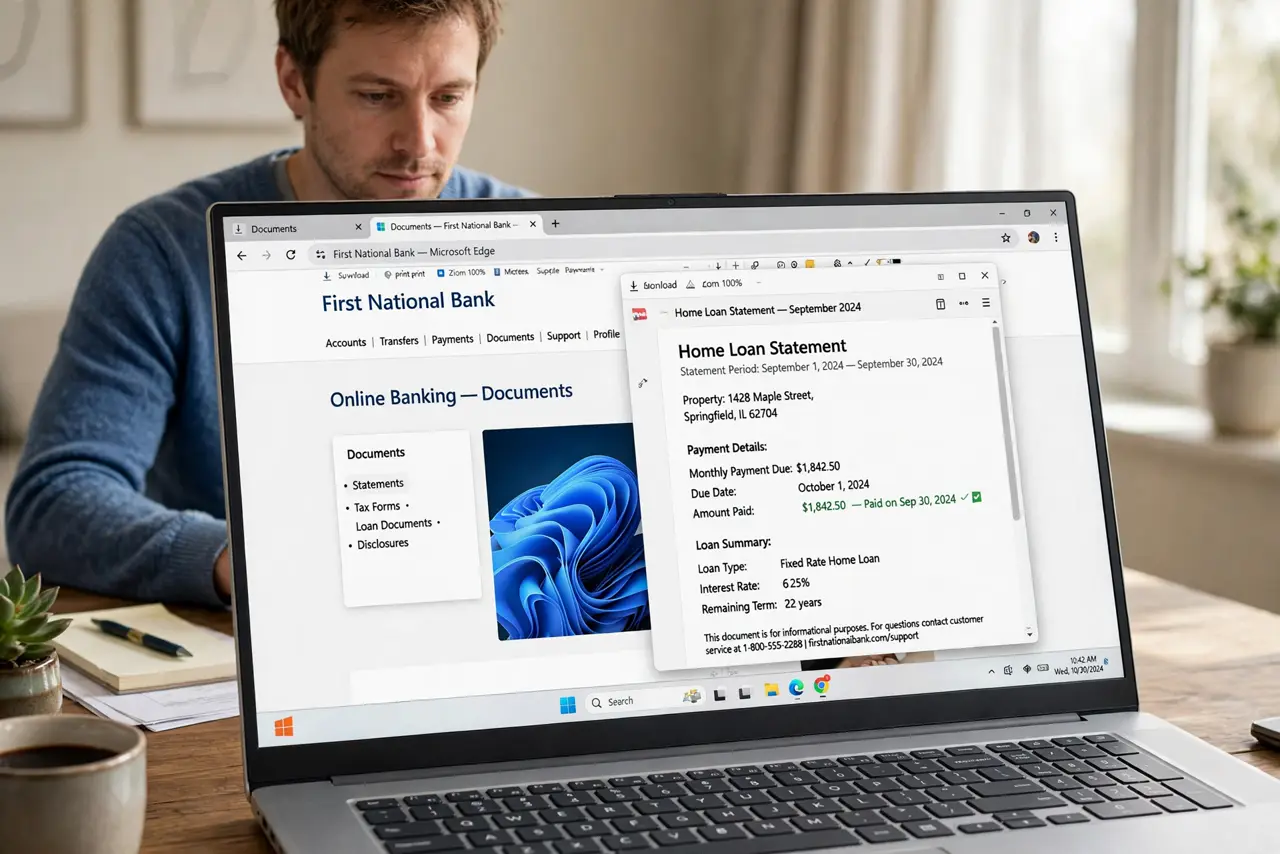
Bank sites often open secure documents or verification steps in a new window, and a pop-up blocker can stop that step cold. Allow pop-ups for that one bank site only, and keep the blocker on everywhere else.
TL;DR / Quick Fix
Quick fix: open the site settings for your bank and allow pop-ups for that site only, then reload the page and retry the step. Keep the blocker on for all other sites, and never allow pop-ups on a site you do not trust.
Follow these steps
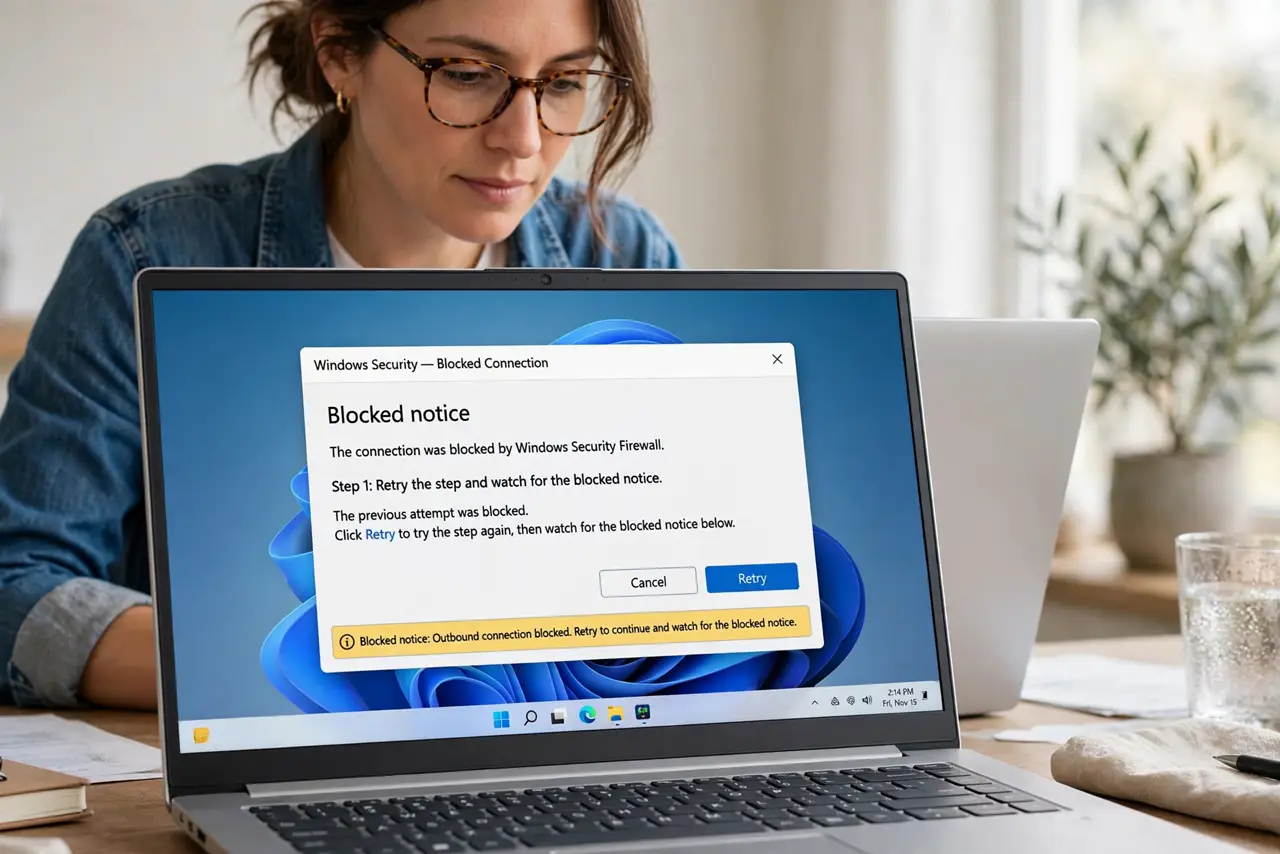
- Retry the step and watch for the blocked notice. Click the bank action again and look for a blocked pop-up icon in the address bar. That icon confirms the blocker stopped the window, rather than the bank site failing.
- Allow pop-ups for this site only. Open the site settings for the bank page and set pop-ups to Allow for this site. Do not turn the blocker off for all sites.
- Reload the bank page and retry. Reload the page, sign in again if asked, and retry the step that needed the new window. The document or verification window should now open.
- Check your extension blocker too. If it still fails, check ad-blocking extensions, which can block pop-ups separately from the browser setting. Allow the bank site in that extension as well, for this site only.
- Complete the task, then review the permission. Finish the bank task, then leave the permission in place only if you use the site regularly. For a one-time task, you can remove the permission afterwards.
- Contact the bank if it still fails. If the window still will not open with pop-ups allowed, contact the bank's support. The problem may be on their side, and they can offer another way to complete the step.
What NOT to do
- Do not turn off the pop-up blocker for all sites. That opens the door to misleading windows everywhere else.
- Do not allow pop-ups on a site that only looks like your bank. Check the address carefully before allowing anything.
- Do not download a file the bank window offers unless you expected it. A real bank step and a fake download can look similar.
- Do not stay signed in on a shared computer after the task. Sign out of the bank site when you finish.
Frequently asked questions
Why does my bank need a pop-up at all?
Some bank steps, such as secure documents or verification, open in a separate window by design.
Is allowing pop-ups for my bank safe?
Allowing one trusted site you verified is reasonable. Allowing all sites is not.
What if the pop-up still will not open?
Check extension blockers as well as the browser setting, and then ask the bank for another way to complete the step.