Browser Says Site Cannot Be Reached? Fix It
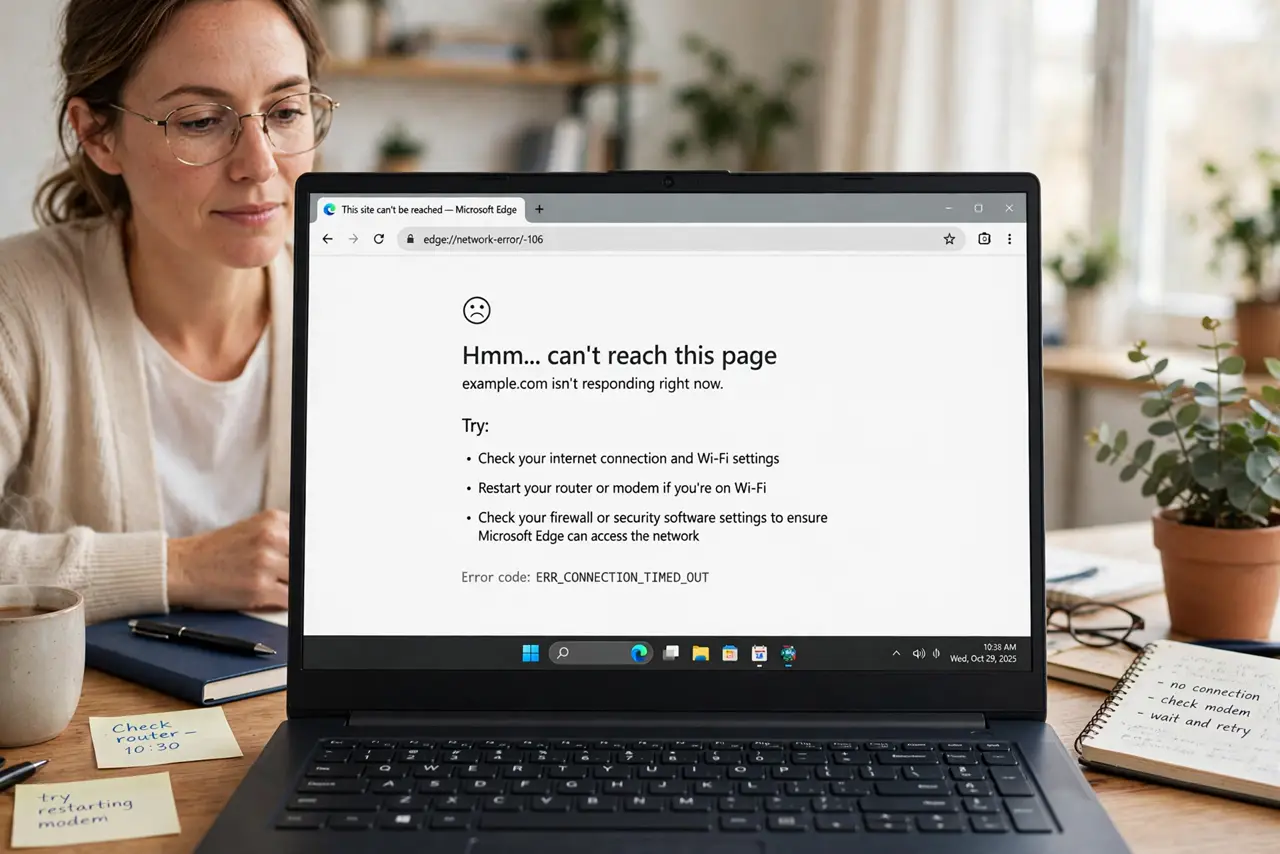
The browser says a site cannot be reached, while other pages may load fine, or nothing loads at all. The cause may be a mistyped address, a dead site, a DNS problem, or a lost connection, and testing separates them fast.
TL;DR / Quick Fix
Quick fix: check the address spelling, try another well-known site, and try the same site on another device. If nothing loads, restart the router and device, then check the connection and DNS settings. Test once more after a restart. Write down what worked for next time.
Follow these steps
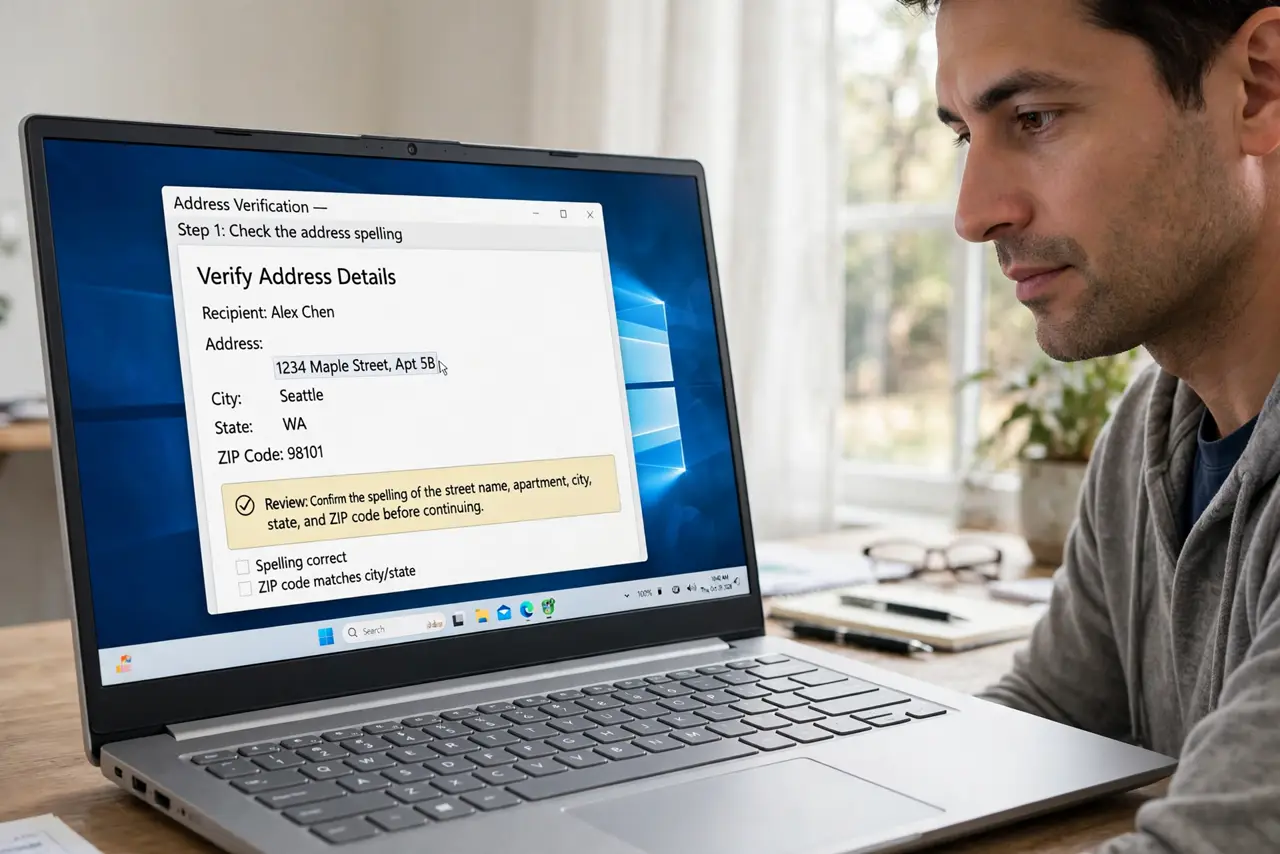
- Check the address spelling. Read the address carefully for typos, missing letters, or a wrong ending. A single wrong character sends the browser to a site that does not exist.
- Try another well-known site. Open a different well-known site. If it loads, your connection works, and the first site itself is the problem, not your network.
- Try the site on another device. Open the same site on a phone or second device. If it fails everywhere, the site or its path is down, not your first device.
- Restart the device and router. Restart the device, then restart the router and wait for its lights to settle. A restart clears a stuck connection that blocks one or every site.
- Try another browser. Open the site in a different browser on the same device. If it loads there, the first browser profile, extension, or cache is the cause.
- Check DNS and connection settings. If every site fails, check the device connection and DNS settings, or reset network settings on that device. A wrong DNS setting blocks every site at once.
What NOT to do
- Do not keep refreshing the same dead page. Refreshing a mistyped or down site never fixes it, so test another site first.
- Do not change DNS to random addresses from a forum. Wrong DNS can break every site and send browsing to untrusted servers.
- Do not reinstall the browser as a first step. Trying another browser and restarting are faster and usually reveal the real cause.
- Do not assume the whole internet is down because one site fails. One site can be down while everything else works fine.
Frequently asked questions
Why can one site fail while others load?
That site itself may be down, its address may be mistyped, or a filter may block it, while your connection stays fine.
Does trying another browser help?
Yes. If the site loads in another browser, the first browser profile, extension, or cache is at fault.
What if every site fails?
The connection or DNS is likely at fault. Restart the router and device, then check connection and DNS settings.