Save and Restore Browser Tab Groups
You organized research into neat tab groups, closed the browser, and they are gone. Tab groups can be saved permanently in modern browsers — but only if you turn the saving on.
TL;DR / Quick Fix
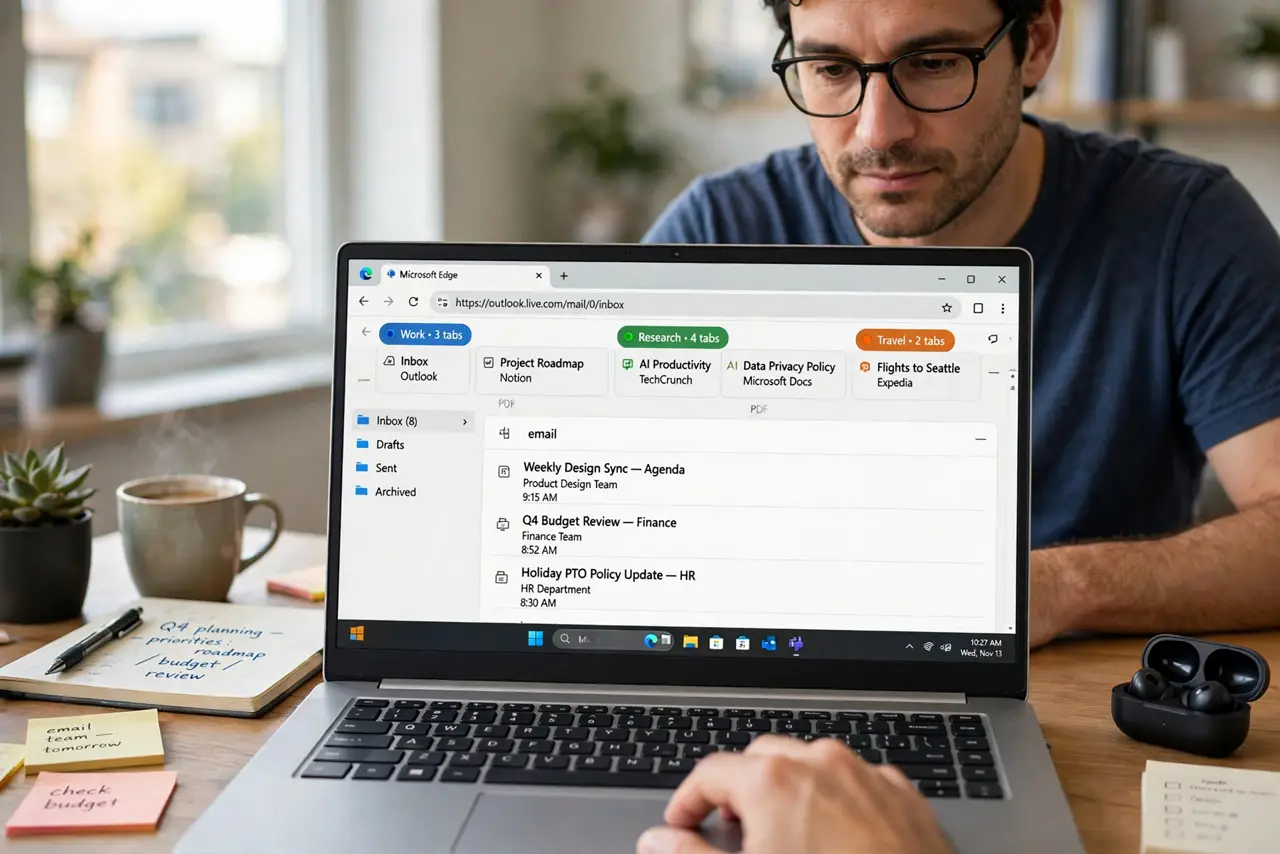
Quick fix: in Chrome or Edge, right-click the tab group and turn on Save Group so it lives in the bookmarks bar. In Safari, groups save automatically to the sidebar. Then reopen closed groups from the saved list instead of rebuilding them.
Follow these steps
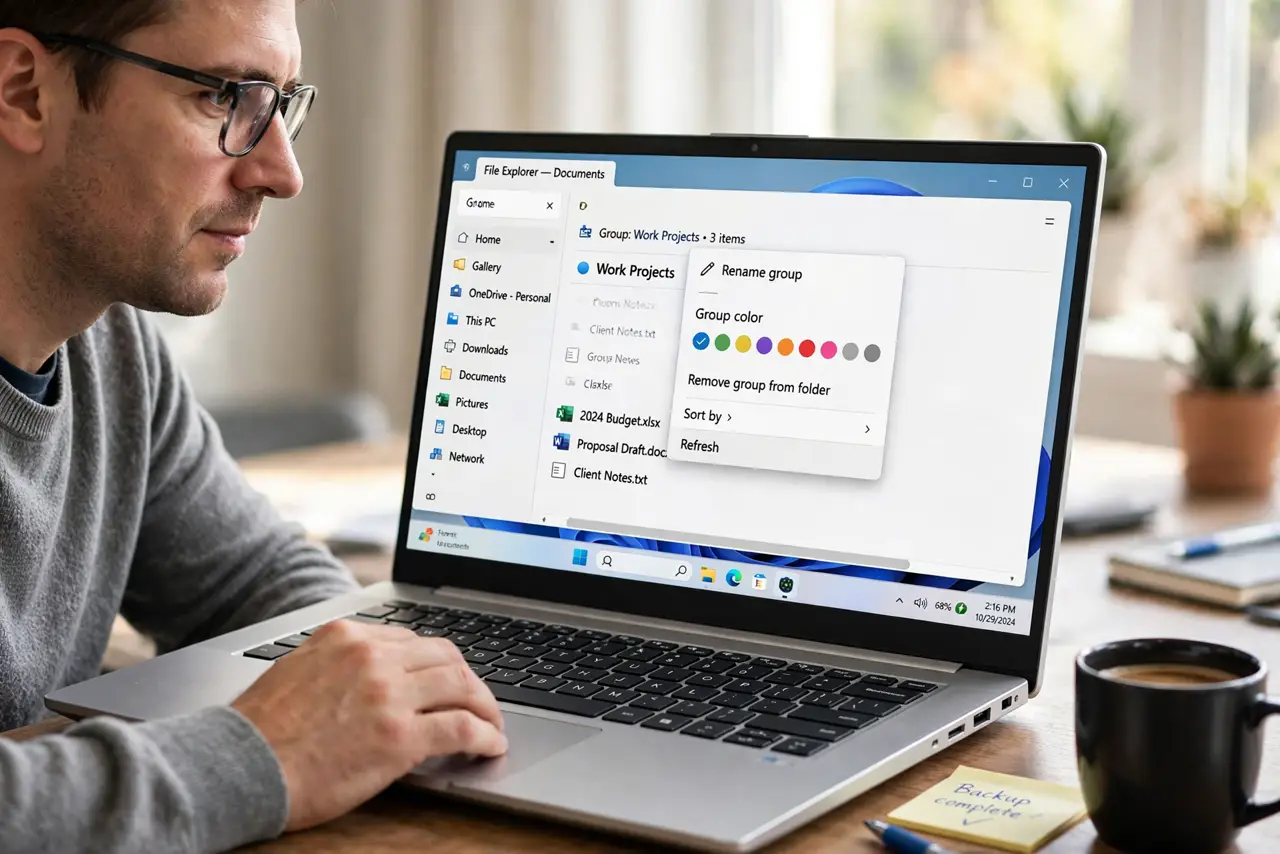
- Name and color the group first. Right-click the group label, give it a clear name, and pick a color. Named groups are the ones worth saving, and the name makes them findable later.
- Turn on Save Group in Chrome or Edge. Right-click the group and enable Save Group. The group then appears in the bookmarks bar area, safe from accidental closure.
- Find Safari groups in the sidebar. Safari saves tab groups automatically and lists them in the sidebar. Look there before assuming a closed group is lost.
- Reopen from the saved list. Click the saved group to reopen all its tabs at once. This beats rebuilding the set tab by tab from history.
- Sync to keep groups on all devices. Turn on browser sync so saved groups follow you to the laptop and the phone. A group saved on one device appears on the others.
- Close groups you no longer need. Delete saved groups for finished projects. A saved-groups list with fifty dead projects is as useless as no list at all.
What NOT to do
- Do not rely on Restore Previous Session alone. It brings tabs back after a crash, but it is not a filing system, and one wrong click wipes it.
- Do not keep fifty tabs open as a memory system. Saved groups hold the research with a fraction of the memory and the clutter.
- Do not save groups without names. An unnamed gray group is unfindable later, so the ten seconds of naming is the whole point.
- Do not assume groups sync by magic. Check that sync is actually on, or the saved group lives on one device only.
Frequently asked questions
Where did my tab group go?
If Save Group was off, closing the last tab of the group deletes it. Check history to rebuild it, then save it properly.
Do saved groups use memory?
Collapsed saved groups use very little. That is the point: the tabs sleep until you reopen the group.
Can I share a tab group?
In most browsers you can share a link to the group or its tabs, which is handy for sending a whole research set to someone.