Change the Default Event Length
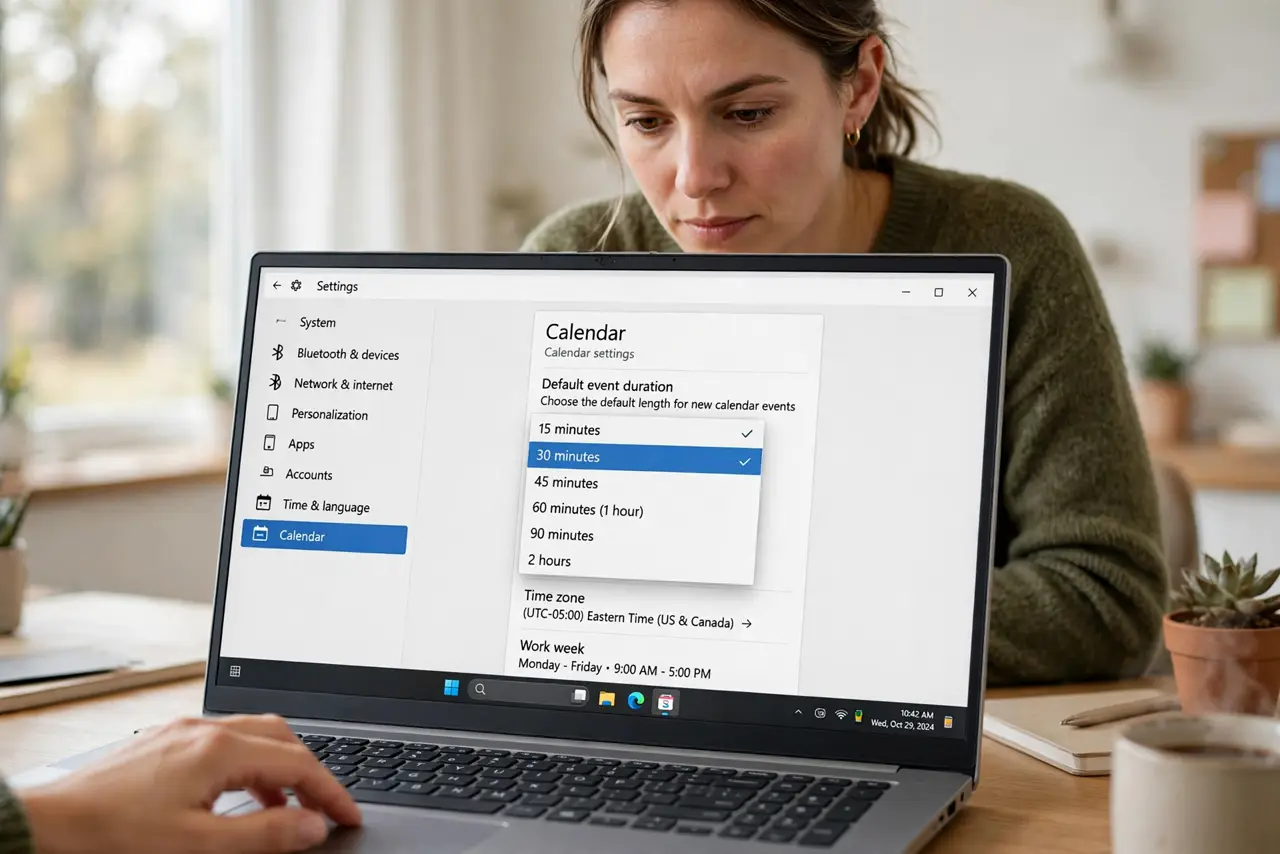
Every new event defaults to a full hour, but half your meetings could be thirty minutes and some need ninety. Changing the default event length saves you from adjusting the duration every single time you create something. It is a one-minute settings change with a daily payoff. Here is where to find it.
TL;DR / Quick Fix
Quick fix: most calendars default new events to one hour, but you can change it — try 25 or 50 minutes to build in breathing room. Open your calendar settings and set the default duration for new events. Existing events are unaffected; the new default applies only going forward.
Follow these steps
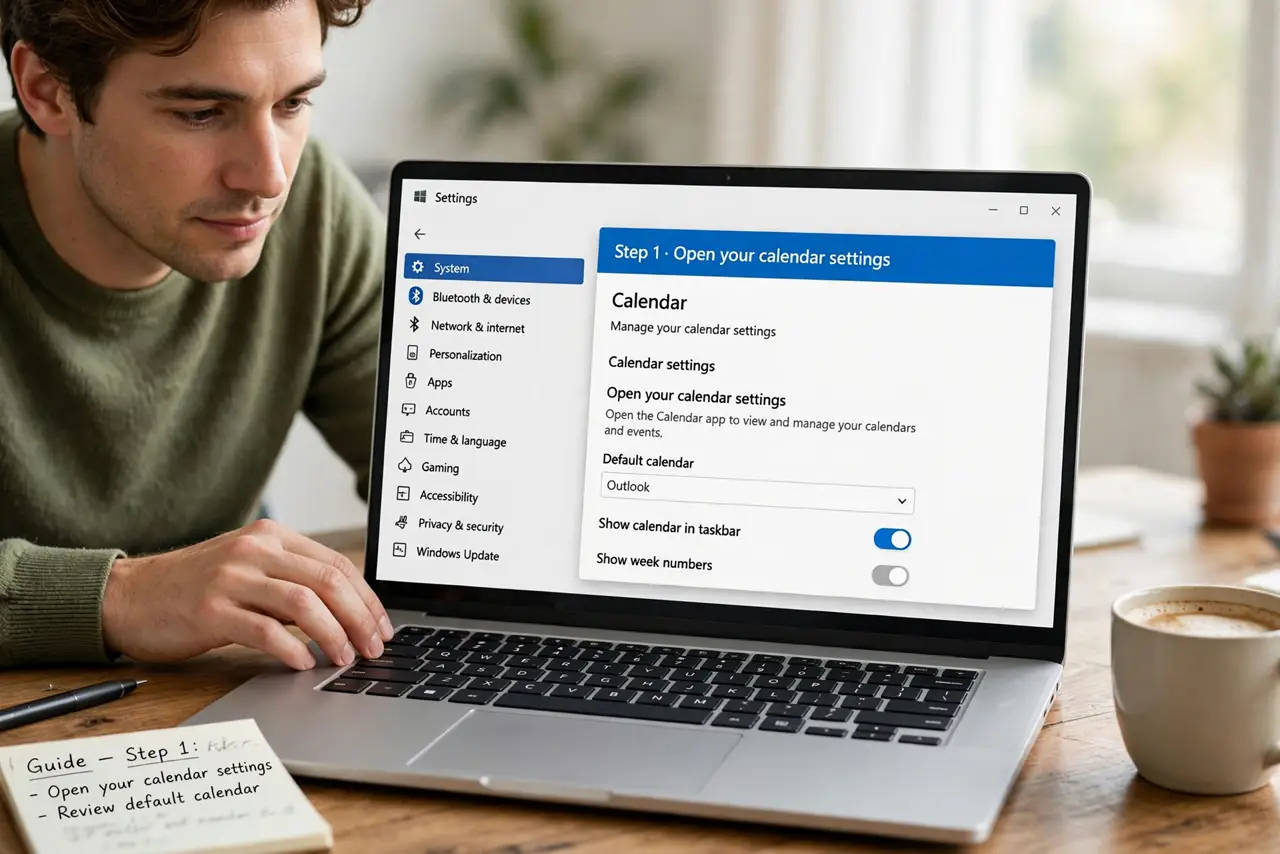
- Open your calendar settings. In your calendar app, find Settings — usually a gear icon — and look for the default event duration or default meeting length option.
- Pick your new default. Thirty minutes suits quick check-ins; twenty-five or fifty minutes build in buffers between back-to-backs. Choose what matches most of your events.
- Save and test. Create a test event and confirm it opens with your new length. The setting applies to newly created events only.
- Know existing events are untouched. Changing the default never resizes events already on your calendar. It only affects what you create from now on.
- Adjust per event as needed. The default is a starting point, not a cage. Stretch or shrink individual events freely when the occasion demands.
- Pair it with buffer-time habits. Shorter defaults plus automatic buffers between meetings is how calendars stop feeling like a treadmill.
What NOT to do
- Do not set a tiny default and then stretch everything. If most events need an hour, keep the hour default — the setting should match reality.
- Do not forget this is per calendar app. Your phone and desktop may each have their own default — set both.
- Do not confuse default length with working hours. Working-hours settings control when you are bookable; default length controls new event size.
- Do not expect others to adopt your default. It affects only events you create — invitees see whatever duration you set per event.
Frequently asked questions
Can I have different defaults for different calendars?
Some apps allow per-calendar defaults; most use one global setting. Check your app's settings — the option varies by platform.
Why 25 and 50 minutes instead of 30 and 60?
The five-minute buffer gives you time to wrap up, stretch, and arrive at the next thing human. It is a small change with an outsized effect.
Does this affect meeting invites I receive?
No — only events you create. Invites from others arrive at whatever duration the organizer chose.